
फाइल / सेटिंग्ज / मदत मेनू
Where in the UI: #appMenuBar, top left.
Preferences Lab शैली में मुख्य क्रियाएँ
Interface elements
File: New bookmark, New folder, Save open tabs, Find services, Widgets
Settings: Background, Language (+code), All settings…
Help: Help center, Docs, Suggest an idea, Report a problem, Rate, What's new (+version)
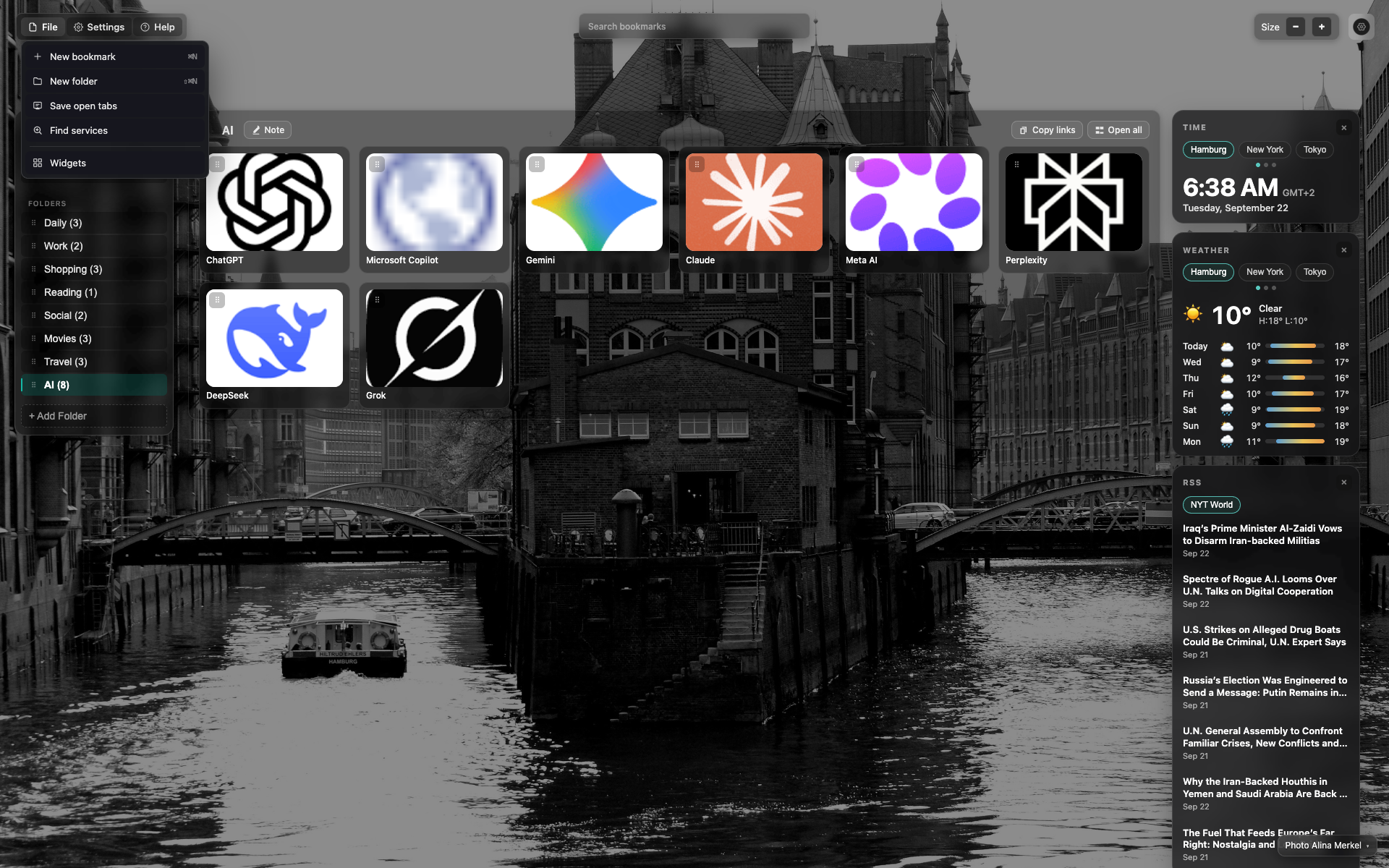
The open "File" menu
A dropdown under the "File" button with action items.
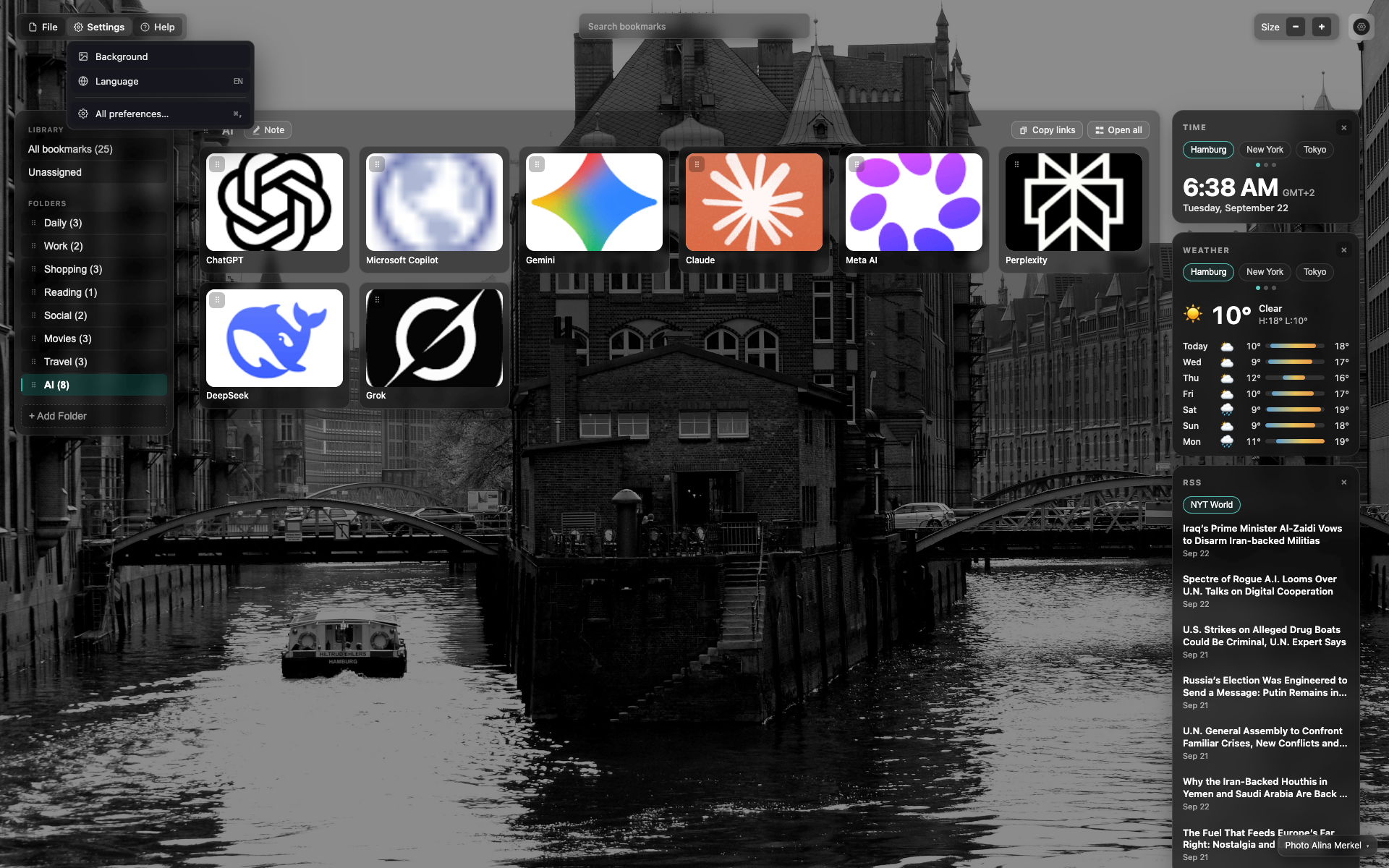
The open "Settings" menu
Background, Language, All settings…
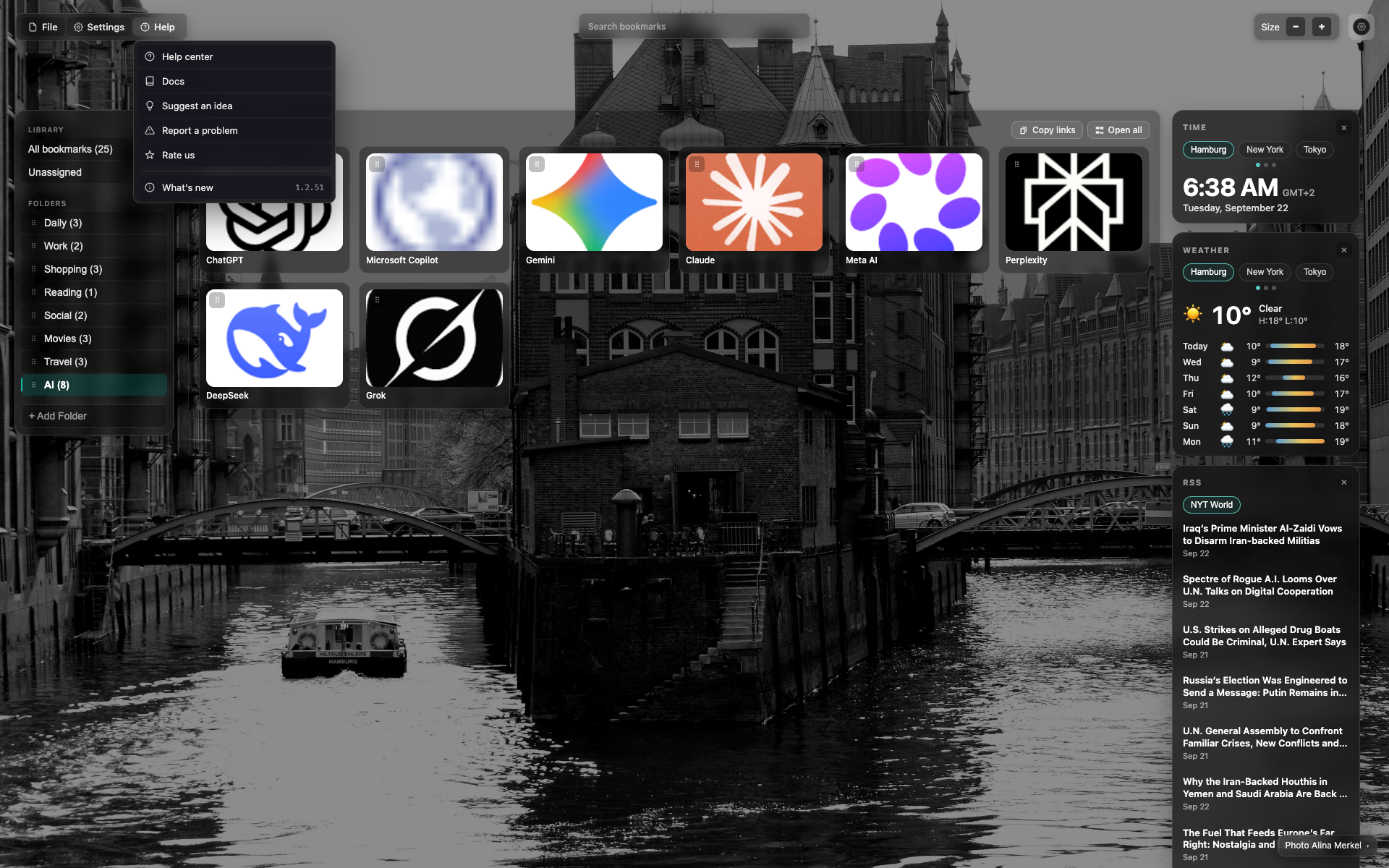
The open "Help" menu
Links to help/docs/feedback and "What's new" with the version.
Related topics
Didn’t find an answer?
Tell us what’s missing — we build the extension around real requests.