
File / Settings / Help menu
Where in the UI: #appMenuBar, kaliwa sa itaas
Abutin ang main actions sa istilo ng Preferences Lab
Interface elements
File: New bookmark, New folder, Save open tabs, Find services, Widgets
Settings: Background, Language (+code), All settings…
Help: Help center, Docs, Suggest an idea, Report a problem, Rate, What's new (+version)
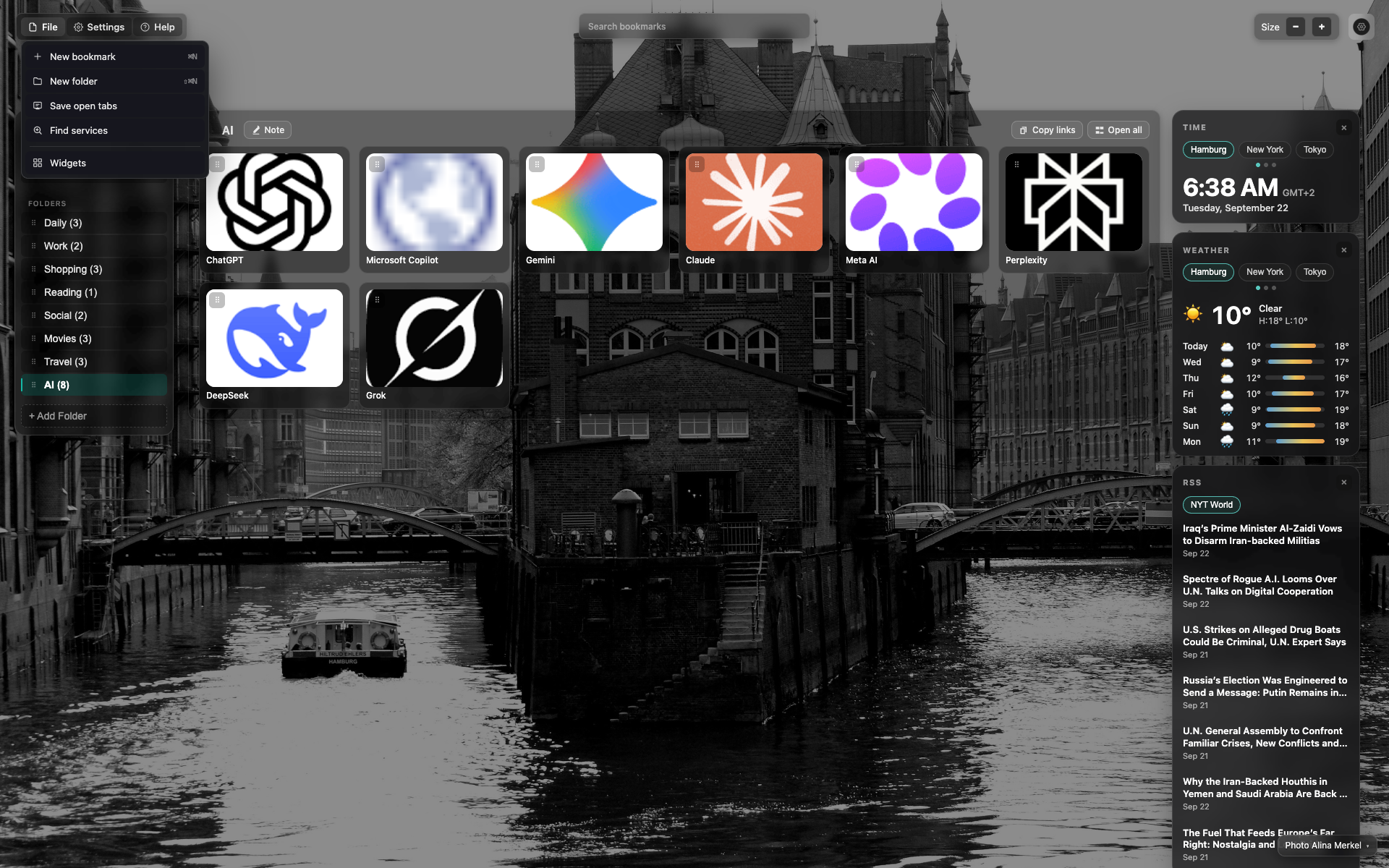
Bukas na "File" menu
Dropdown sa ilalim ng "File" na may mga aksyon
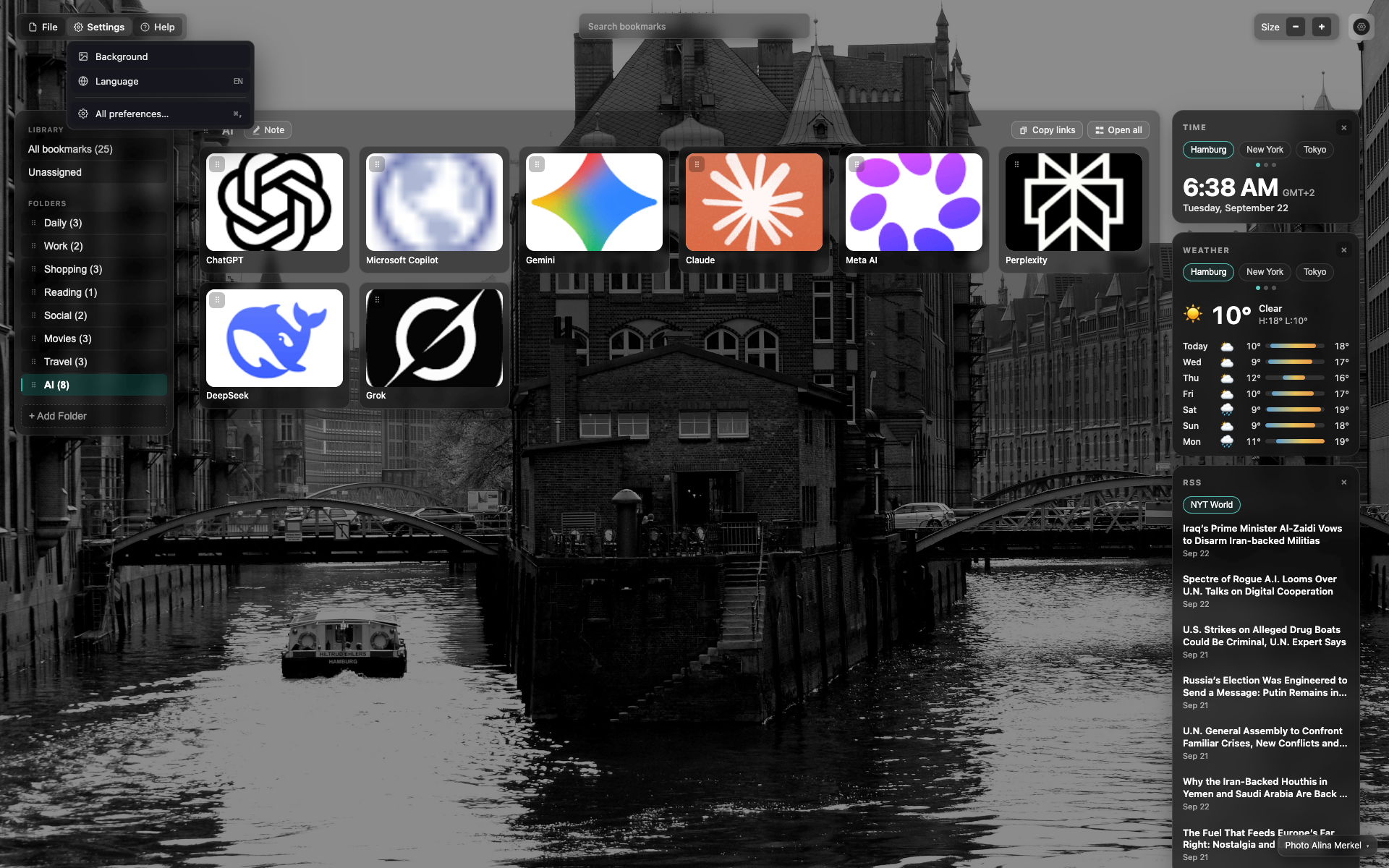
Bukas na "Settings" menu
Background, Language, All settings…
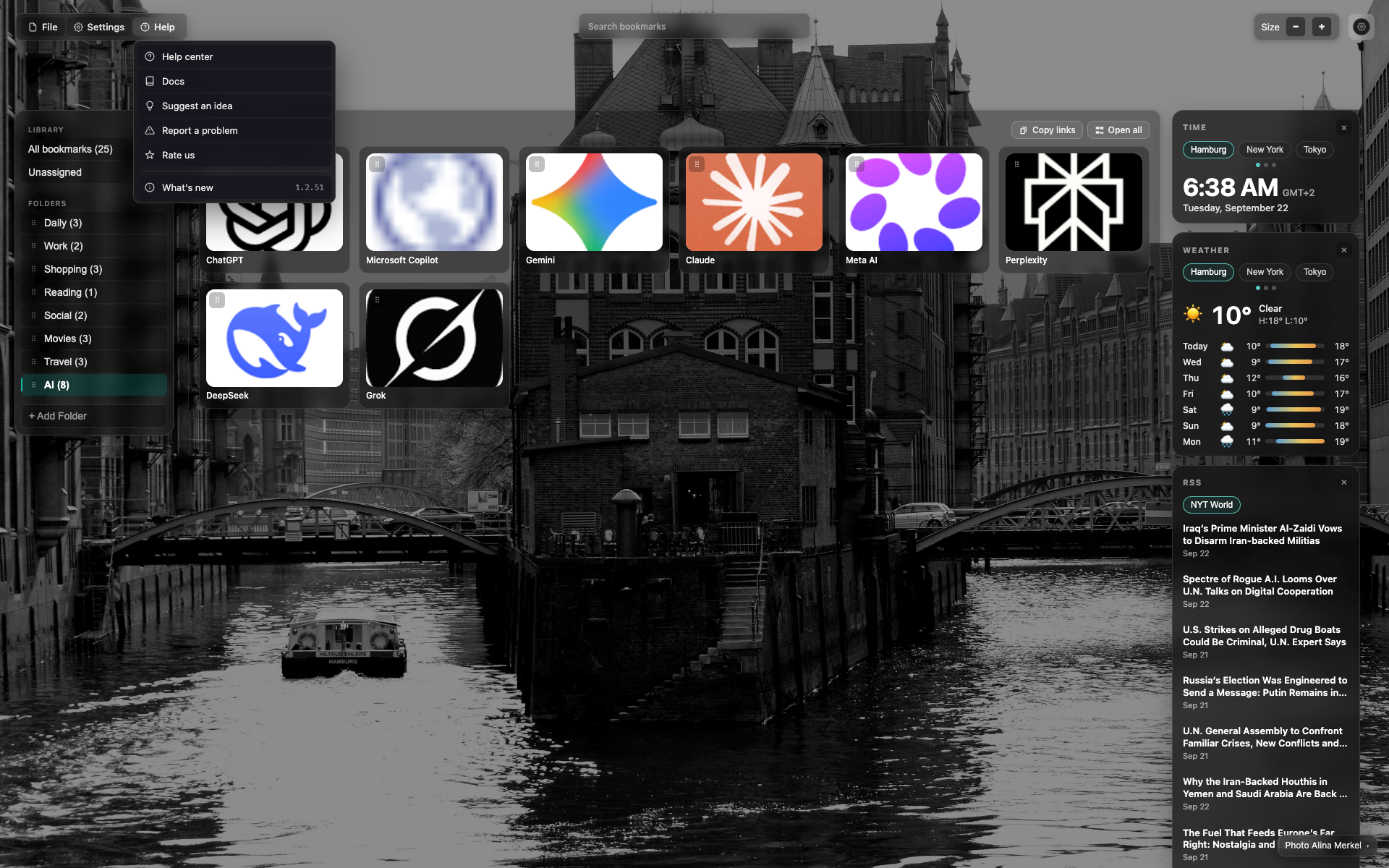
Bukas na "Help" menu
Mga link sa help/docs/feedback at "What's new" na may bersyon
Didn’t find an answer?
Tell us what’s missing — we build the extension around real requests.