
Floating W button
Where in the UI: content script sa anumang http(s) page
I-save ang page o i-clip ang area nang hindi binubuksan ang NTP
Interface elements
W button sa gilid (snap kaliwa/kanan/itaas, i-drag)
Hover popover: i-save ang page / pumili ng area (wika ng UI ng extension)
Puwedeng itago; ipakita muli mula sa popup
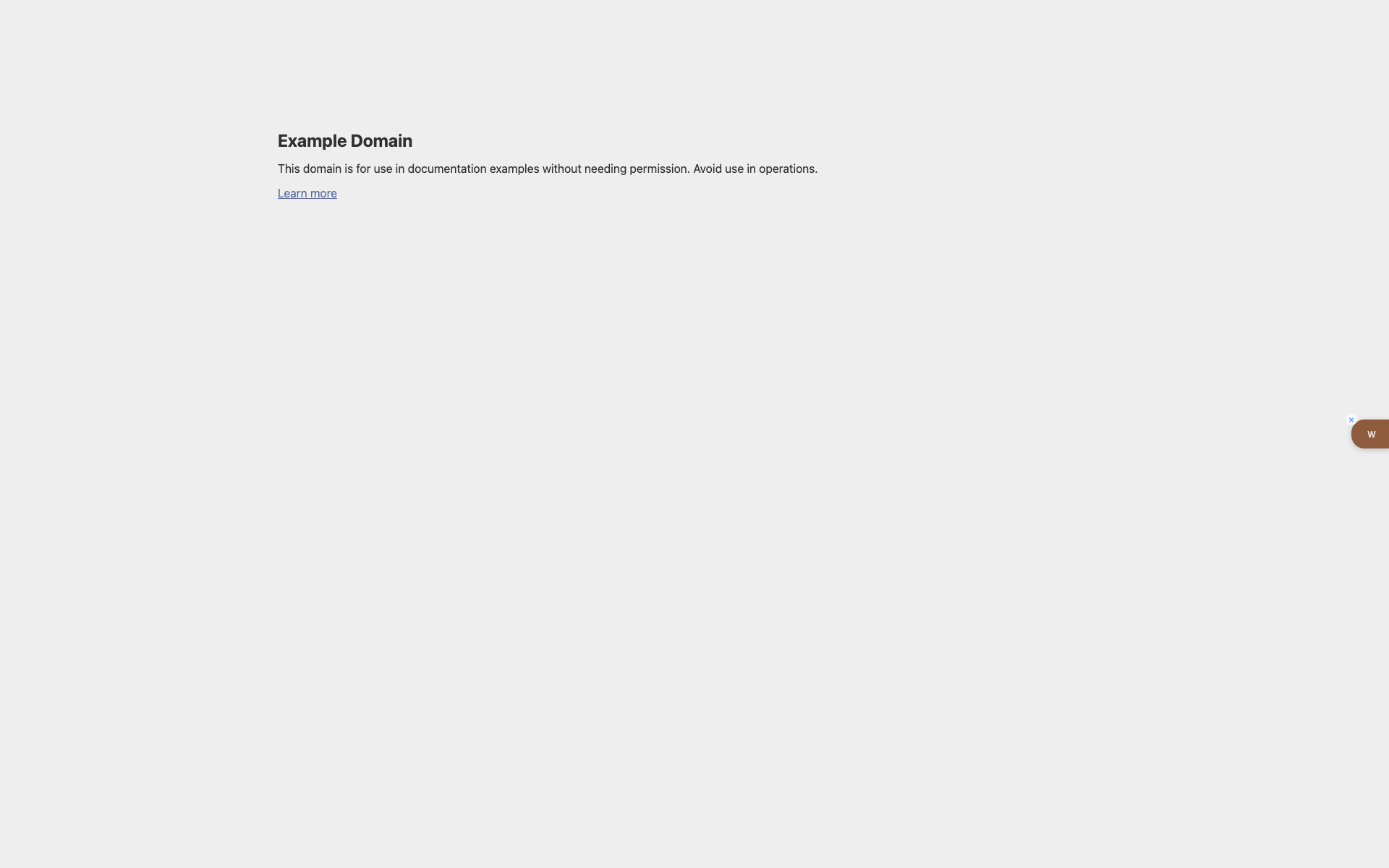
W button sa example.com
Maliwanag na Example Domain page
Sa kanang gilid — brown tab na may puting "w" at hide cross
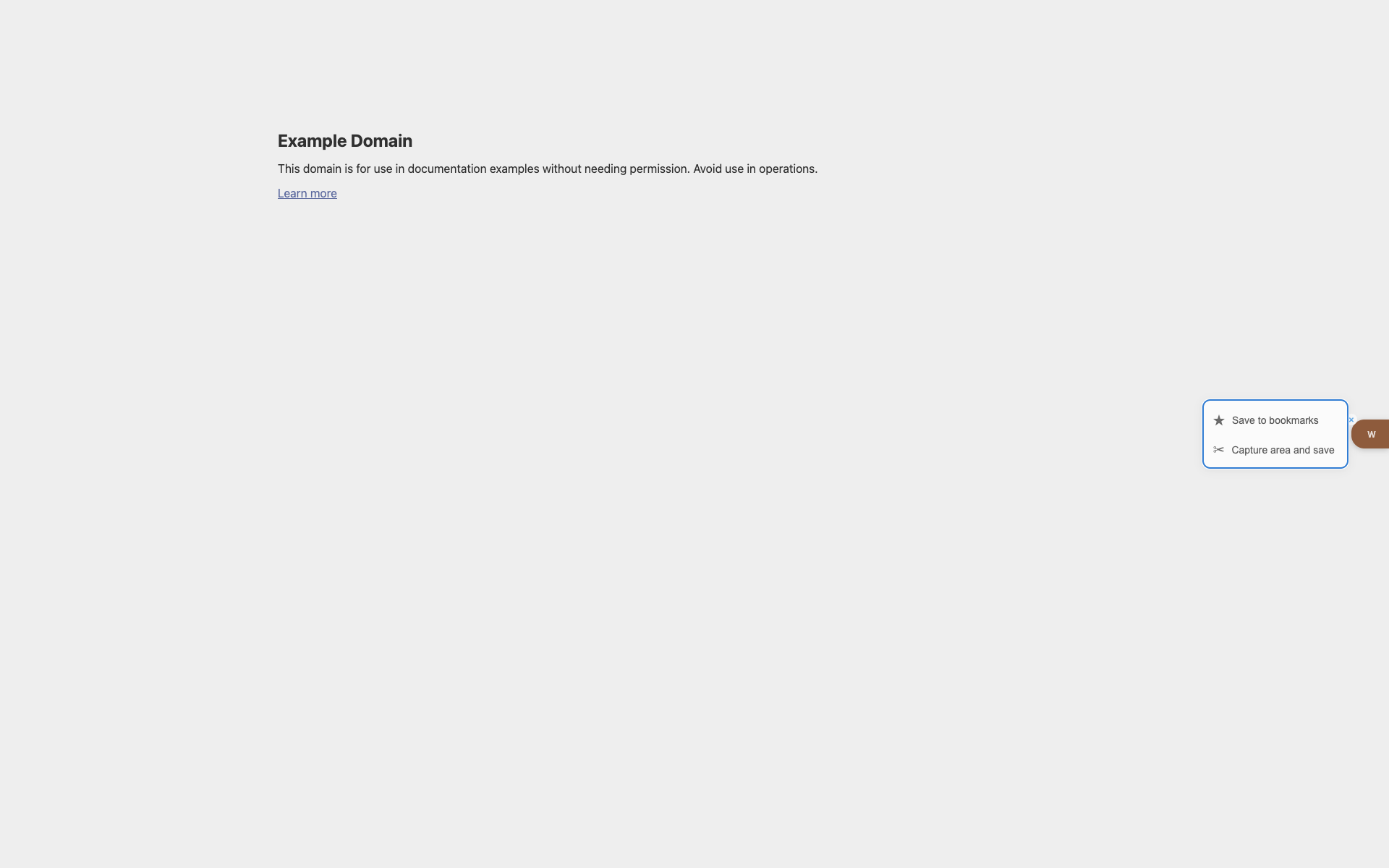
Popover on hover
Save / area-capture na aksyon sa tabi ng W
Related topics
Didn’t find an answer?
Tell us what’s missing — we build the extension around real requests.