
ತೇಲುವ W ಬಟನ್
Where in the UI: किसी http(s) ಪುಟ ಮೇಲೆ content script
NTP खोले ಇಲ್ಲದೆ ಪುಟ सेव या ಪ್ರದೇಶ ಕ್ಲಿಪ್
Interface elements
किनारे ಮೇಲೆ W बटन (बाए/दाए/ಮೇಲೆ स्नैप, खींचें)
होवर पॉपओवर: ಪುಟ सेव / ಪ್ರದೇಶ ಆಯ್ಕೆಮಾಡಿ (एक्सटेंशन UI ಭಾಷೆ)
छुपाया जा सकता; popup ನಿಂದ फिर दिखाएँ
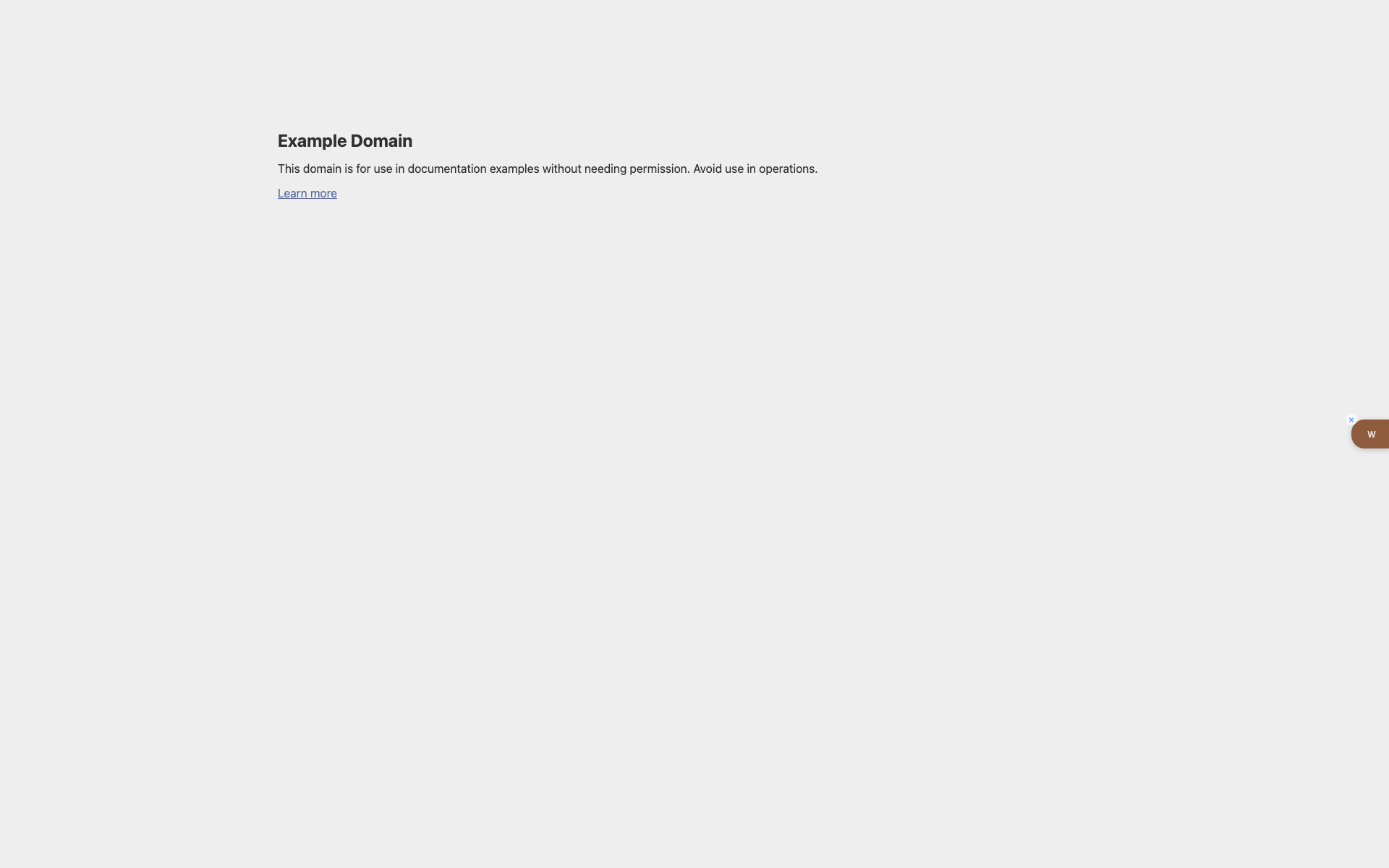
The W button on example.com
A light Example Domain page.
At the right edge — a brown tab with a white "w" and a hide cross.
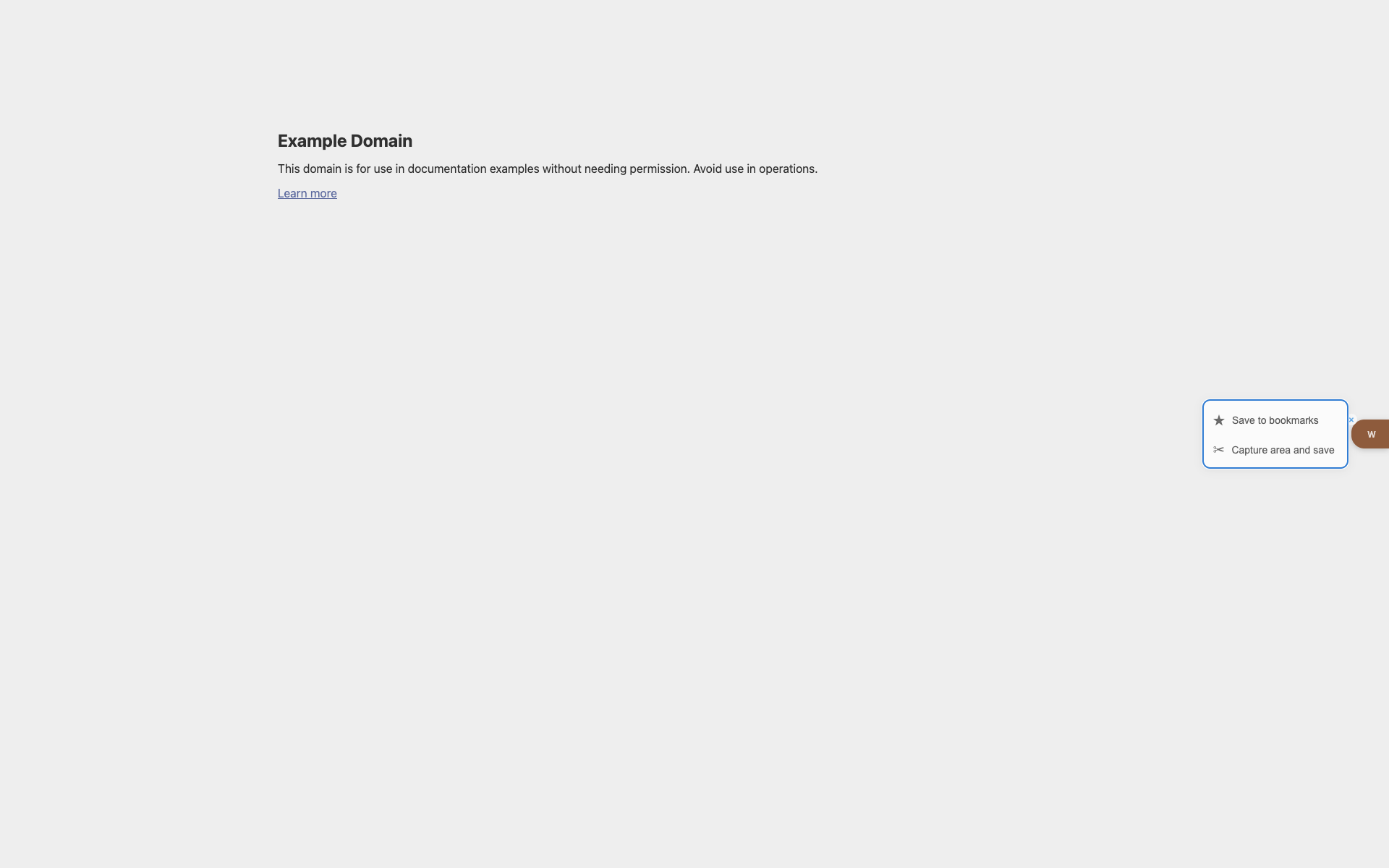
Popover on hover
Save / area-capture actions appear next to the W.
Related topics
Didn’t find an answer?
Tell us what’s missing — we build the extension around real requests.