
ಸೆಟ್ಟಿಂಗ್ಗಳು — ಸಾಮಾನ್ಯ
Where in the UI: ಎಲ್ಲಾ ಸೆಟ್ಟಿಂಗ್ → General ಟ್ಯಾಬ್
UI ಭಾಷೆ, ಬುಕ್ಮಾರ್ಕ್ कहाँ ತೆರೆದं, download folder, Chrome shortcuts ಲಿಂಕ್
Interface elements
ಭಾಷೆ ಆಯ್ಕೆ
ಬುಕ್ಮಾರ್ಕ್ ತೆರೆಯಿರಿ: same-tab / new-tab
डाउनलोड ಫೋಲ್ಡರ್ ಹೆಸರು
chrome://extensions/shortcuts खोलने का बटन
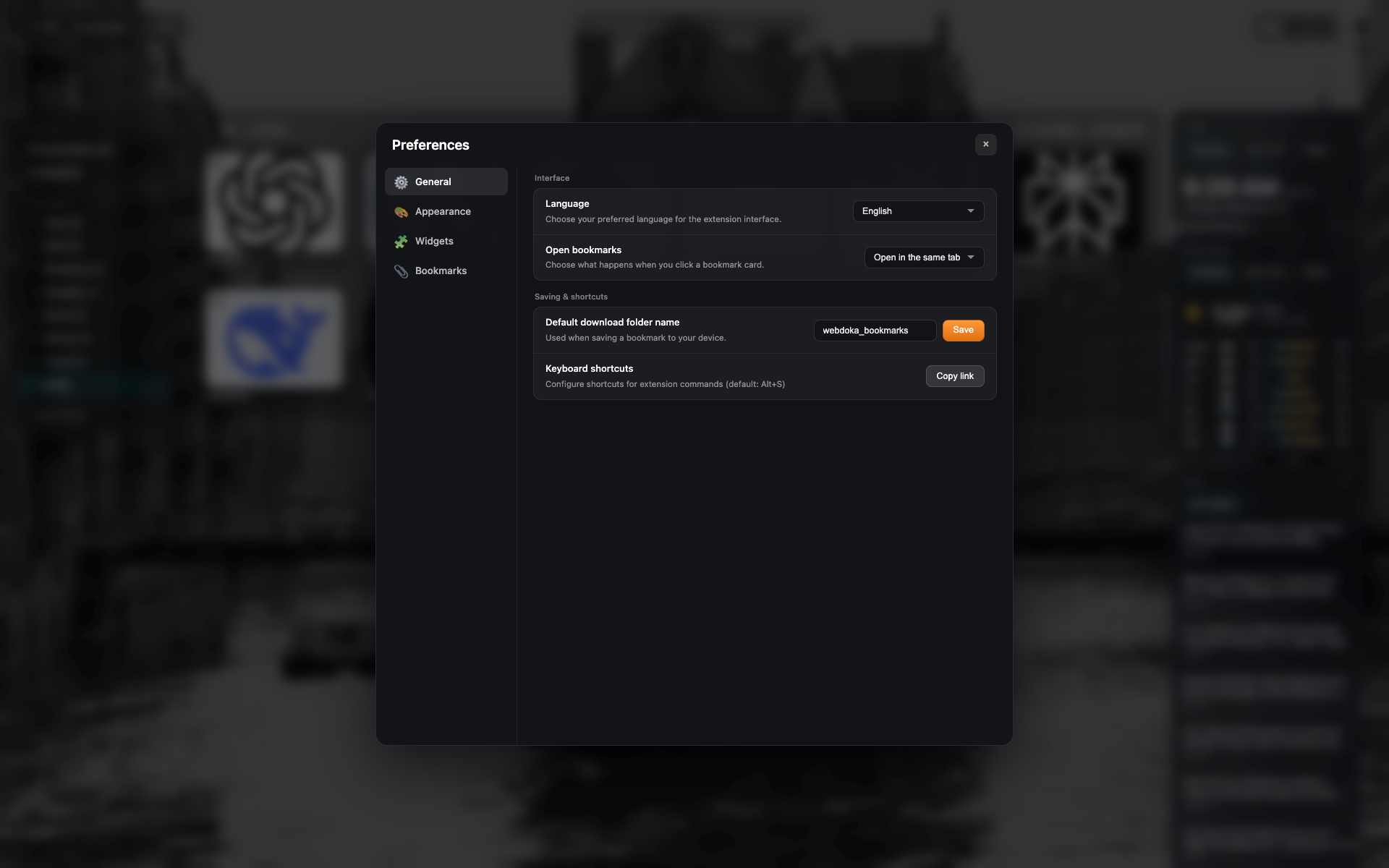
The "General" tab
Settings sidebar: General / Appearance / Widgets / Bookmarks.
"Interface" and "Saving & shortcuts" blocks.
Language = English; open target = the same tab.
Related topics
Didn’t find an answer?
Tell us what’s missing — we build the extension around real requests.