
設定 — 一般
Where in the UI: 全部設定 → 一般標籤頁。
介面語言、書籤開啟位置、下載資料夾、Chrome 快捷鍵連結。
Interface elements
語言選擇
書籤開啟方式:同一標籤頁 / 新標籤頁
下載資料夾名稱
開啟 chrome://extensions/shortcuts 的按鈕
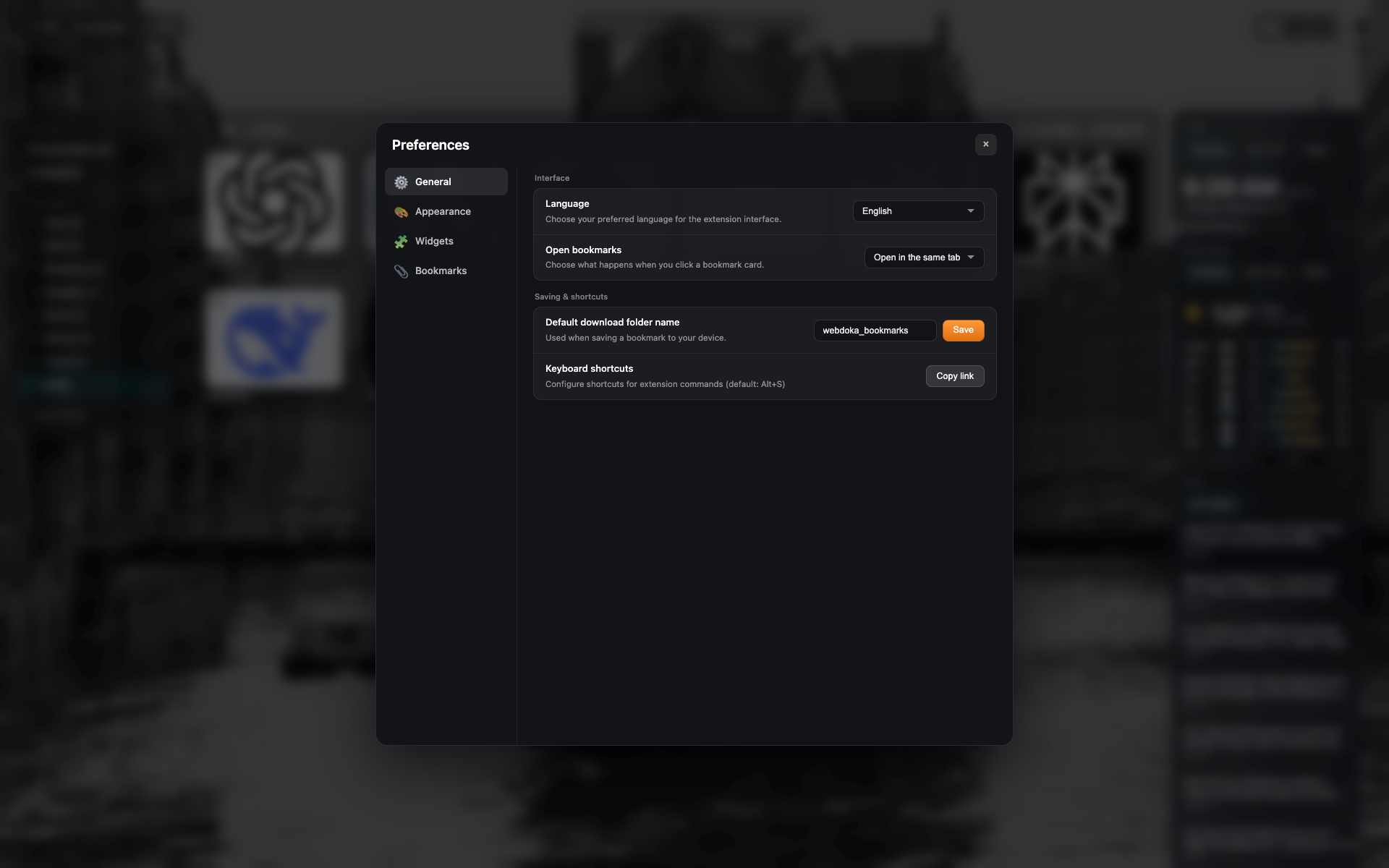
「一般」標籤頁
設定側欄:一般 / 外觀 / 元件 / 書籤。
「介面」與「儲存與快捷鍵」區塊。
語言 = English;開啟方式 = 同一標籤頁。
Didn’t find an answer?
Tell us what’s missing — we build the extension around real requests.