
Google 雲端硬碟同步
Where in the UI: 偏好設定 → Clips → Google 雲端硬碟。
將庫同步為自有 Drive 上的可見 JSON 檔案 (非 Webdoka 伺服器)。
Interface elements
登入 / 退出
立即同步
登入後顯示郵箱 + 頭像
「我的雲端硬碟」中的 Webdoka New Tab.json 檔案
語言/背景/元件保留在本機
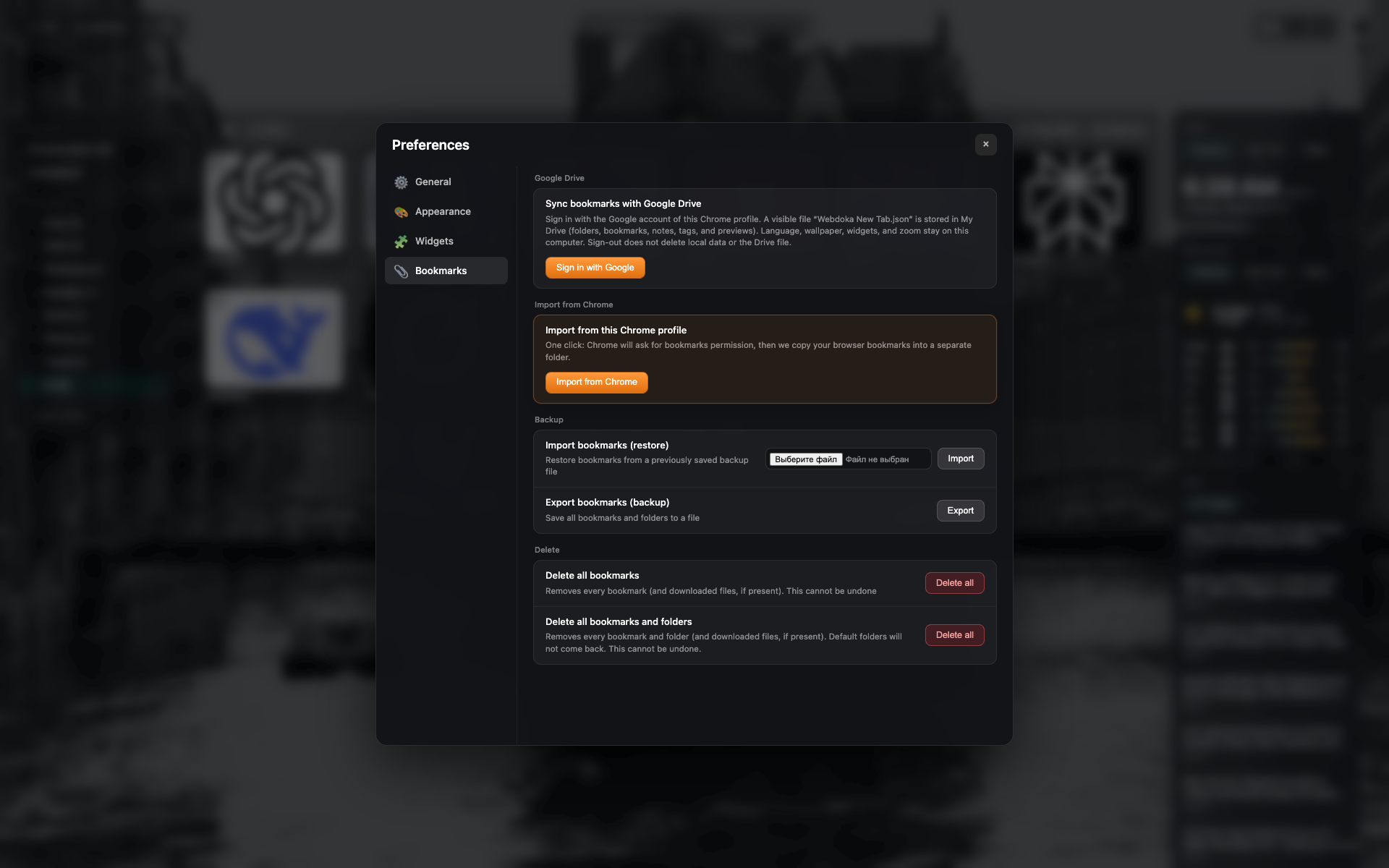
Google 雲端硬碟區塊
未登入狀態:登入按鈕。
同一書籤標籤頁畫面 — 裁剪至 Drive 區塊。
Related topics
Didn’t find an answer?
Tell us what’s missing — we build the extension around real requests.