
Google ドライブ同期
Where in the UI: 設定 → Clips → Google ドライブ。
ライブラリを自分の Drive 上の JSON ファイルとして同期 (Webdoka サーバーではない)。
Interface elements
サインイン / サインアウト
今すぐ同期
サインイン時: メール + アバター
マイドライブ内の Webdoka New Tab.json ファイル
言語/背景/ウィジェットはローカル
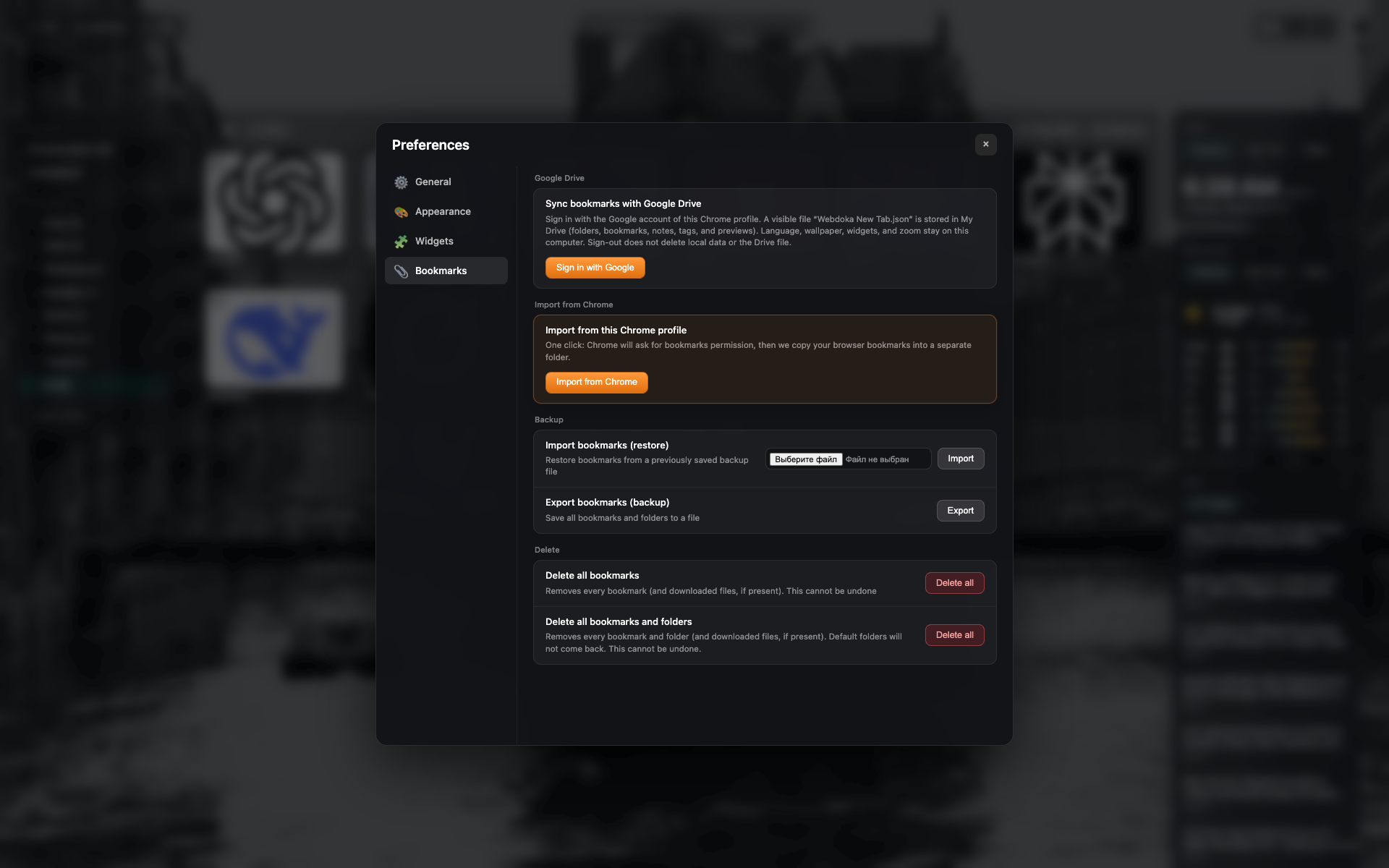
Google ドライブブロック
サインアウト状態: サインインボタン。
同じブックマークタブ — Drive 部分に切り抜き。
Related topics
Didn’t find an answer?
Tell us what’s missing — we build the extension around real requests.