
ブックマークを手動で追加
Where in the UI: ファイル → 新しいブックマーク。「+」カード。#addClipModal。
ページクリッパーなしで URL を追加。
Interface elements
項目: URL、タイトル、フォルダ選択
キャンセル / 追加
メニューショートカット: ⌘N / Ctrl+N
Main flow
1
ファイル → 新しいブックマーク。
2
URL (任意でタイトル) を入力し、フォルダを選択。
3
追加 → グリッドにカードが表示。
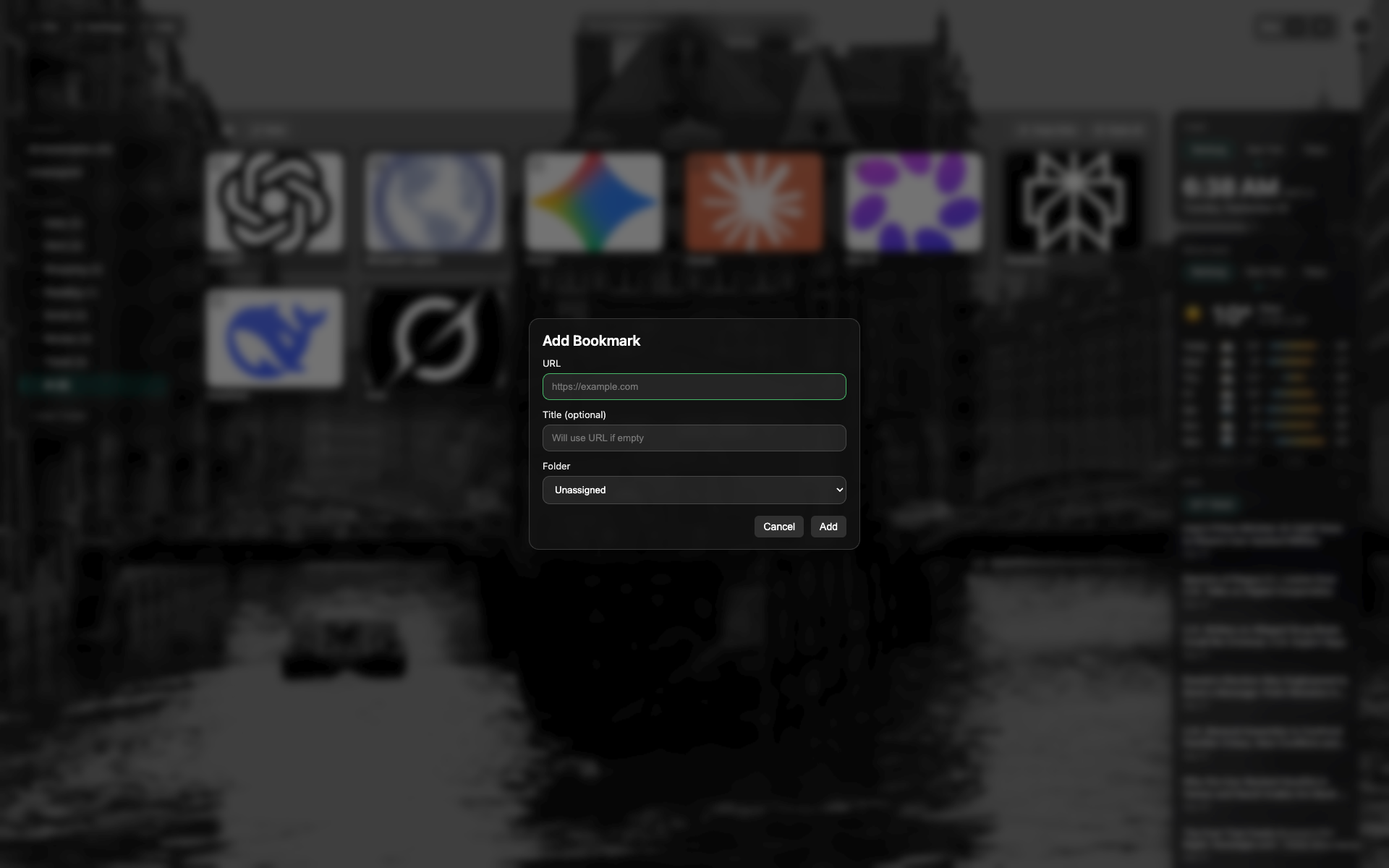
新規ブックマークモーダル
URL とタイトル、フォルダ選択。
モーダル下部のキャンセル / 追加ボタン。
Related topics
Didn’t find an answer?
Tell us what’s missing — we build the extension around real requests.