
Agregar un marcador manualmente
Where in the UI: Archivo → Nuevo marcador; tarjeta "+"; #addClipModal.
Agregar una URL sin el clipper de página.
Interface elements
Campos: URL, título, selector de carpeta
Cancelar / Agregar
Atajo de menú: ⌘N / Ctrl+N
Main flow
1
Archivo → Nuevo marcador.
2
Introduce la URL (y opcionalmente un título), elige carpeta.
3
Agregar → la tarjeta aparece en la cuadrícula.
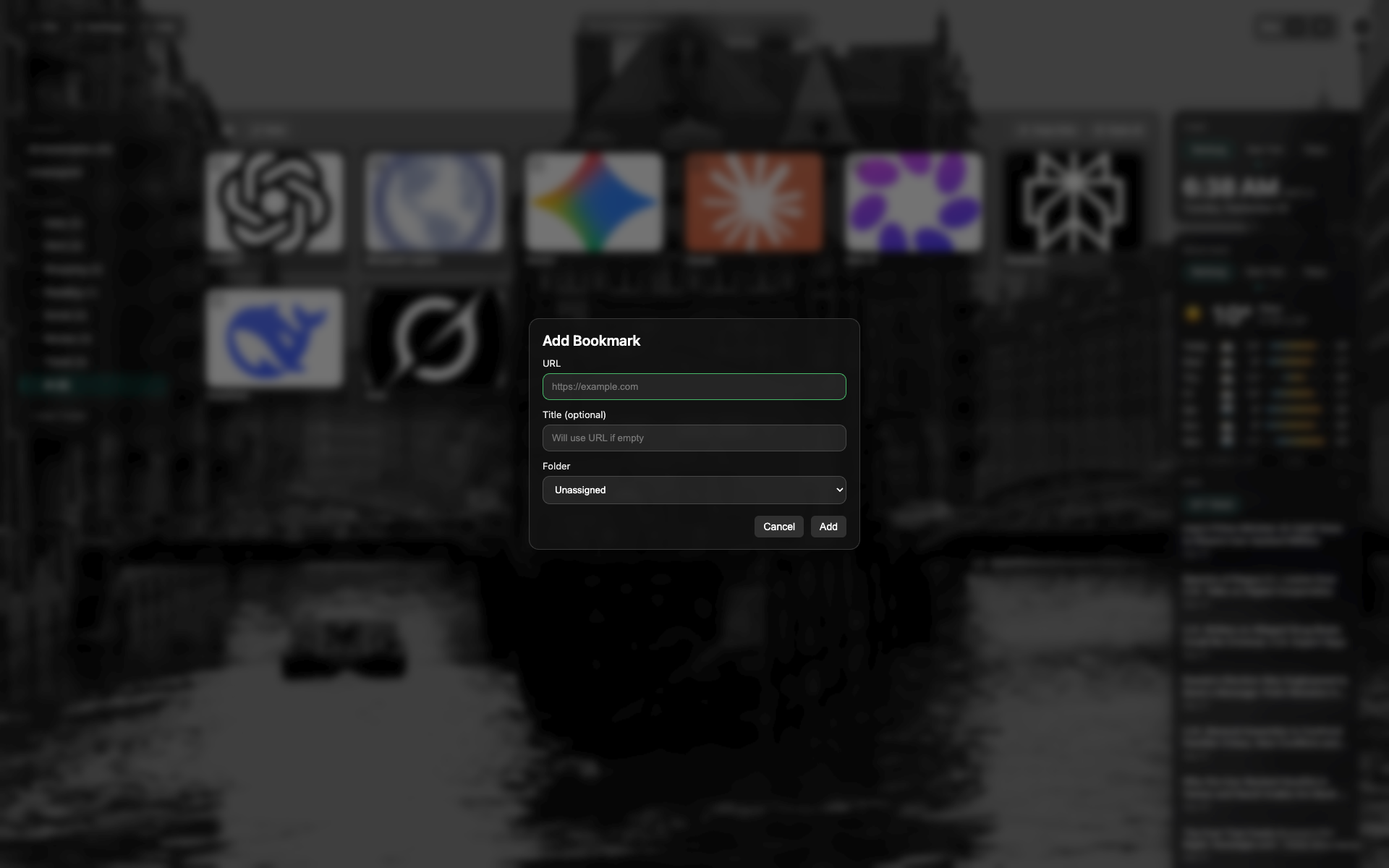
Modal de nuevo marcador
Campos URL y título, selector de carpeta.
Botones Cancelar / Agregar al pie del modal.
Related topics
Didn’t find an answer?
Tell us what’s missing — we build the extension around real requests.