
เพิ่มบุ๊กมาร์กด้วยตนเอง
Where in the UI: File → New bookmark; การ์ด "+"; #addClipModal
เพิ่ม URL โดยไม่ใช้ page clipper
Interface elements
ฟิลด์: URL, ชื่อ, ตัวเลือกโฟลเดอร์
Cancel / Add
ทางลัดเมนู: ⌘N / Ctrl+N
Main flow
1
File → New bookmark
2
ใส่ URL (และชื่อถ้าต้องการ) เลือกโฟลเดอร์
3
Add → การ์ดปรากฏในตาราง
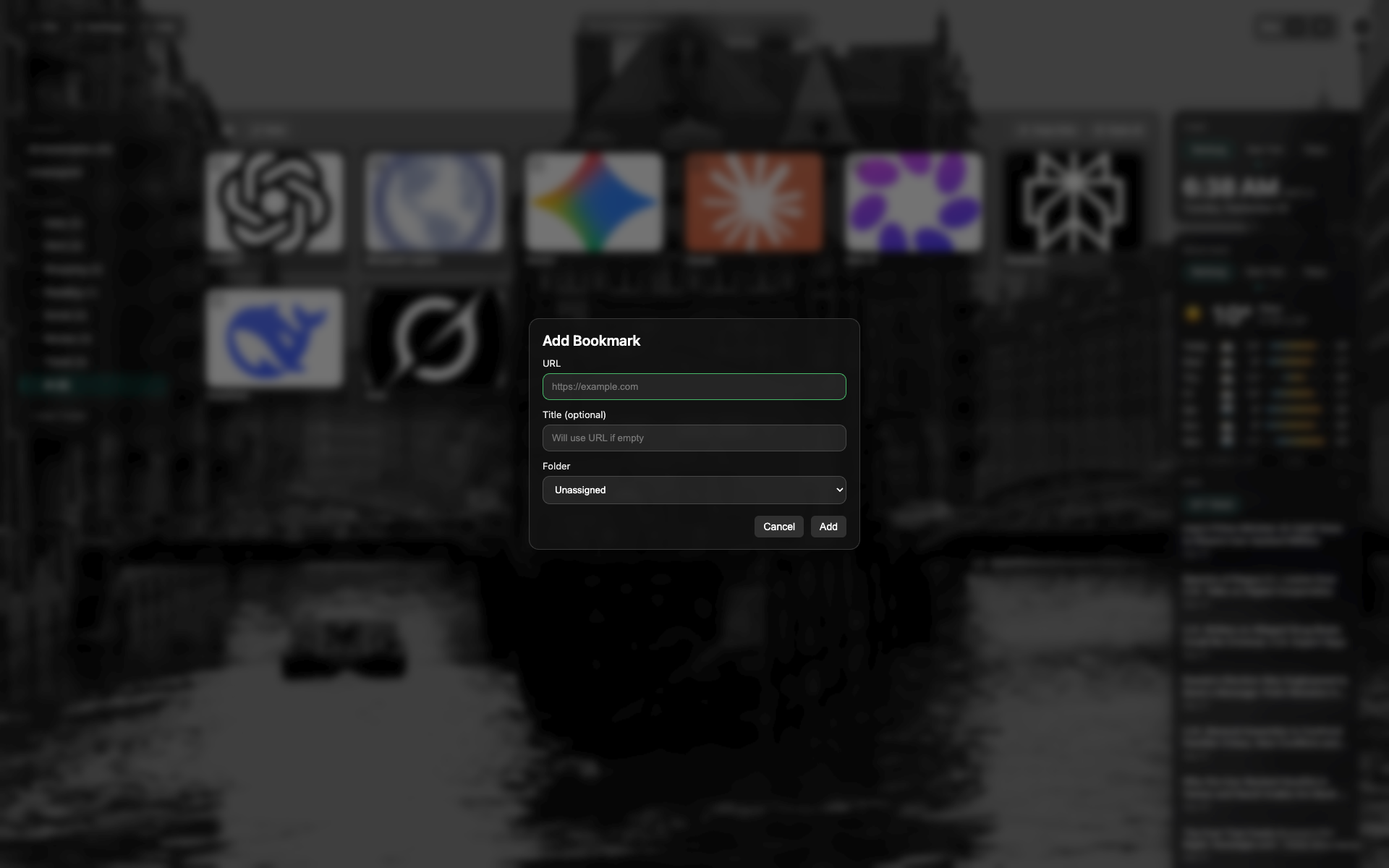
โม달บุ๊กมาร์กใหม่
ฟิลด์ URL และชื่อ, เลือกโฟลเดอร์
ปุ่ม Cancel / Add ด้านล่างโม달
Related topics
Didn’t find an answer?
Tell us what’s missing — we build the extension around real requests.