
ขนาดการ์ด (Zoom)
Where in the UI: ตัวควบคุม Size −/+ บน NTP
ทำให้การ์ดหนาแน่นหรือใหญ่ขึ้น; บันทึกค่า (clipZoomScale: 0.5 / 0.75 / 1)
Interface elements
ปุ่ม − และ +
ขนาดชื่อปรับตามการ์ด
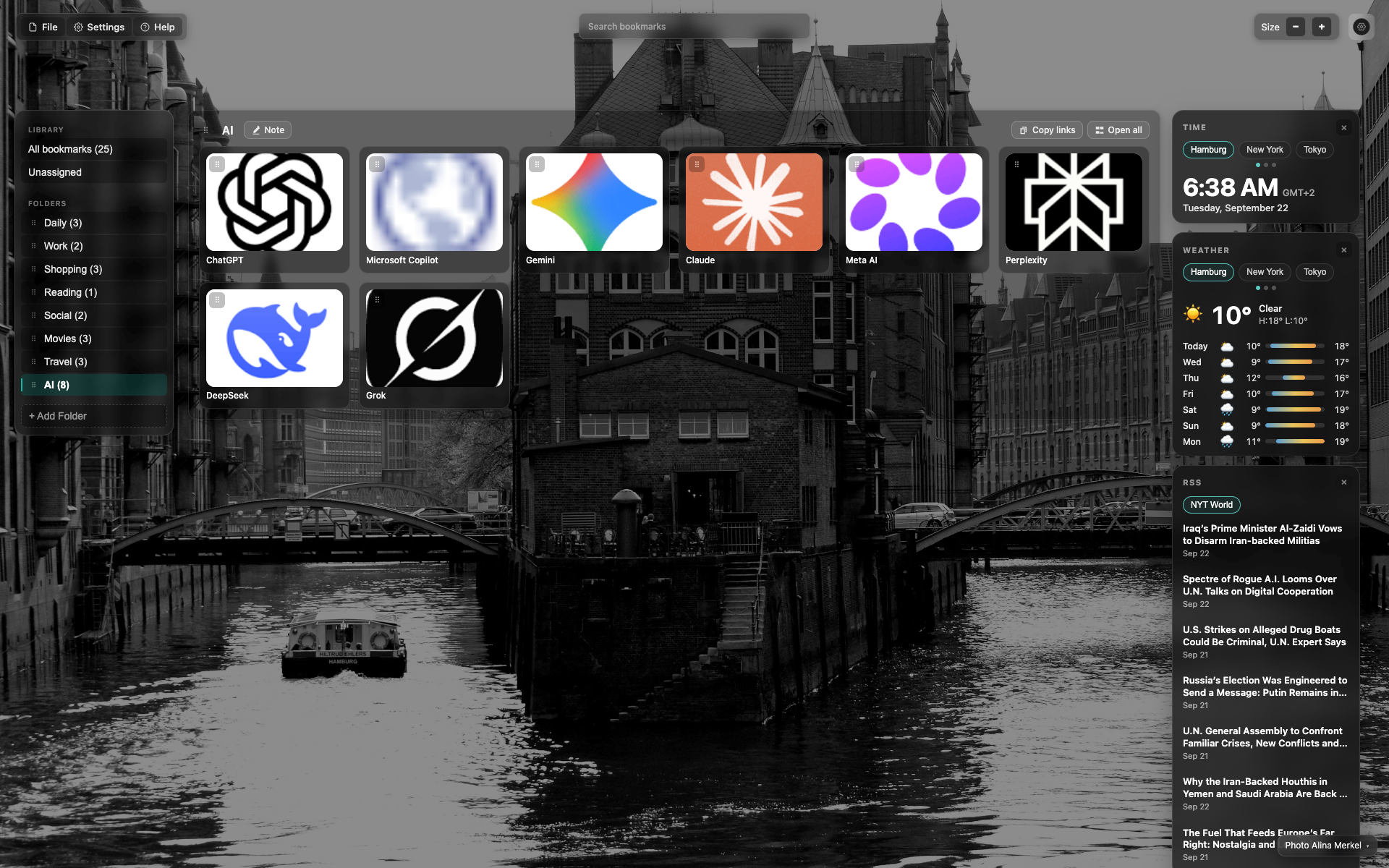
ตัวควบคุม "Size"
แถบบนขวา: ป้าย "Size" พร้อม − และ +
เฟรมแสดงสเกล 0.75 ตรงกลางใช้งาน
Related topics
Didn’t find an answer?
Tell us what’s missing — we build the extension around real requests.