
Plugins+ (widgets)
Where in the UI: File → Widgets / #pluginsBtn → #pluginsModal
เปิดใช้และตั้งค่าวิดเจ็ตในคอลัมน์ขวา NTP
Interface elements
โม달 Plugins+: Time, Weather, RSS
เปิดใช้จะเพิ่มวิดเจ็ตบน NTP; กากบาทบนวิดเจ็ตจะซ่อน
คลิกขวาวิดเจ็ต → settings / disable
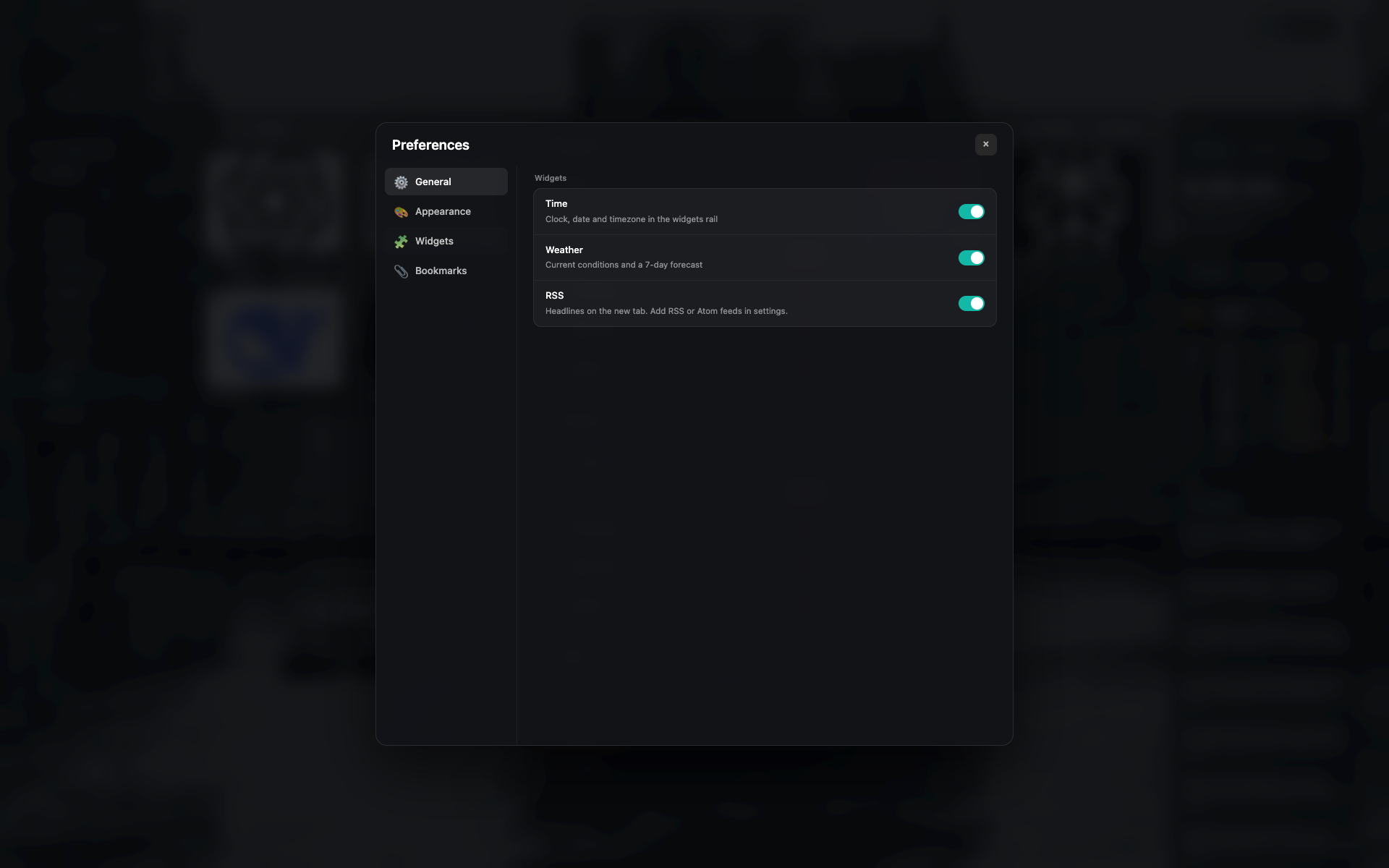
โม달 Plugins+
รายการวิดเจ็ตพร้อมสวิตช์และการตั้งค่าสั้นๆ
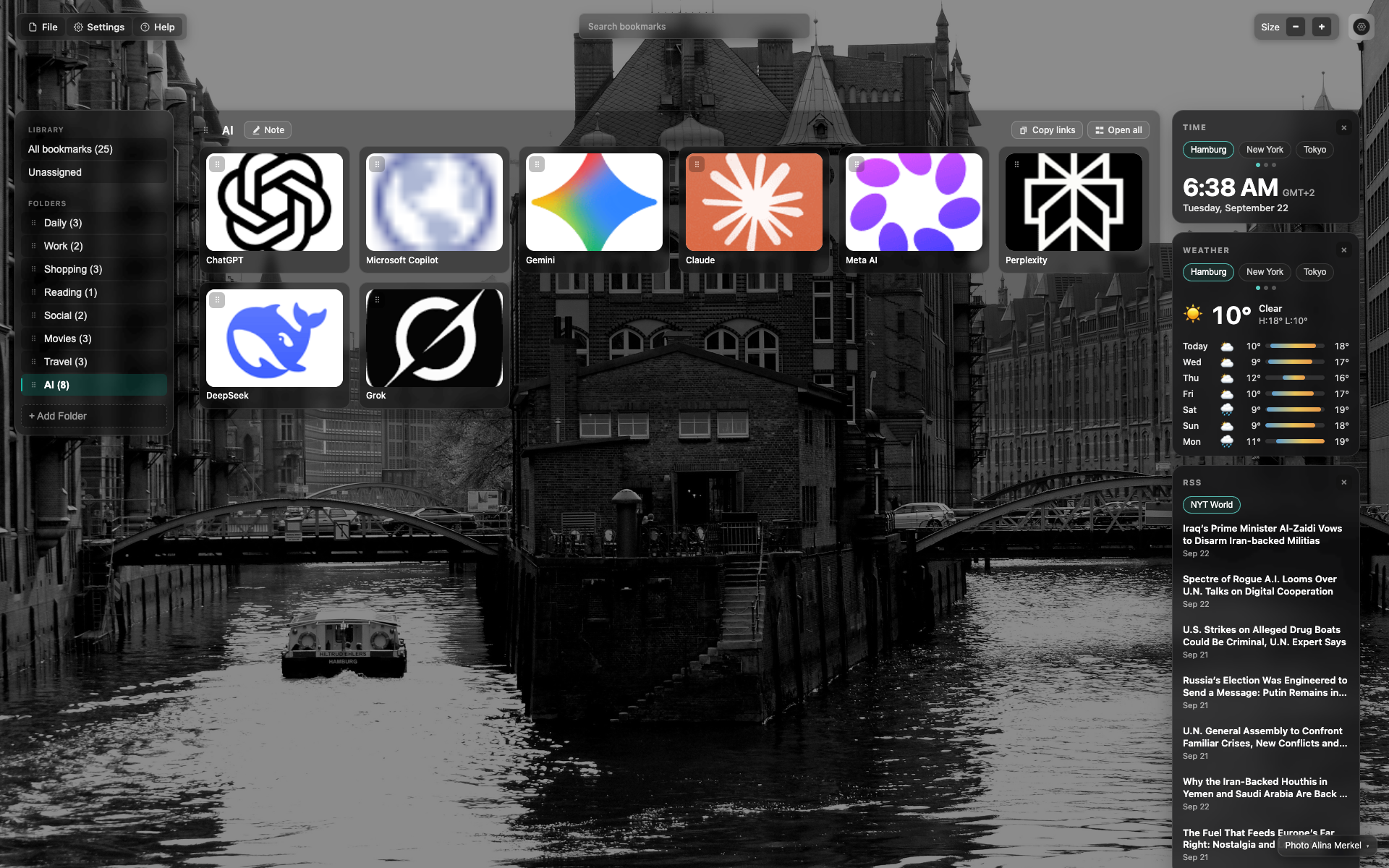
คอลัมน์วิดเจ็ตทางขวา
บนลงล่าง: Time → Weather → RSS
Time และ weather มีแท็บเม гор (Hamburg / New York / Tokyo)
Related topics
Didn’t find an answer?
Tell us what’s missing — we build the extension around real requests.