
Plugins+ (widgets)
Where in the UI: File → Widgets / #pluginsBtn → #pluginsModal
I-enable at i-configure ang widget sa kanang column ng NTP
Interface elements
Plugins+ modal: Time, Weather, RSS
Kapag naka-enable idadagdag sa NTP; ang X sa widget ay nagtatago
Right-click sa widget → settings / disable
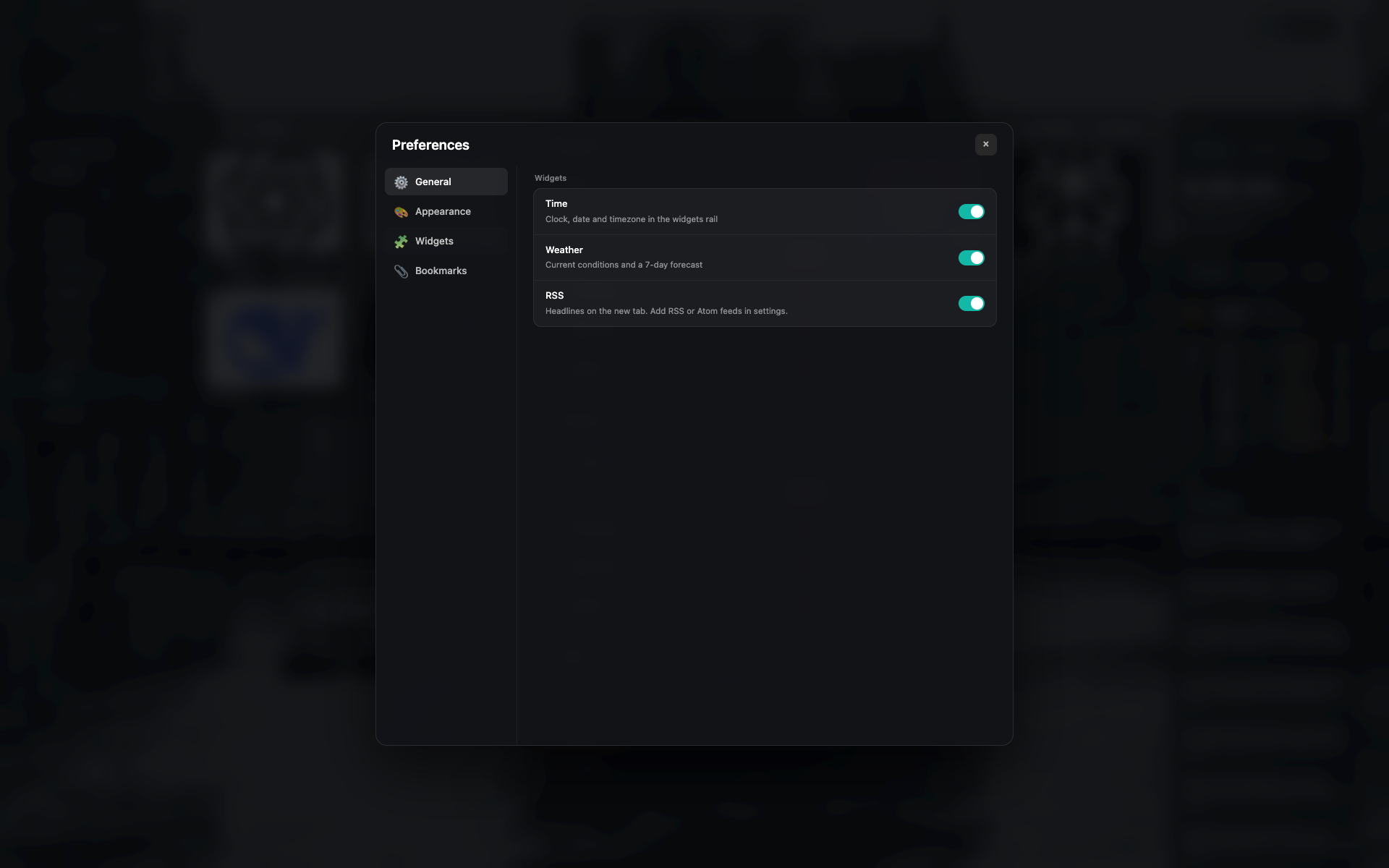
Plugins+ modal
Listahan ng widget na may toggle at maikling setting
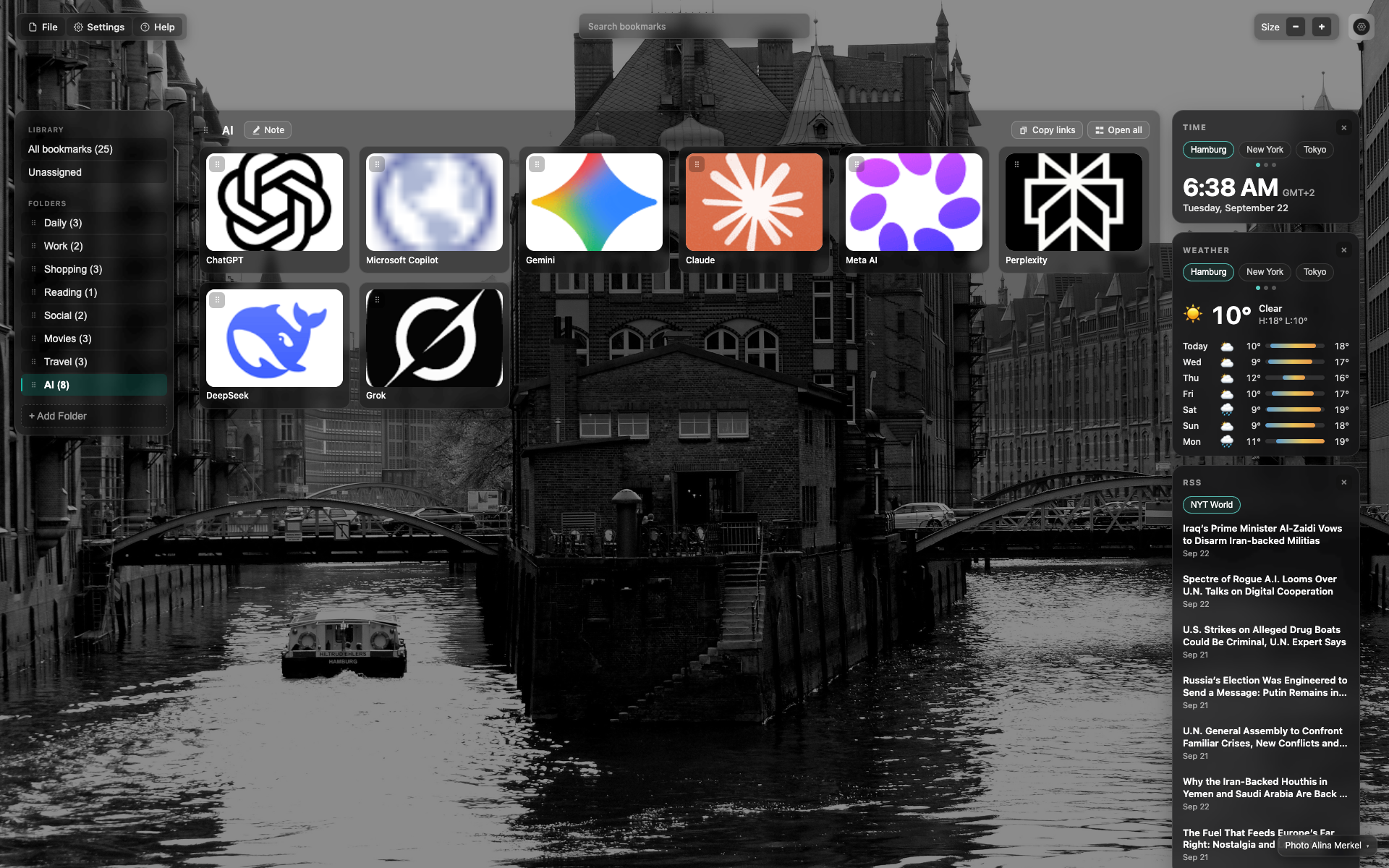
Widgets column sa kanan
Itaas pababa: Time → Weather → RSS
May city tabs ang Time at weather (Hamburg / New York / Tokyo)
Related topics
Didn’t find an answer?
Tell us what’s missing — we build the extension around real requests.