
Plugins+ (widgets)
Where in the UI: File → Widgets / #pluginsBtn → #pluginsModal.
Enable and configure the widgets in the right NTP column.
Interface elements
The Plugins+ modal: Time, Weather, RSS
Enabling adds the widget to the NTP; the cross on a widget hides it
Right-click a widget → settings / disable
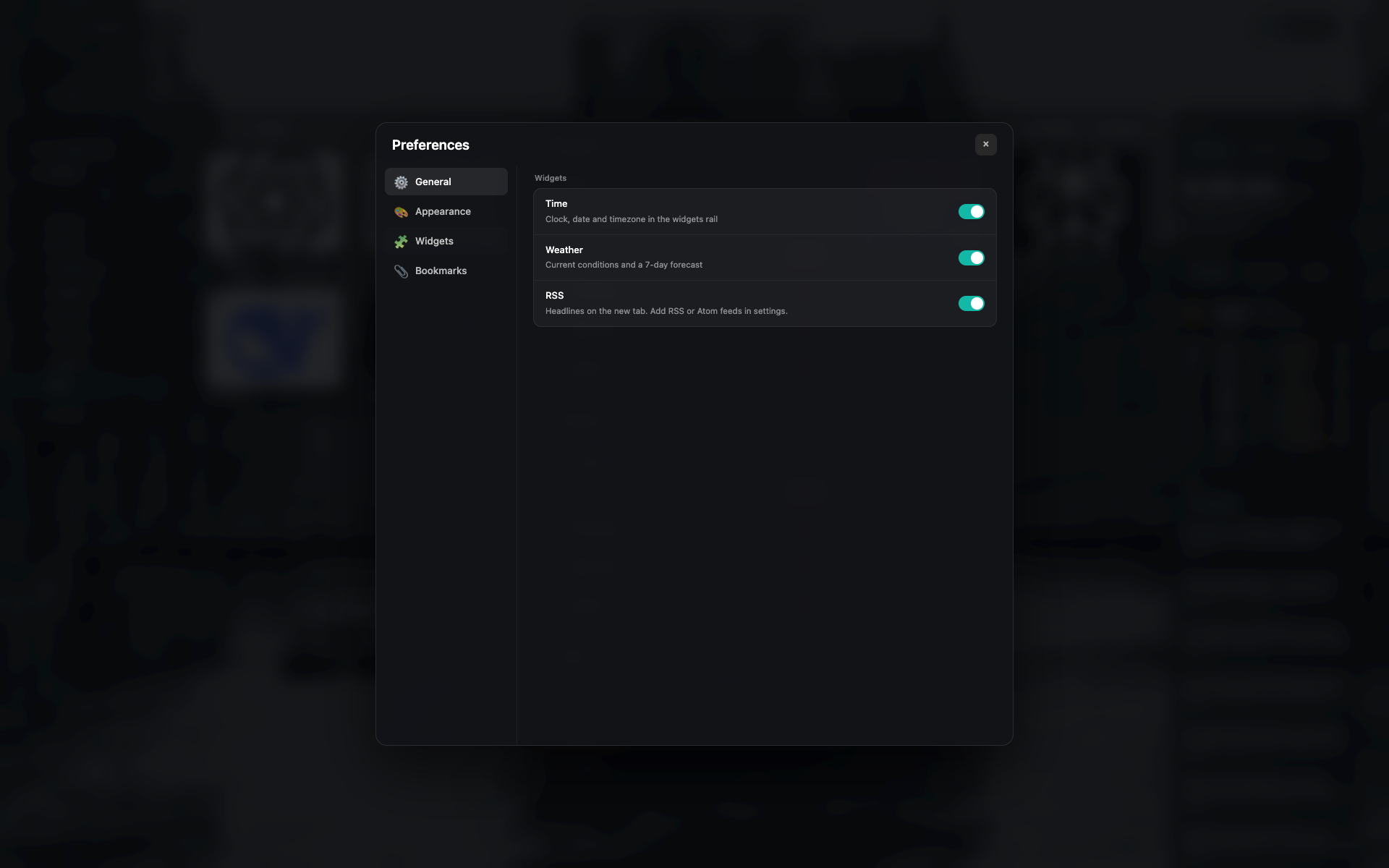
Plugins+ modal
A widget list with toggles and brief settings.
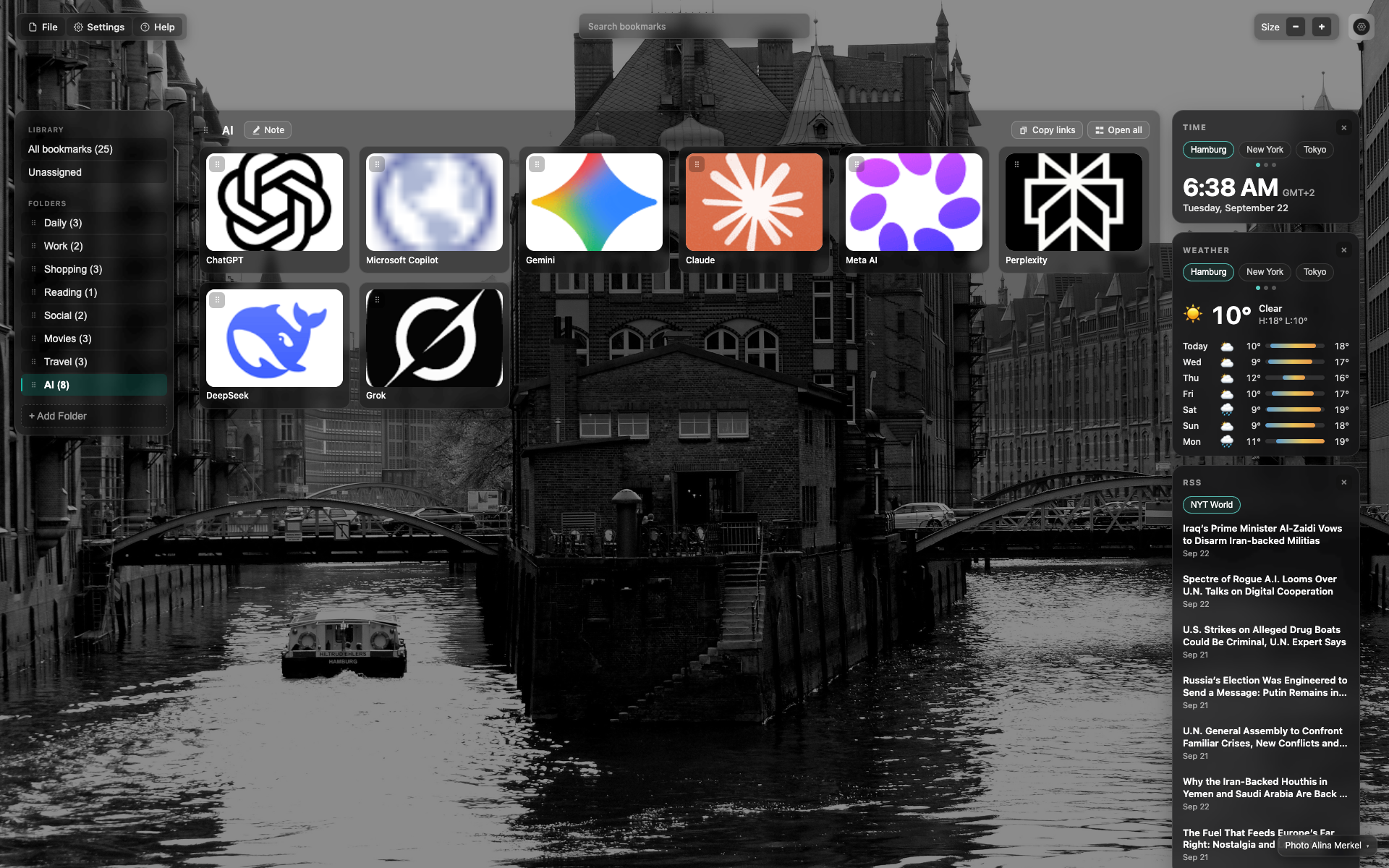
Widgets column on the right
Top to bottom: Time → Weather → RSS.
Time and weather have city tabs (Hamburg / New York / Tokyo).
Related topics
Didn’t find an answer?
Tell us what’s missing — we build the extension around real requests.