
Custom thumbnail
Where in the UI: card right-click → "Edit thumbnail" → #customThumbnailModal.
Set your own preview image, or reset / re-capture it.
Interface elements
Upload an image/* file
Buttons: Reset / Cancel / Save
Also in the right-click menu: "Generate preview" (a screenshot of the URL page)
Main flow
1
Open the modal.
2
Pick a file → Save (a blob in IndexedDB).
3
Reset removes the custom thumbnail.
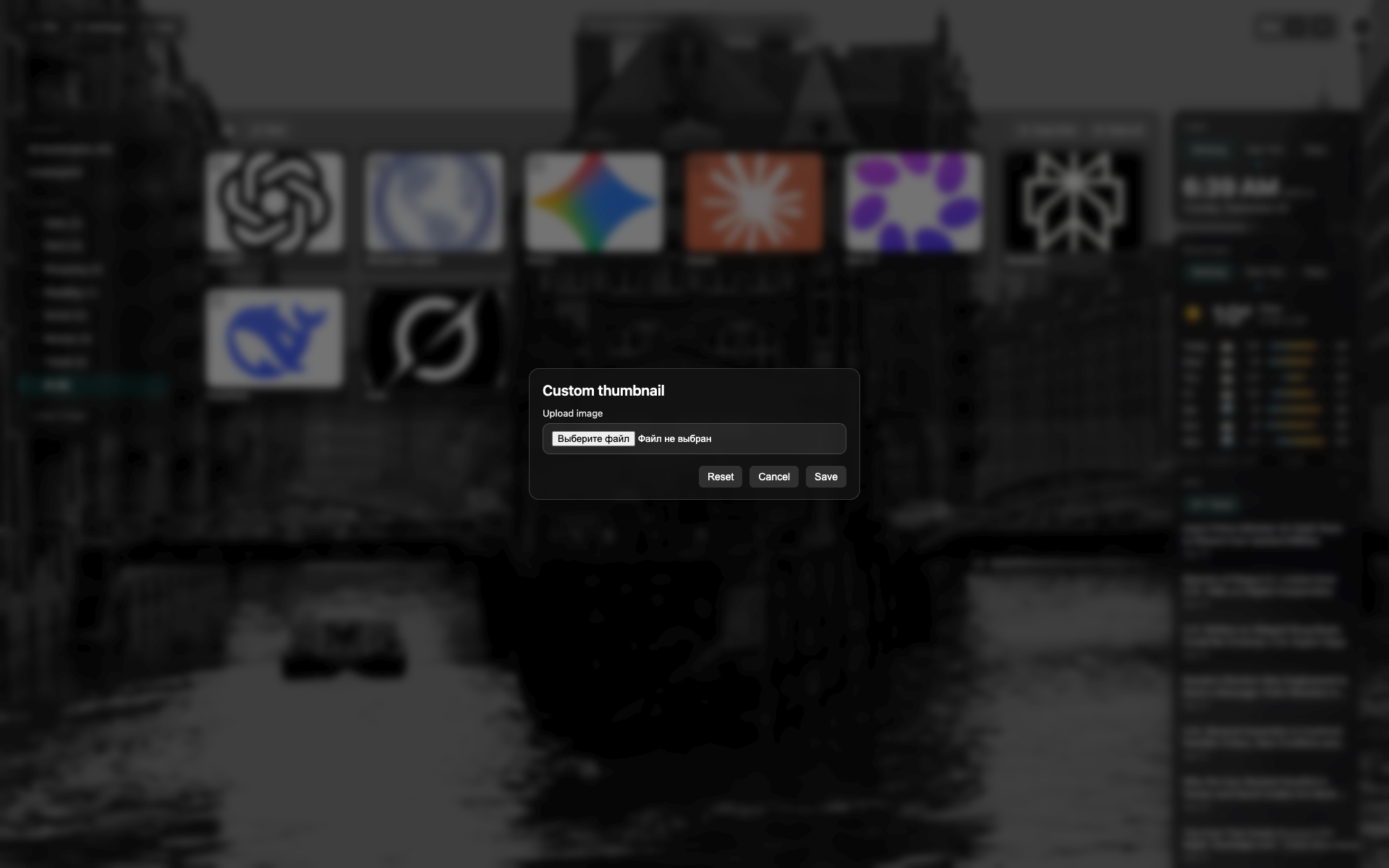
Thumbnail modal
A centered dark modal over the NTP.
A file-pick / preview area; reset and save buttons.
Related topics
Didn’t find an answer?
Tell us what’s missing — we build the extension around real requests.