
Capture area
Where in the UI: W → Capture; the popup; the Alt+S command.
Select a rectangle on the page and save it as a bookmark with a preview.
Interface elements
An overlay, a crosshair, a hint "Drag to select an area · Esc to cancel"
After the capture — a folder / Unassigned pick
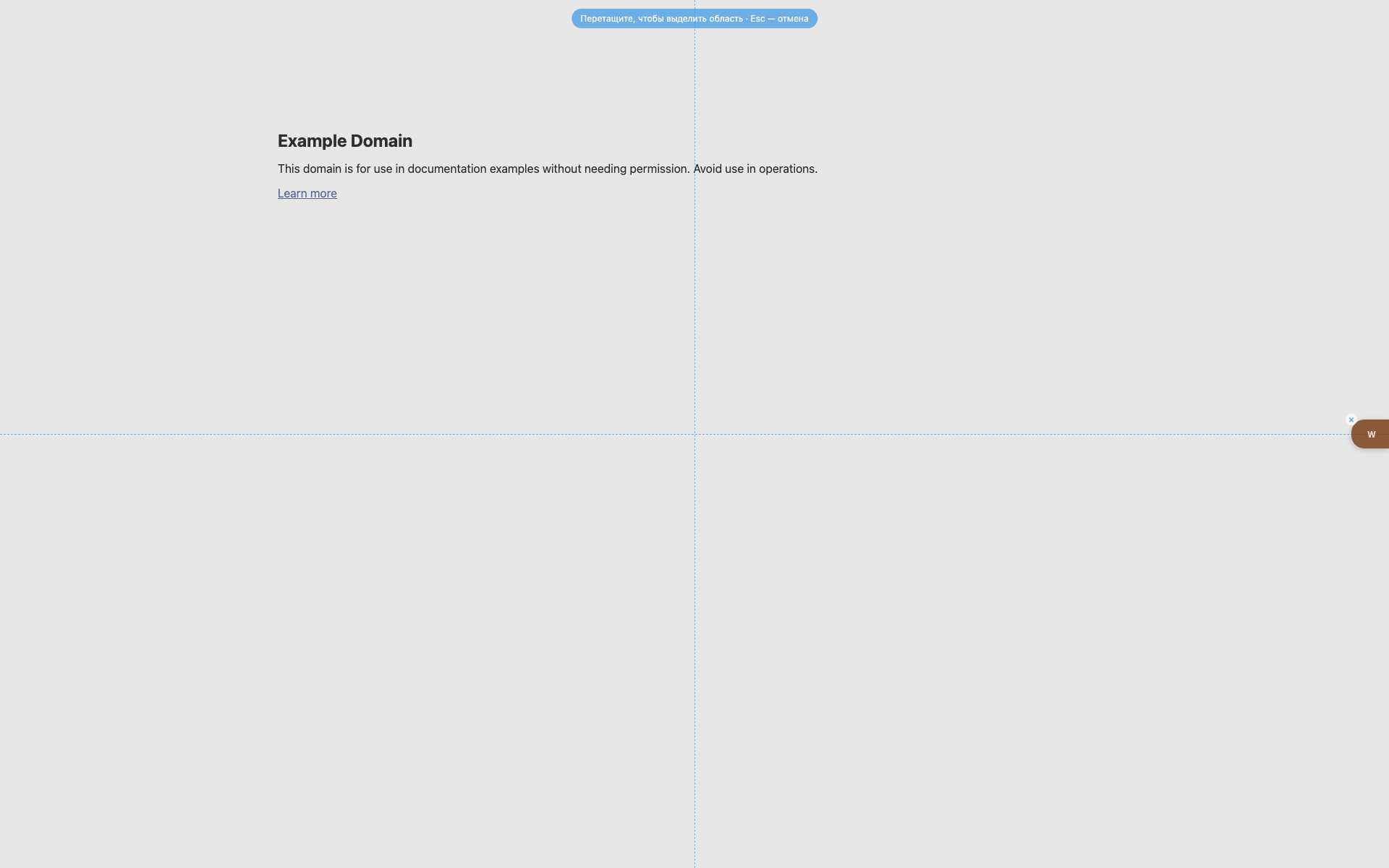
The selection overlay
A blue hint pill at the top center.
Dashed crosshair guides.
The W is still visible on the right.
Related topics
Didn’t find an answer?
Tell us what’s missing — we build the extension around real requests.