
捕获区域
Where in the UI: W → 捕获;弹窗;Alt+S 命令。
在页面上选择矩形并保存为带预览的书签。
Interface elements
遮罩、十字线、提示「拖动选择区域 · Esc 取消」
捕获后 — 选择文件夹 / 未分配
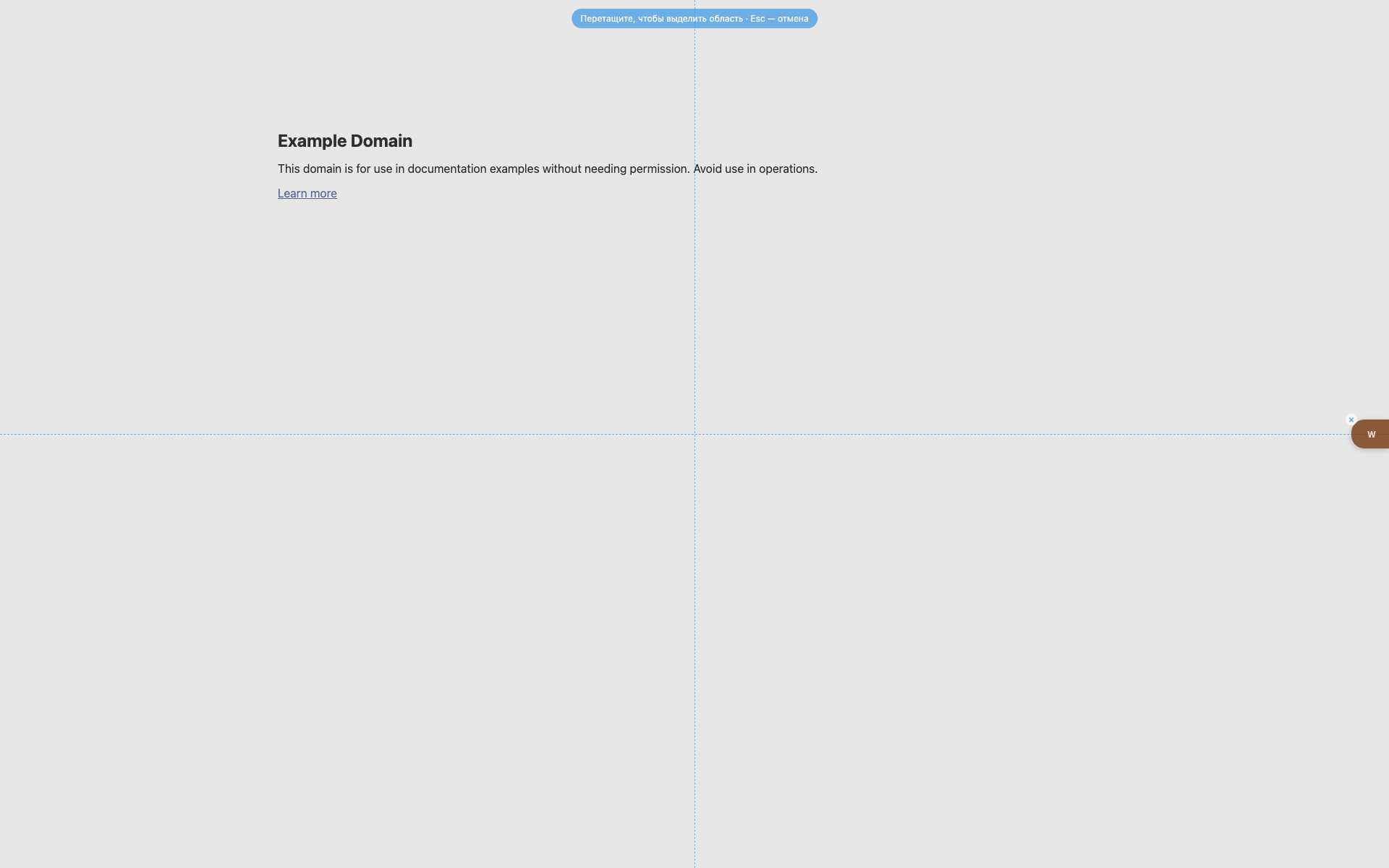
选择遮罩
顶部中央的蓝色提示胶囊。
虚线十字参考线。
右侧仍可见 W。
Didn’t find an answer?
Tell us what’s missing — we build the extension around real requests.