
பகுதி பிடி
Where in the UI: W → Capture; the popup; the Alt+S command.
Select a rectangle on the page and save it as a புக்மார்க் with a preview.
Interface elements
An overlay, a crosshair, a hint "பகுதி தேர்ந்தெடுக்க இழுக்கவும் · ரத்து Esc"
After the capture — a folder / ஒதுக்கப்படாத pick
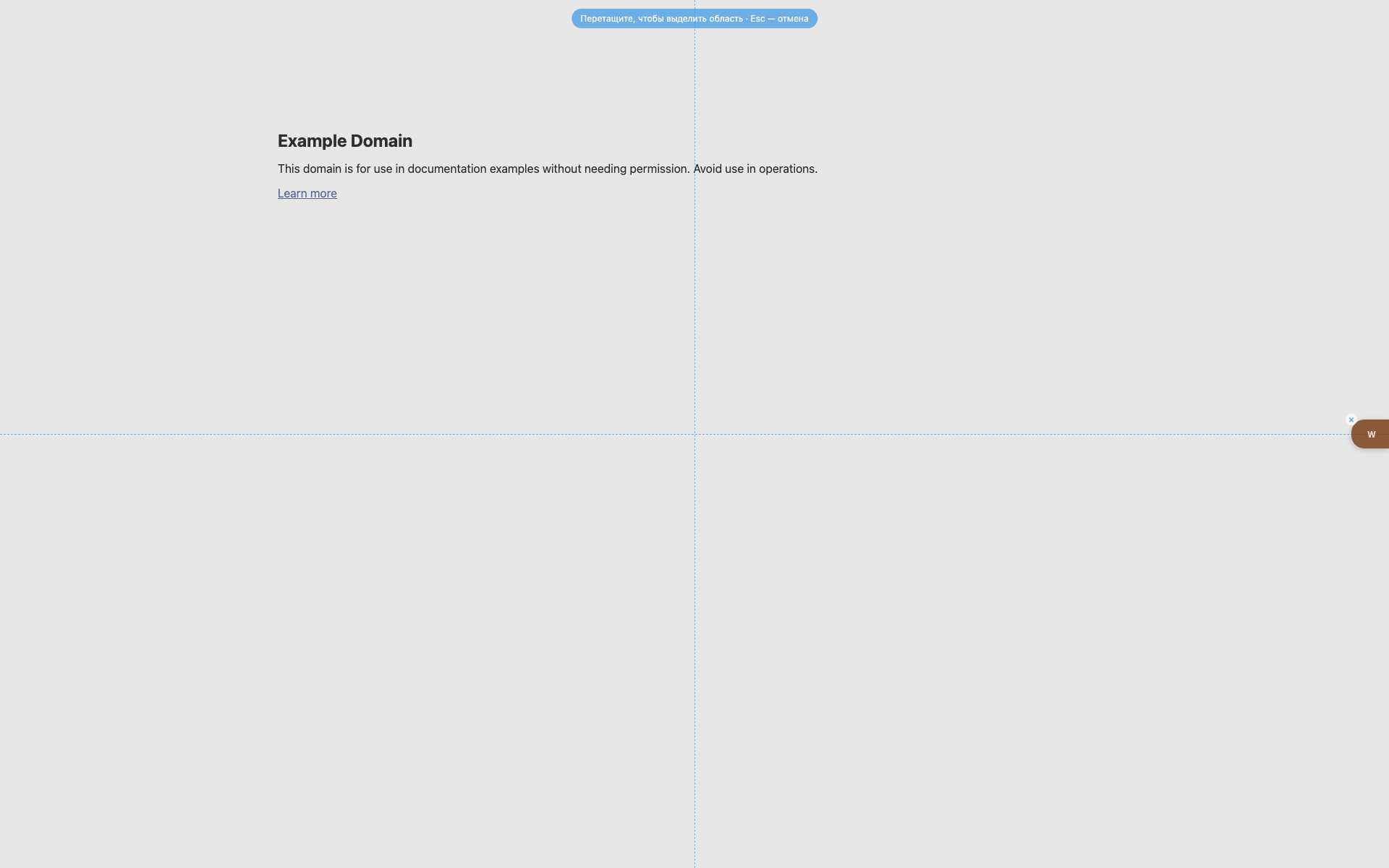
The selection overlay
மேல் நடுவில் நீல குறிப்பு pill.
Dashed crosshair guides.
The W is still visible on the right.
Related topics
Didn’t find an answer?
Tell us what’s missing — we build the extension around real requests.