
கோப்புறைகள் & பக்கப்பட்டி
Where in the UI: the NTP folder panel (folders.ts).
Organize புக்மார்க்s into a folder tree.
Interface elements
A nested tree (parentId), expand arrows, counters.
System: அனைத்தும் / ஒதுக்கப்படாத + default folders Everyday, Work, Shopping, Reading, Social, Movies, Travel, AI.
Panel position: top / left / right (தோற்றம்).
A note / tag indicator on a folder node.
Create: கோப்பு → New folder or "+ சேர் folder".
Main flow
1
Clicking a folder filters the புக்மார்க்s.
2
Create a folder: name + parent.
3
Deleting: subfolders move up; option to delete along with the புக்மார்க்s.
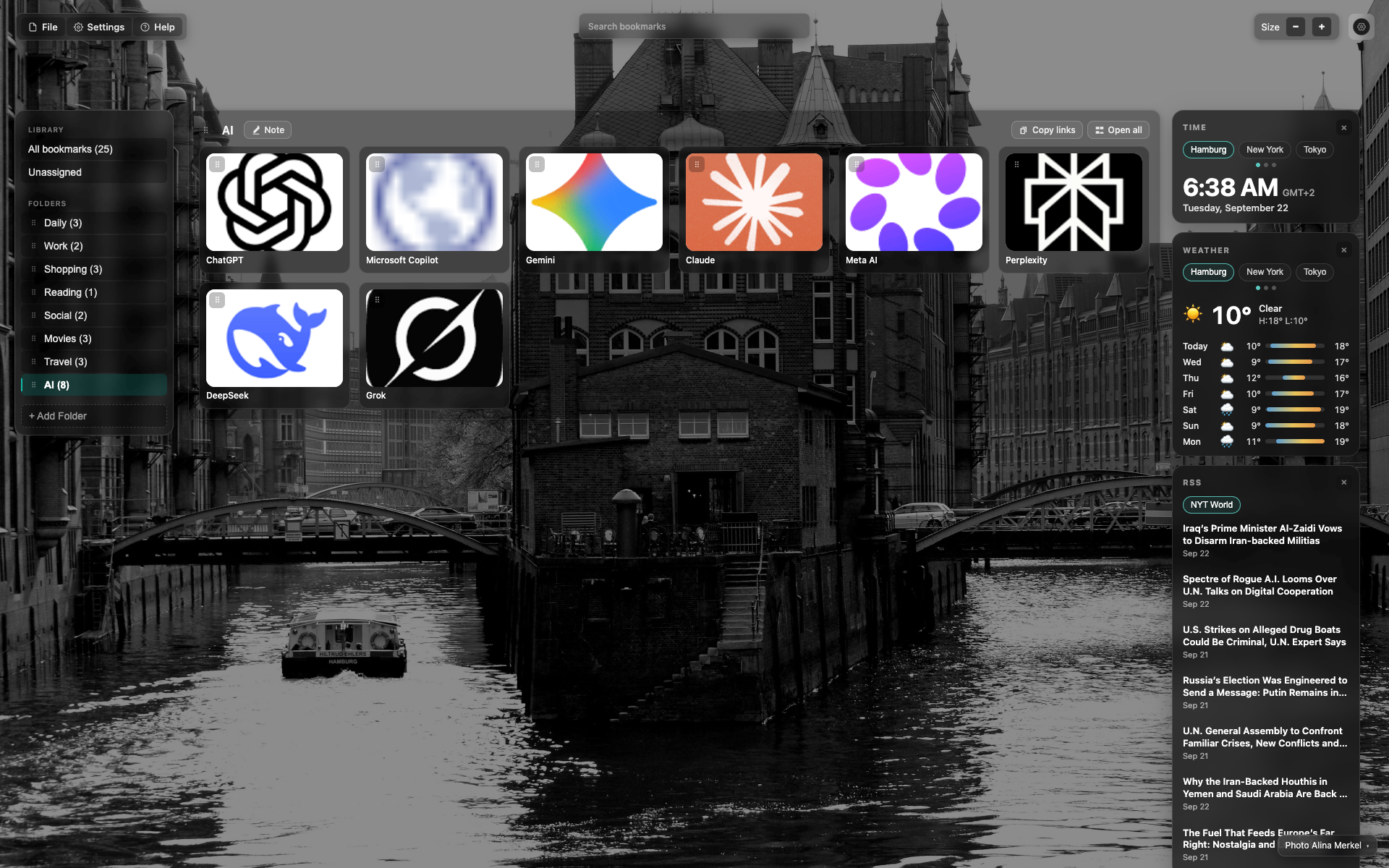
கோப்புறை sidebar
"Library" and "கோப்புறைகள்" sections with counters.
The active folder is highlighted (AI in this frame).
A "+ சேர் folder" button at the bottom.
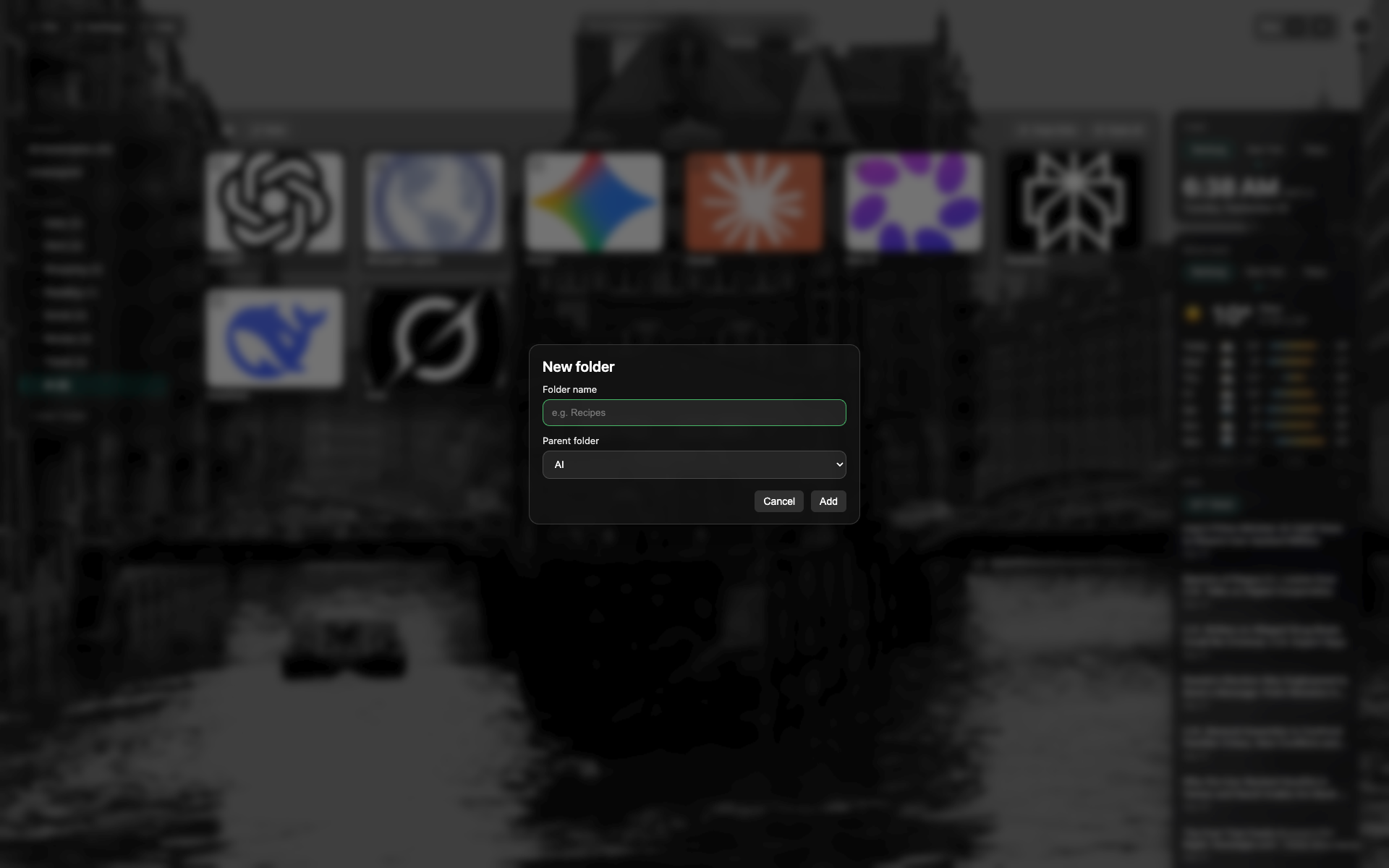
New folder modal
A name field and a parent picker.
ரத்து / Create.
Related topics
Didn’t find an answer?
Tell us what’s missing — we build the extension around real requests.