
จับภาพพื้นที่
Where in the UI: W → Capture; popup; คำสั่ง Alt+S
เลือกสี่เหลี่ยมบนหน้าและบันทึกเป็นบุ๊กมาร์กพร้อมตัวอย่าง
Interface elements
โอเวอร์เลย์, 准สี, คำใบ้ "Drag to select an area · Esc to cancel"
หลังจับภาพ — เลือกโฟลเดอร์ / Unassigned
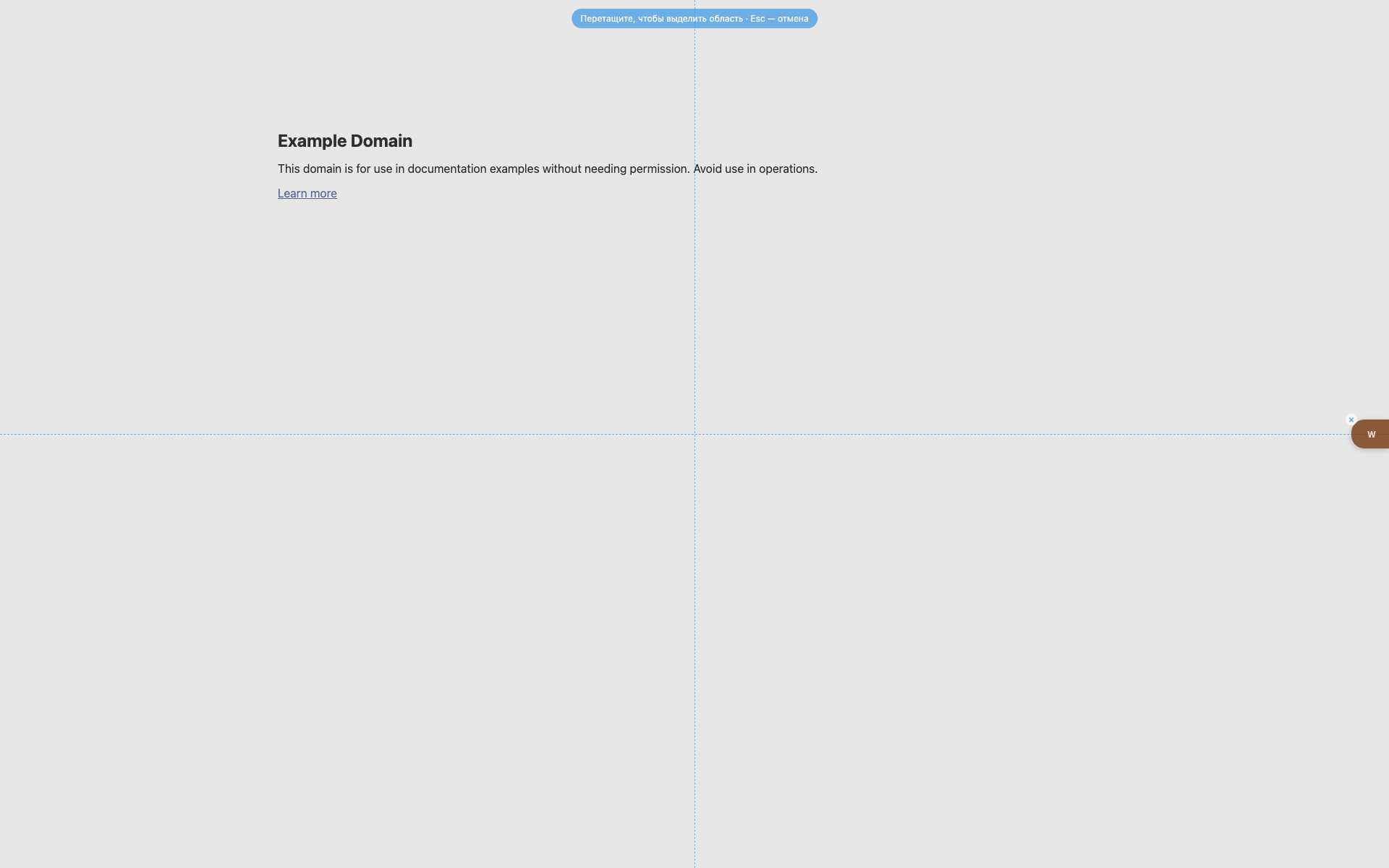
โอเวอร์เลย์การเลือก
แคpsule คำใบ้สีน้ำเงินกลางด้านบน
เส้นนำ crosshair แบบประ
W ยังมองเห็นทางขวา
Related topics
Didn’t find an answer?
Tell us what’s missing — we build the extension around real requests.