
ภาพขนาดย่อกำหนดเอง
Where in the UI: คลิกขวาการ์ด → "Edit thumbnail" → #customThumbnailModal
ตั้งภาพตัวอย่างเอง หรือ reset / จับใหม่
Interface elements
อัปโหลดไฟล์ image/*
ปุ่ม: Reset / Cancel / Save
ในเมนูคลิกขวา: "Generate preview" (ภาพหน้าจอของ URL)
Main flow
1
เปิดโม달
2
เลือกไฟล์ → Save (blob ใน IndexedDB)
3
Reset ลบภาพขนาดย่อกำหนดเอง
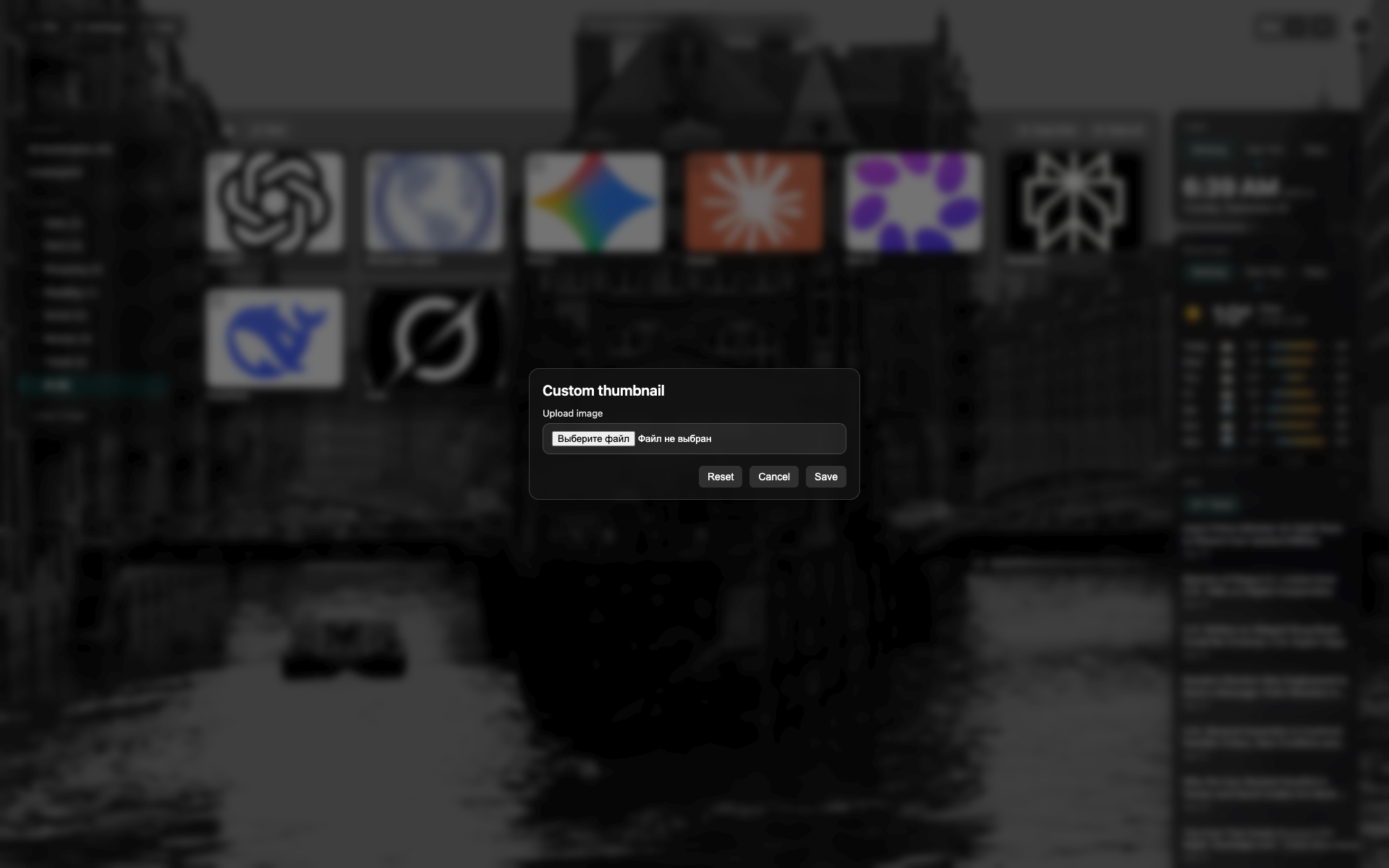
โม달ภาพขนาดย่อ
โม달สีเข้มกึ่งกลางบน NTP
พื้นที่เลือกไฟล์ / แสดงตัวอย่าง; ปุ่ม Reset และ Save
Related topics
Didn’t find an answer?
Tell us what’s missing — we build the extension around real requests.