
사용자 지정 썸네일
Where in the UI: 카드 오른쪽 클릭 → "썸네일 편집" → #customThumbnailModal.
자체 미리보기 설정 또는 재설정 / 다시 캡처.
Interface elements
image/* 파일 업로드
버튼: 재설정 / 취소 / 저장
오른쪽 클릭 메뉴에도: "미리보기 생성"(URL 페이지 스크린샷)
Main flow
1
모달 열기.
2
파일 선택 → 저장(IndexedDB blob).
3
재설정 시 사용자 썸네일 제거.
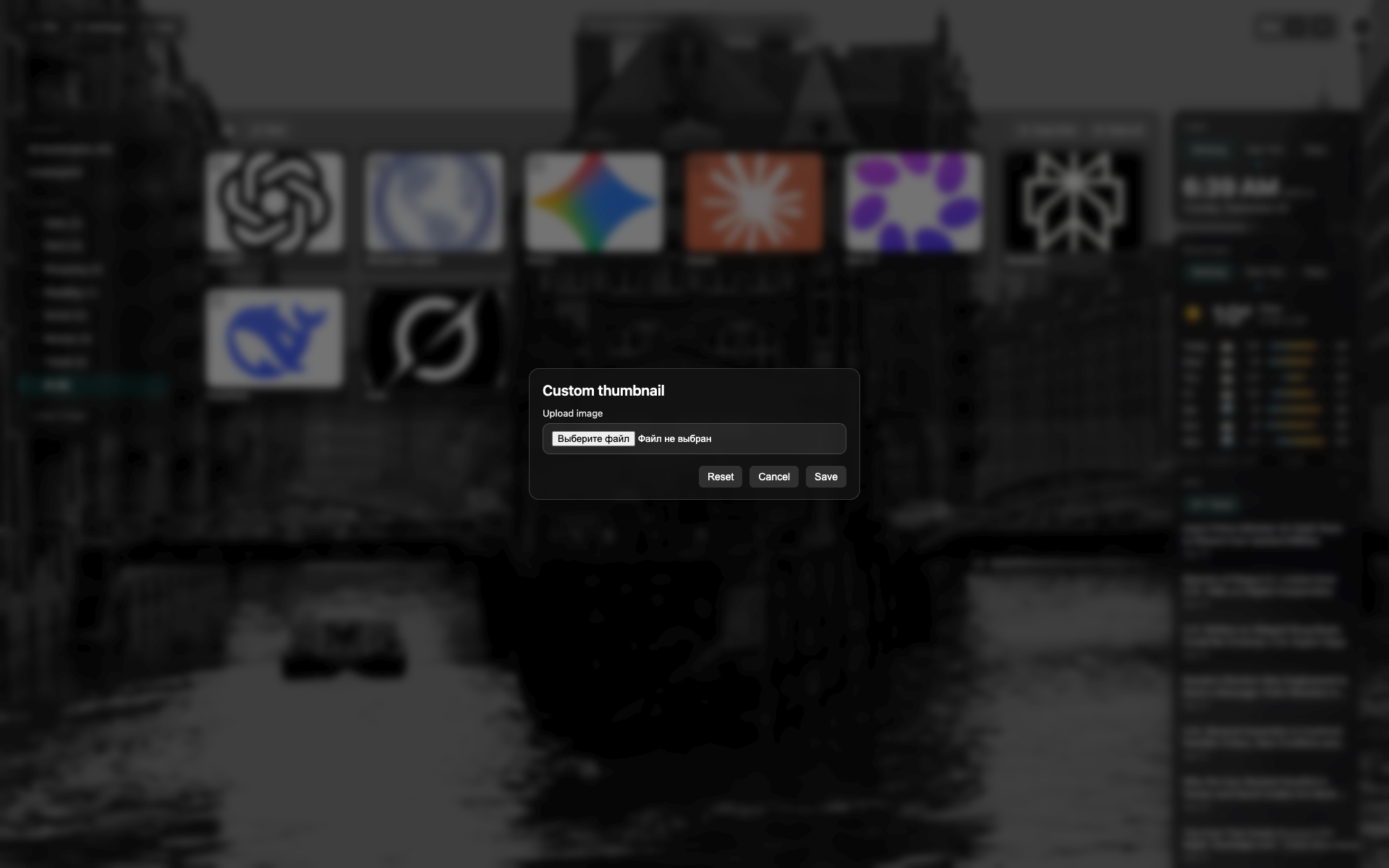
썸네일 모달
NTP 위 중앙 다크 모달.
파일 선택 / 미리보기 영역. 재설정 및 저장 버튼.
Related topics
Didn’t find an answer?
Tell us what’s missing — we build the extension around real requests.