
కస్టమ్ థంబ్నెయిల్
Where in the UI: card right-click → "Edit thumbnail" → #customThumbnailModal
మీ ప్రివ్యూ చిత్రాన్ని సెట్ చేయండి, లేదా reset / మళ్లీ capture.
Interface elements
image/* फ़ाइल अपलोड
बटन: Reset / Cancel / Save
राइट-क्लिक మెను में: "Generate preview" (URL पेज का स्क्रीनशॉट)
Main flow
1
మోడల్ తెరువు.
2
फ़ाइल चुनें → Save (IndexedDB ರಲ್ಲಿ blob)
3
Reset कस्टम थंबनेल हटाता
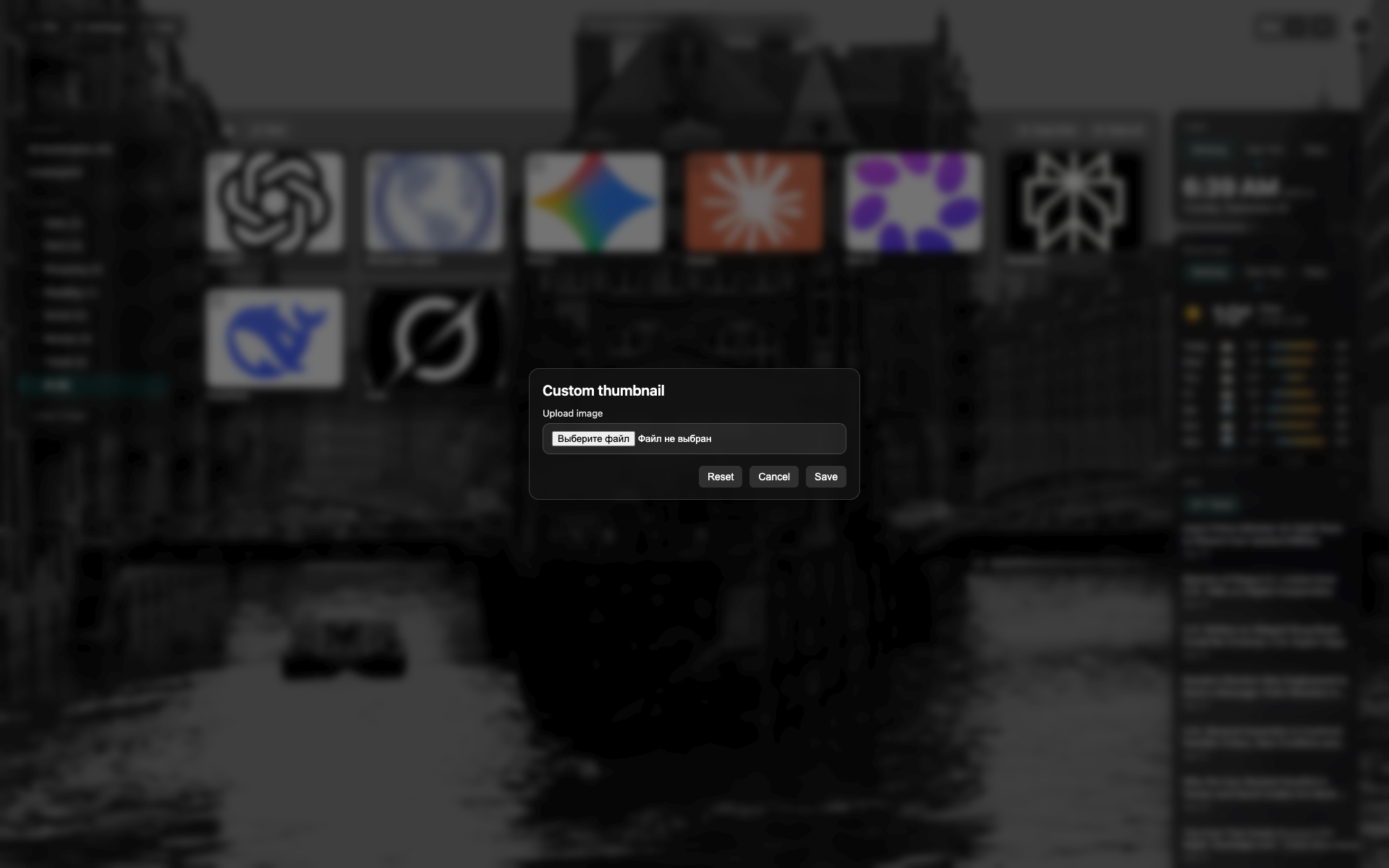
Thumbnail modal
A centered dark modal over the NTP.
A file-pick / preview area; reset and save buttons.
Related topics
Didn’t find an answer?
Tell us what’s missing — we build the extension around real requests.