
Thumbnail kustom
Where in the UI: klik kanan kartu → "Edit thumbnail" → #customThumbnailModal.
Atur gambar pratinjau sendiri atau reset / tangkap ulang.
Interface elements
Unggah file image/*
Tombol: Reset / Batal / Simpan
Di menu klik kanan: "Buat pratinjau" (screenshot halaman URL)
Main flow
1
Buka modal.
2
Pilih file → Simpan (blob IndexedDB).
3
Reset menghapus thumbnail kustom.
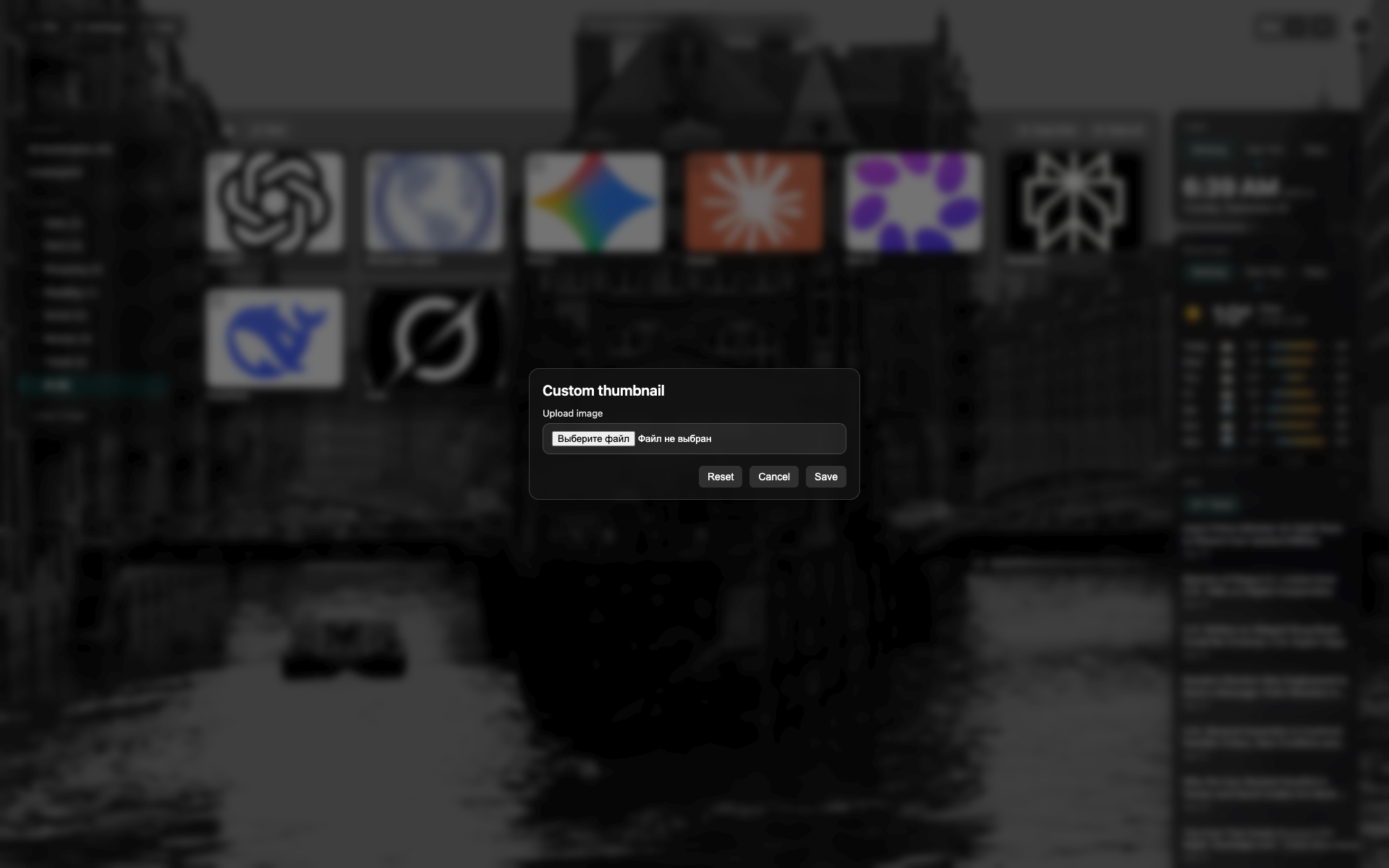
Modal thumbnail
Modal gelap terpusat di atas NTP.
Area pilih file / pratinjau; tombol Reset / Batal / Simpan.
Related topics
Didn’t find an answer?
Tell us what’s missing — we build the extension around real requests.