
Pengaturan — Bookmark (cadangan & impor)
Where in the UI: Preferensi → Clips (di bawah blok Drive).
Impor Chrome, JSON impor/ekspor, hapus semua clip.
Interface elements
API impor bookmark Chrome (izin opsional)
Impor / Ekspor JSON
Hapus semua clip (dengan konfirmasi)
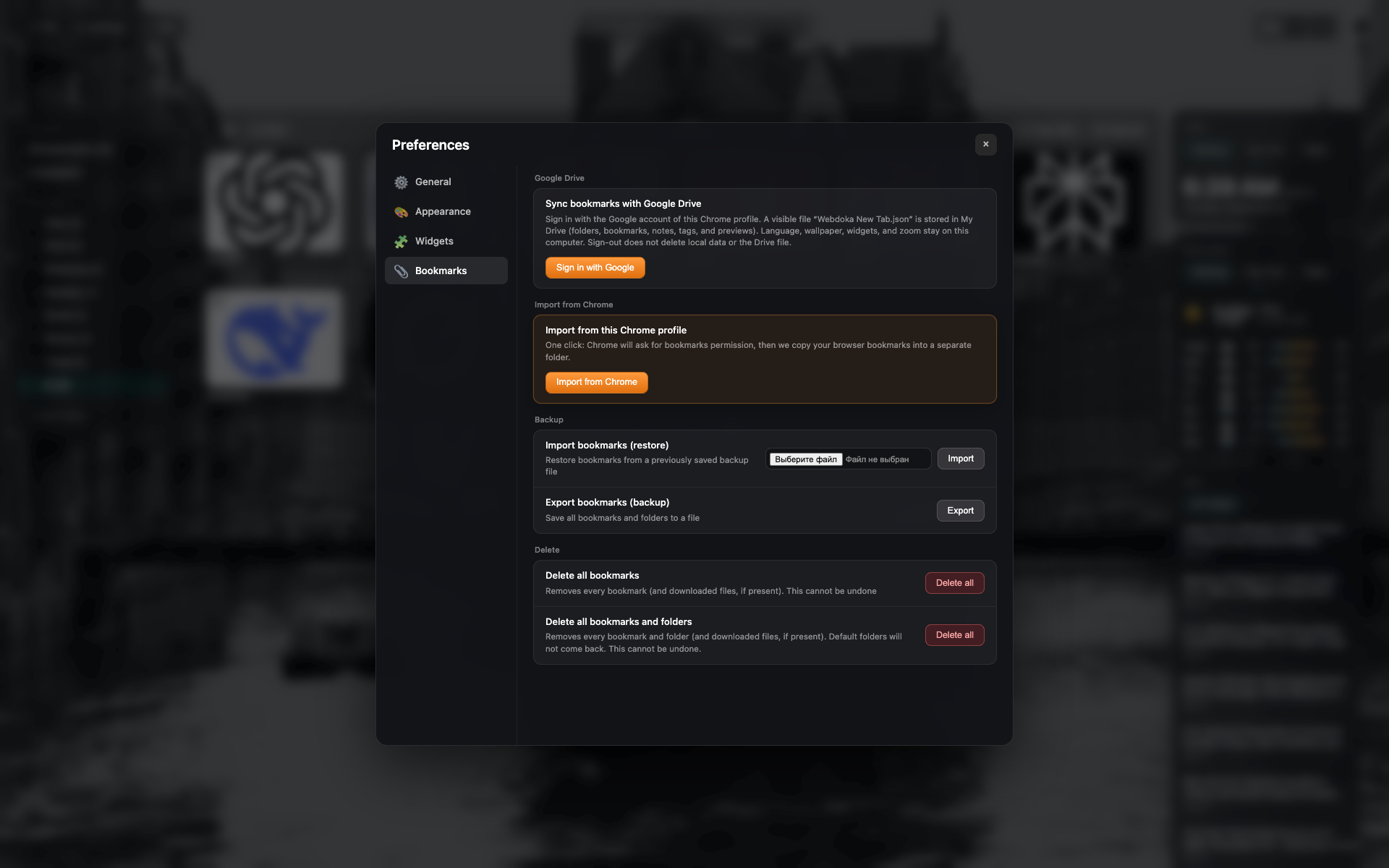
Tab Bookmark
Bagian Google Drive dan cadangan/impor lokal.
Tombol impor bookmark Chrome, JSON, dan hapus.
Related topics
Didn’t find an answer?
Tell us what’s missing — we build the extension around real requests.