
Cài đặt — Dấu trang (sao lưu và nhập)
Where in the UI: Tùy chọn → Clips (dưới khối Drive)
Nhập dấu trang Chrome, xuất/nhập JSON, xóa mọi clip
Interface elements
API nhập dấu trang Chrome (quyền bookmarks tùy chọn)
Nhập / Xuất JSON
Xóa tất cả clip (có xác nhận)
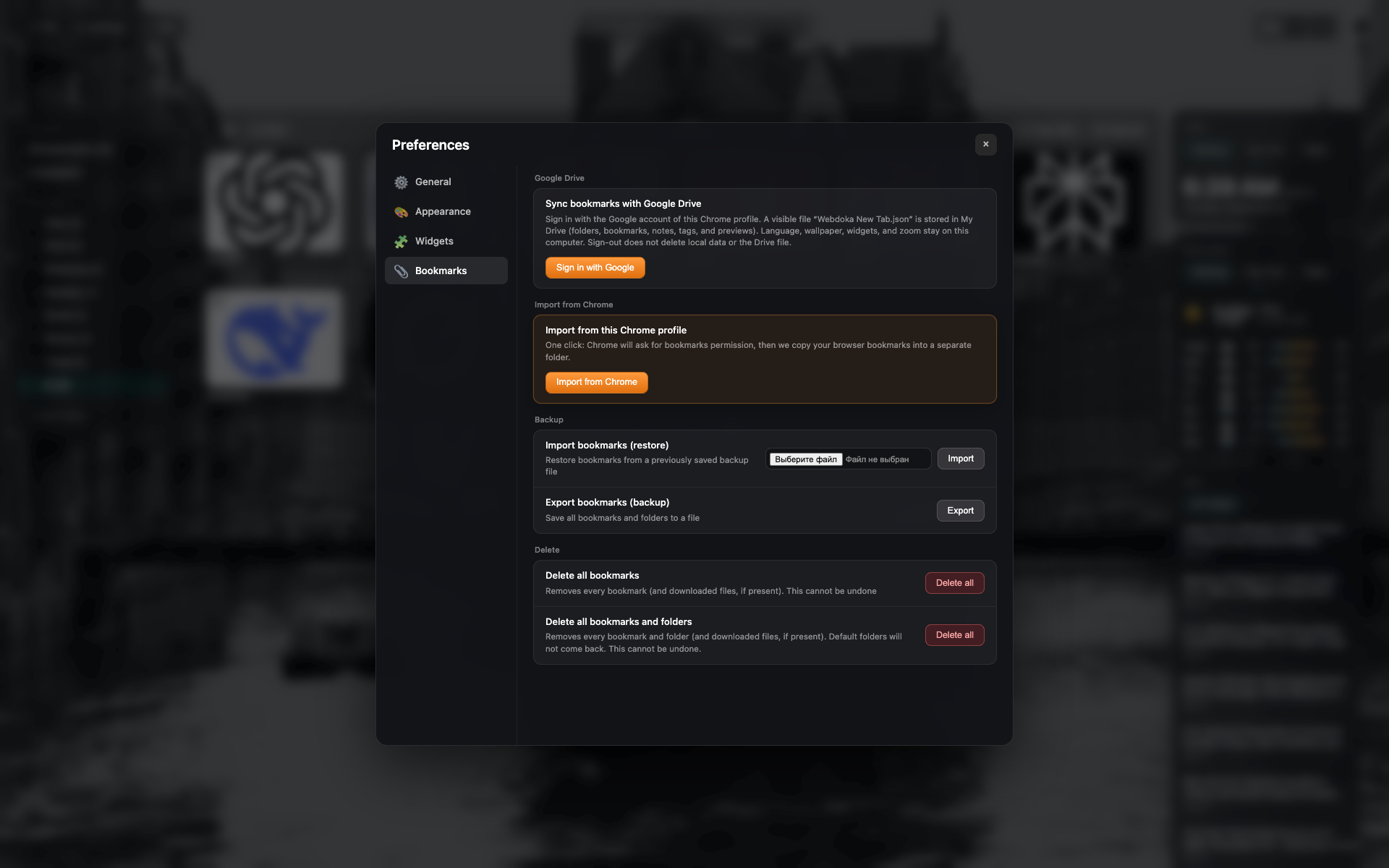
Tab "Dấu trang"
Phần Google Drive và sao lưu/nhập cục bộ
Nút nhập dấu trang Chrome, JSON và xóa
Related topics
Didn’t find an answer?
Tell us what’s missing — we build the extension around real requests.