
설정 — 북마크 (백업 및 가져오기)
Where in the UI: 설정 → Clips(Drive 블록 아래).
Chrome 북마크 가져오기, JSON 가져오기/내보내기, 모든 Clips 삭제.
Interface elements
Chrome 북마크 API 가져오기(북마크 권한 선택)
JSON 가져오기 / 내보내기
모든 Clips 삭제(확인)
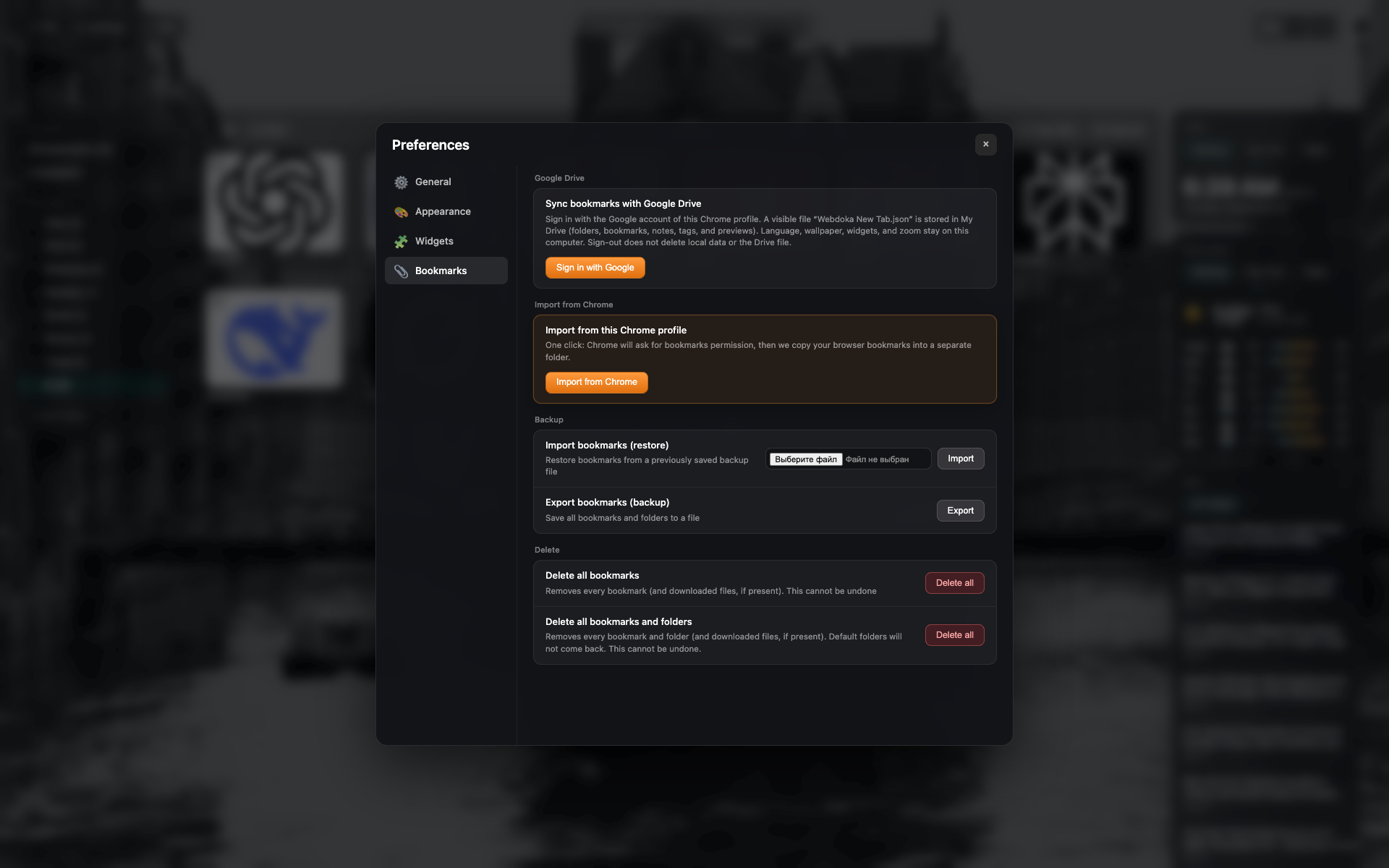
"북마크" 탭
Google Drive 및 로컬 백업/가져오기.
Chrome 북마크, JSON 가져오기 및 삭제 버튼.
Related topics
Didn’t find an answer?
Tell us what’s missing — we build the extension around real requests.