
設定 — 書籤 (備份與匯入)
Where in the UI: 偏好設定 → Clips (Drive 區塊下方)。
匯入 Chrome 書籤、匯出/匯入 JSON、刪除全部 Clips。
Interface elements
匯入 Chrome 書籤 API (書籤許可權可選)
匯入 / 匯出 JSON
刪除全部 Clips (需確認)
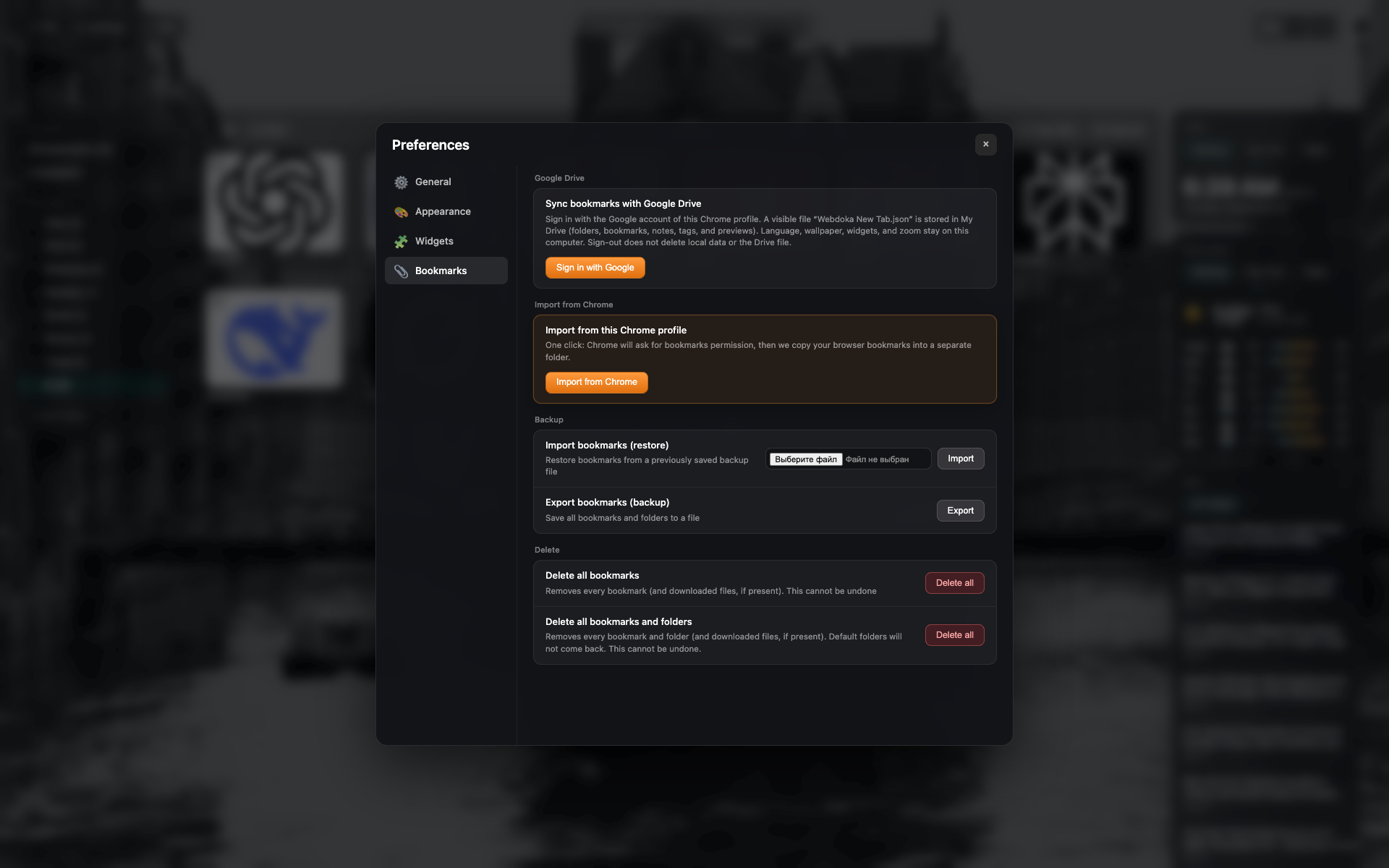
「書籤」標籤頁
Google 雲端硬碟與本機備份/匯入區塊。
匯入 Chrome 書籤、JSON 及刪除的按鈕。
Related topics
Didn’t find an answer?
Tell us what’s missing — we build the extension around real requests.