
背景與作者署名
Where in the UI: 設定 → 外觀 / 背景;#bgCredit 在 NTP 底部。
更換桌布並開啟作者資訊。
Interface elements
內建預設,CDN 目錄 newtab.webdoka.com/background
自有檔案 (IndexedDB)
署名:作者名、選單 (作者頁、推薦背景、更換背景)
背景上的 UI 文字顏色 (uiTextColor)
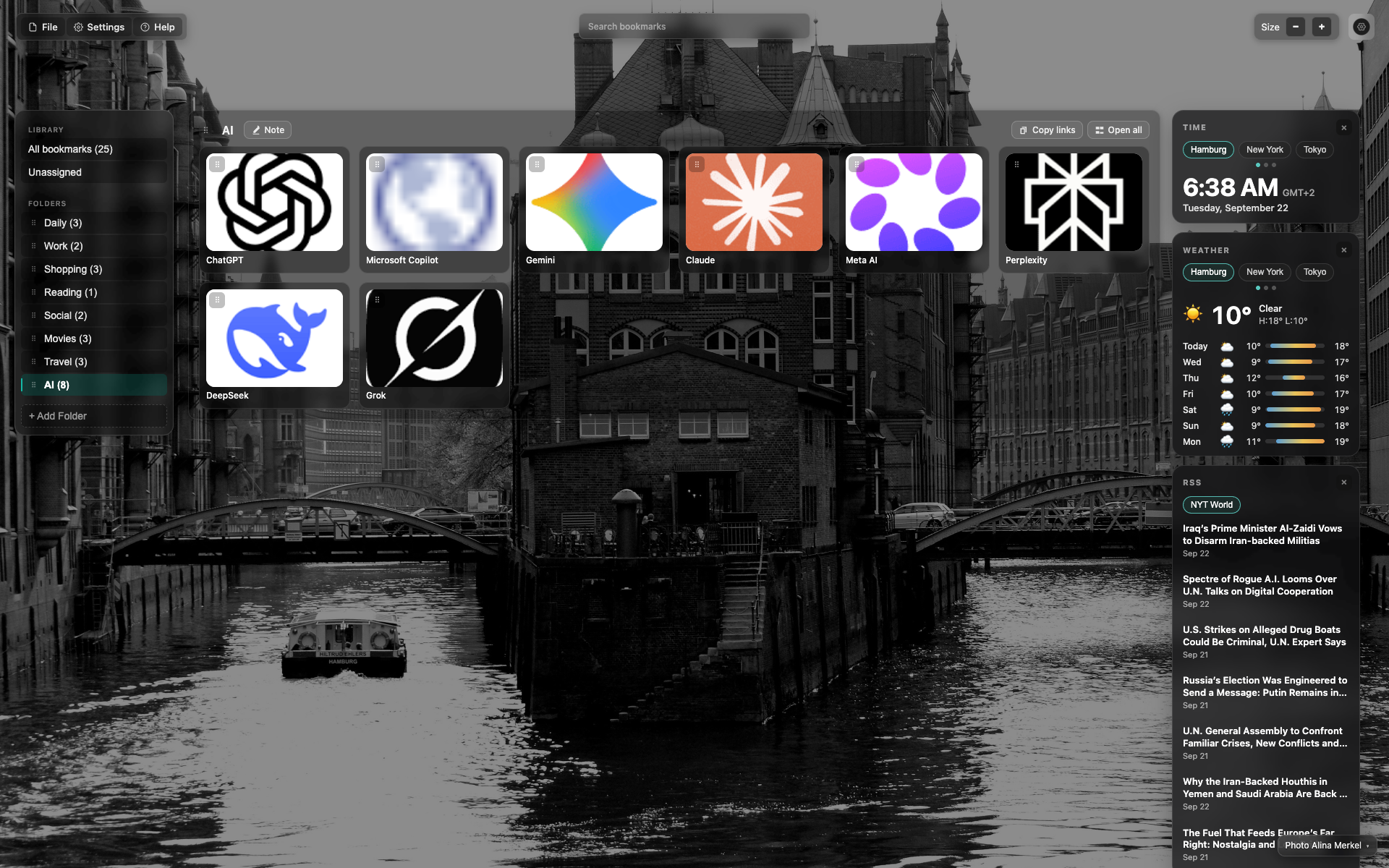
NTP 底部署名
背景右下角的小號署名文字。
點選開啟作者 / 更換背景選單。
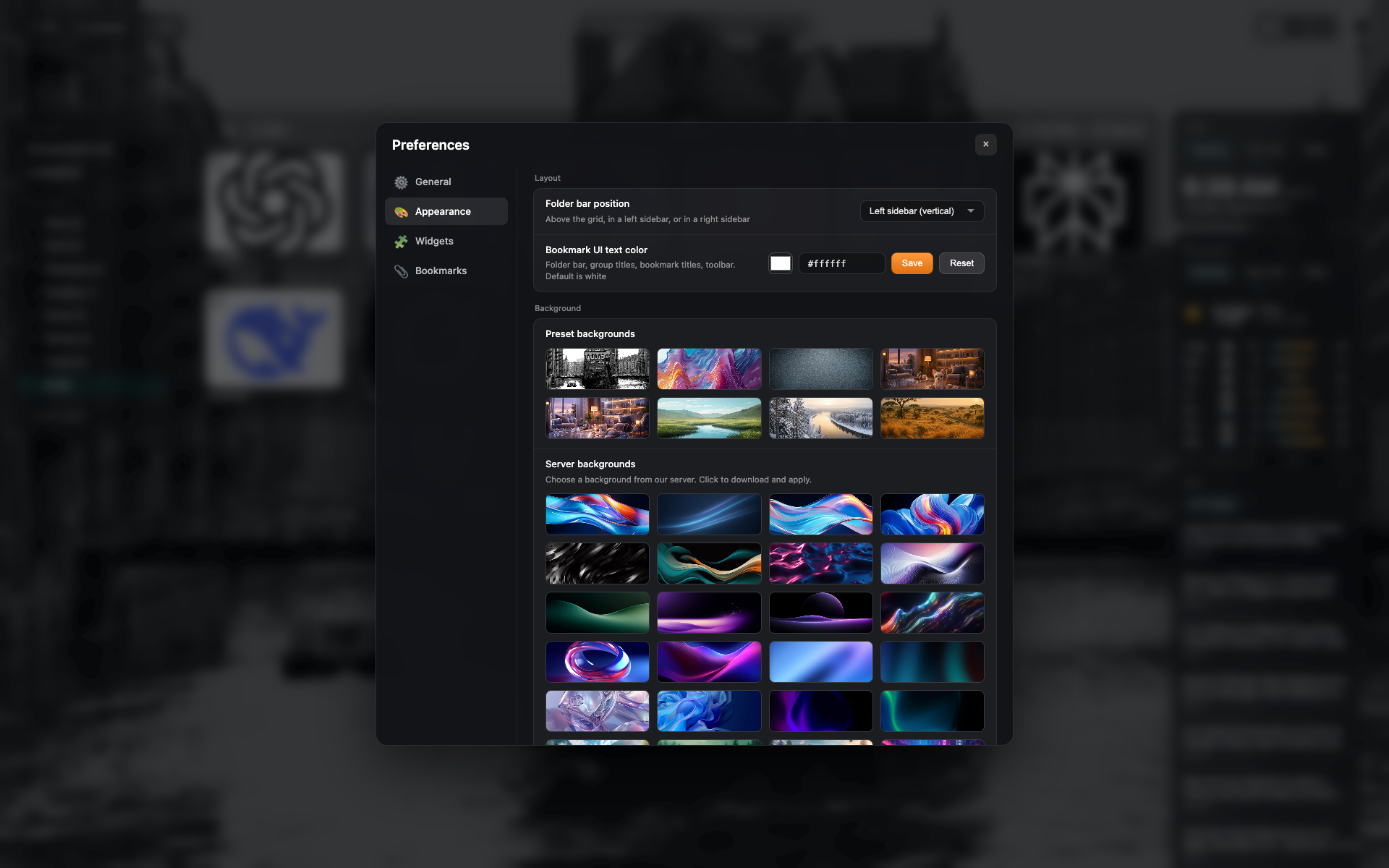
外觀中的預設
「外觀」標籤頁:背景預設網格與自定義上傳。
Related topics
Didn’t find an answer?
Tell us what’s missing — we build the extension around real requests.