
पृष्ठभूमि और लेखक क्रेडिट
Where in the UI: Settings → Appearance / Background; NTP के नीचे #bgCredit
वॉलपेपर बदलें और लेखक की जानकारी खोलें
Interface elements
बिल्ड में preset, CDN catalog newtab.webdoka.com/background
अपनी फ़ाइल (IndexedDB)
क्रेडिट: लेखक नाम, मेनू (लेखक पेज, पृष्ठभूमि सुझाएँ, पृष्ठभूमि बदलें)
पृष्ठभूमि पर UI text color (uiTextColor)
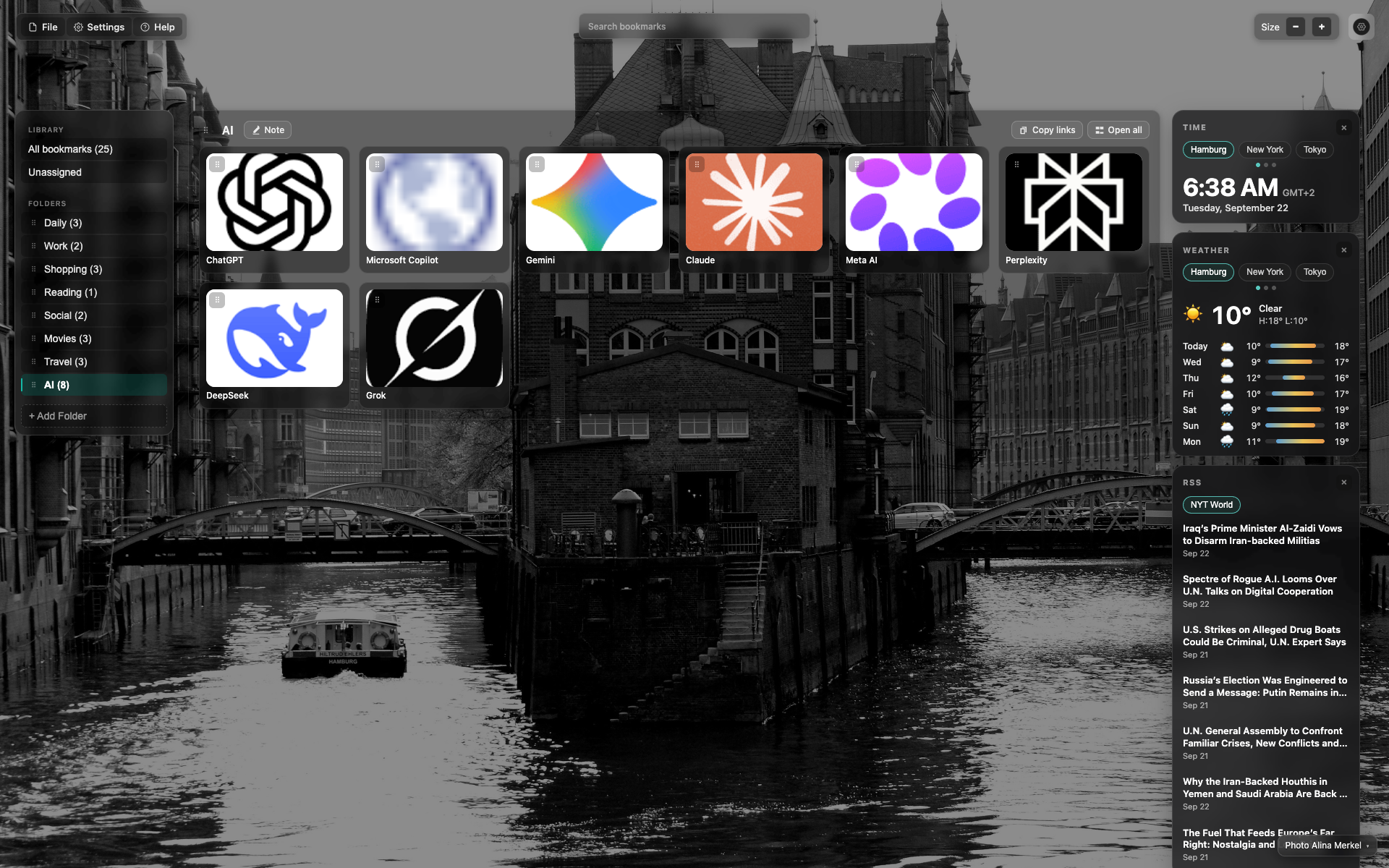
NTP के नीचे क्रेडि�ट
पृष्ठभूमि पर नीचे/दाएँ छोटा credit टेक्स्ट
क्लिक से लेखक / पृष्ठभूमि बदलें मेनू खुलता है
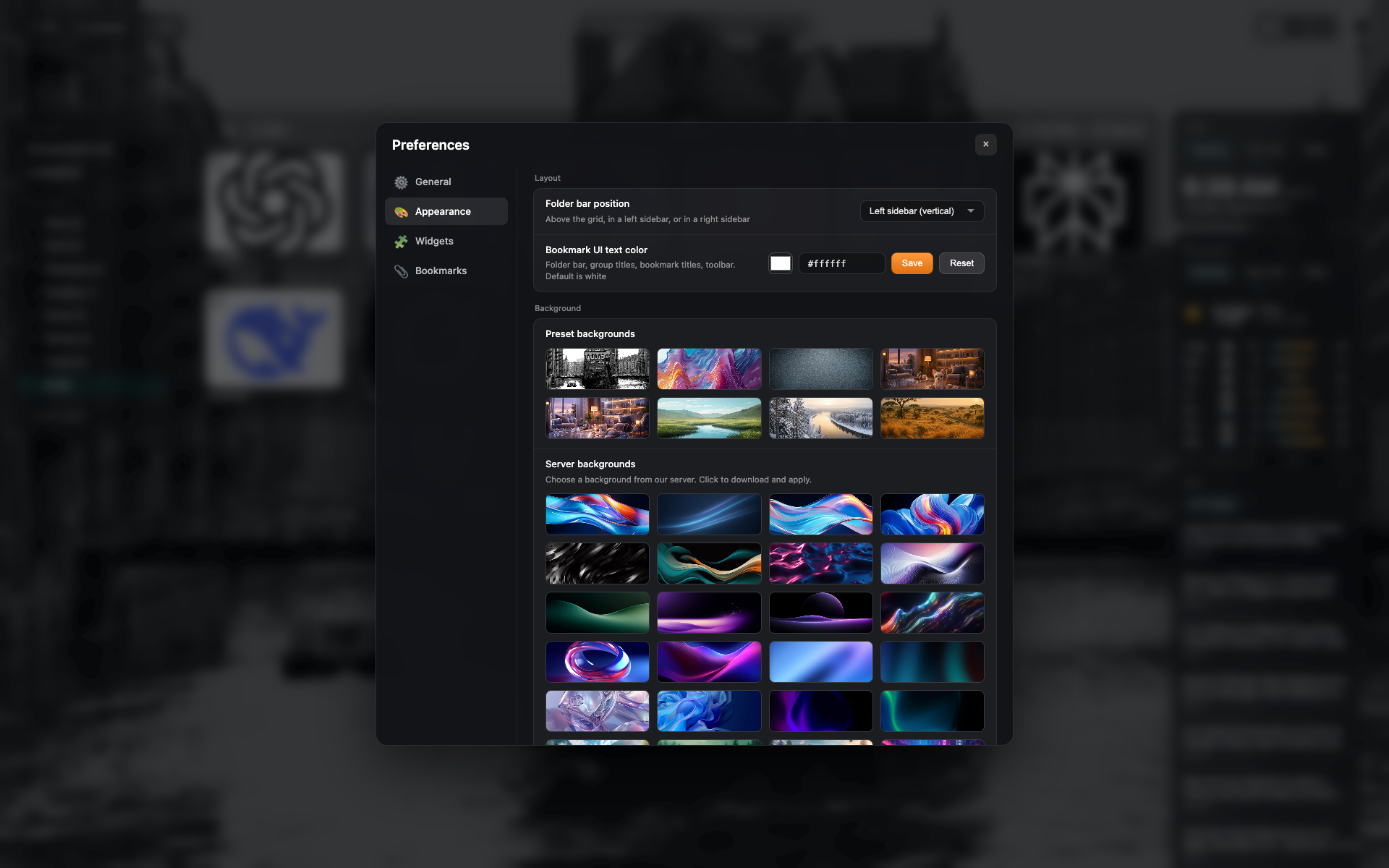
Appearance में preset
"Appearance" टैब: preset ग्रिड और अपना अपलोड
Related topics
Didn’t find an answer?
Tell us what’s missing — we build the extension around real requests.