
कीबोर्ड शॉर्टकट
Where in the UI: manifest.commands + chrome://extensions/shortcuts; General में बटन
माउस के बिना क्लिप
Interface elements
Alt+S — क्षेत्र चयन शुरू (start_clip_selection)
Shift+Alt+S — पेज Unassigned में सहेजें
NTP File मेनू में: ⌘N / ⇧⌘N / ⌘, (स्थानीय शॉर्टकट)
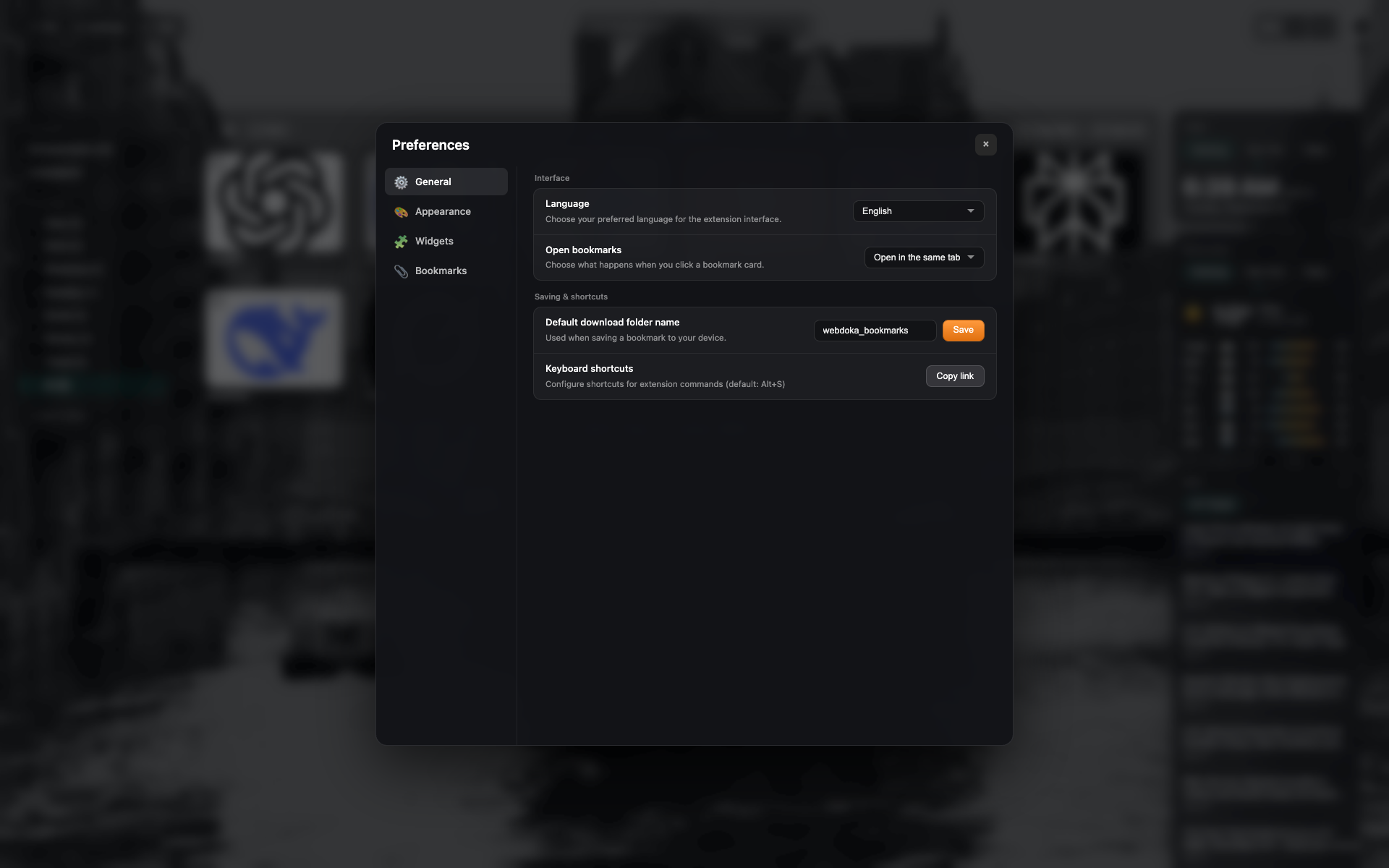
General में shortcuts पंक्ति
chrome://extensions/shortcuts खोलने/कॉपी करने वाले बटन वाला "Keyboard shortcuts" ब्लॉक
settings-general जैसा फ़्रेम — पंक्ति तक क्रॉप
Related topics
Didn’t find an answer?
Tell us what’s missing — we build the extension around real requests.