
キーボードショートカット
Where in the UI: manifest.commands + chrome://extensions/shortcuts。一般のボタン。
マウスなしでクリップ。
Interface elements
Alt+S — 領域選択を開始 (start_clip_selection)
Shift+Alt+S — ページを未割り当てに保存
NTP ファイルメニュー: ⌘N / ⇧⌘N / ⌘, (ローカルショートカット)
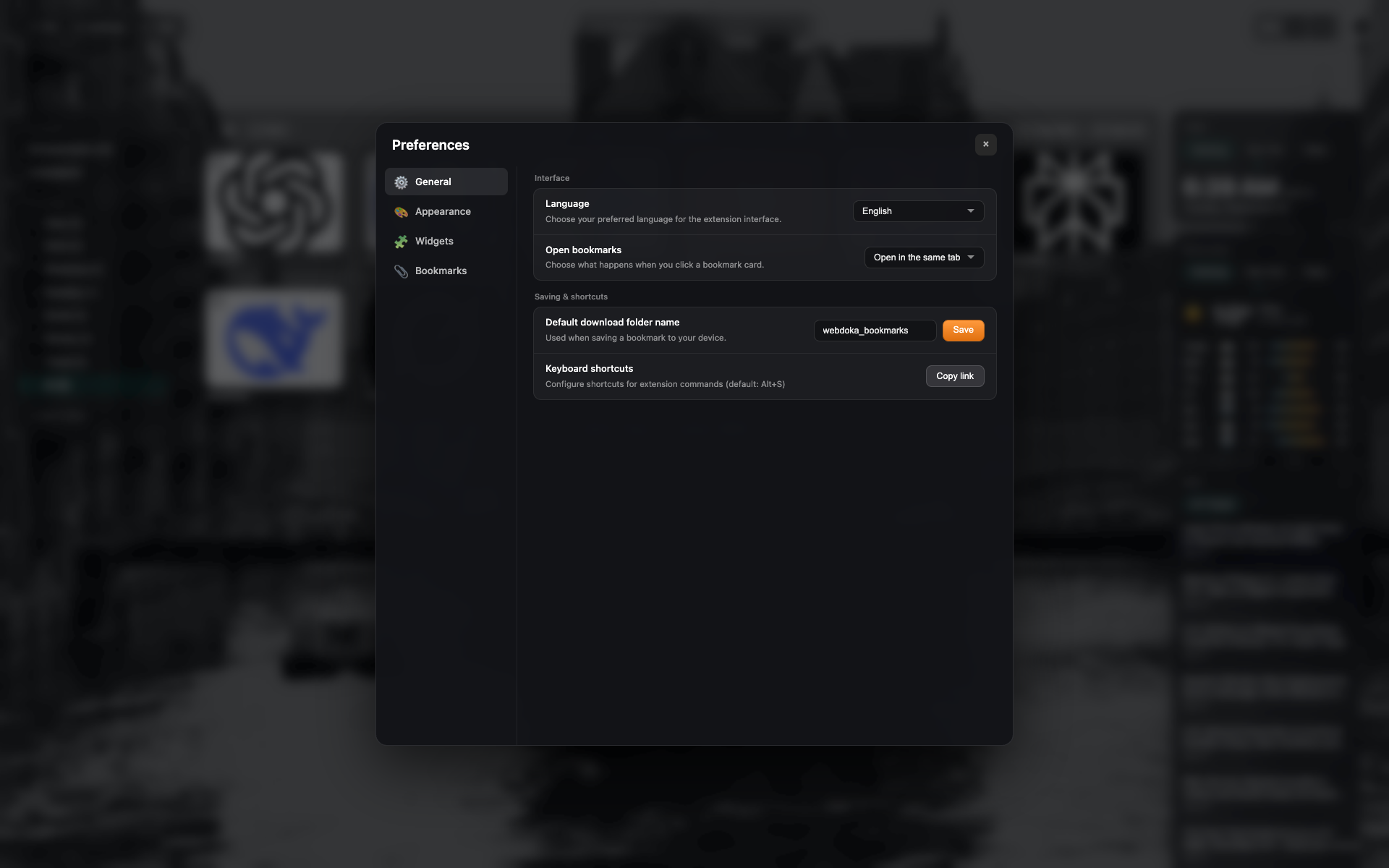
一般のショートカット行
chrome://extensions/shortcuts を開く/コピーするボタン付き「キーボードショートカット」ブロック。
settings-general と同画面 — 行に切り抜き。
Didn’t find an answer?
Tell us what’s missing — we build the extension around real requests.