
鍵盤快捷鍵
Where in the UI: manifest.commands + chrome://extensions/shortcuts;一般中的按鈕。
無需滑鼠即可剪藏。
Interface elements
Alt+S — 開始區域選擇 (start_clip_selection)
Shift+Alt+S — 將頁面儲存到未分類
NTP 檔案選單:⌘N / ⇧⌘N / ⌘, (本機快捷鍵)
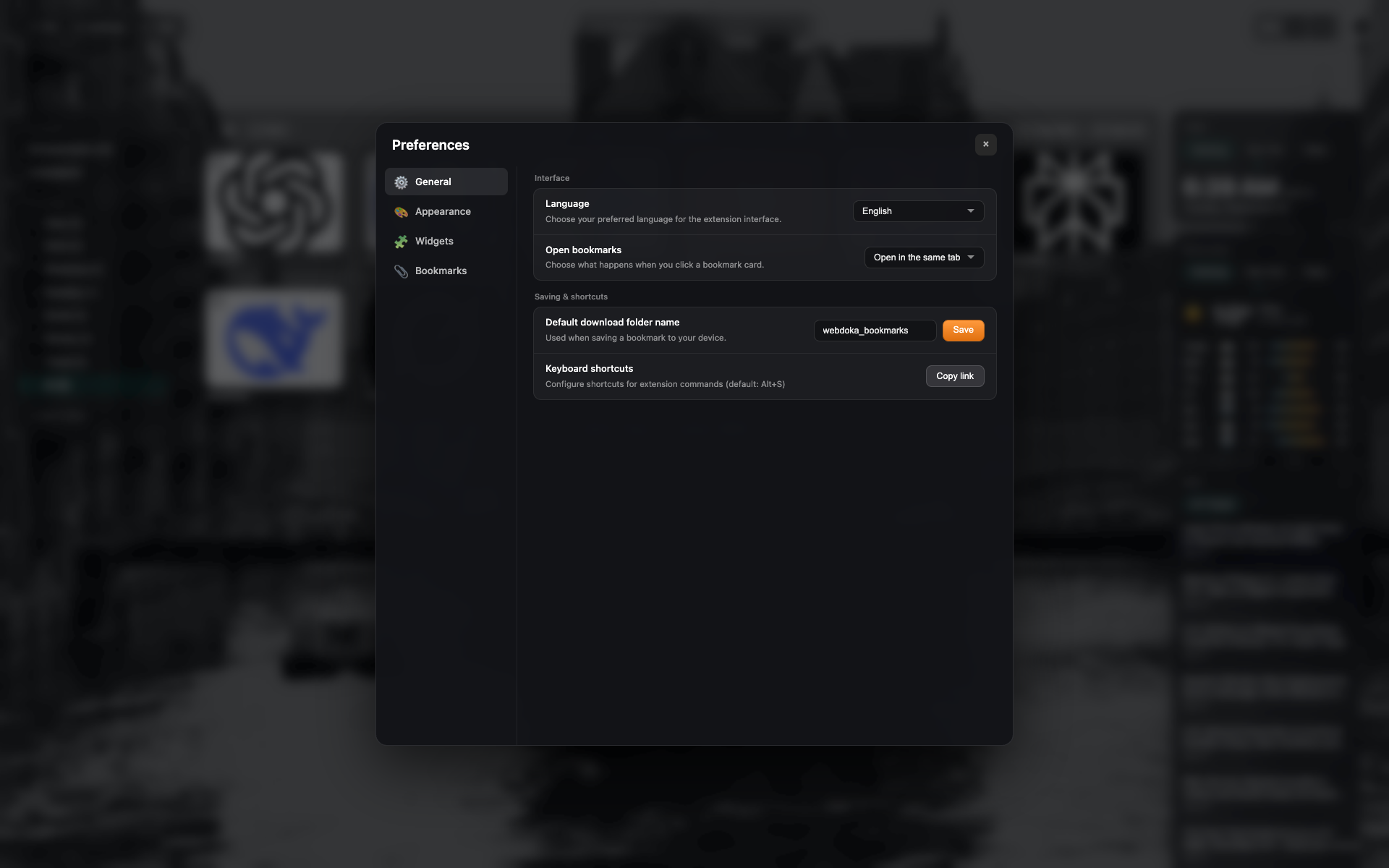
一般中的快捷鍵行
帶開啟/複製 chrome://extensions/shortcuts 按鈕的「鍵盤快捷鍵」區塊。
與 settings-general 同畫面 — 裁剪至該行。
Didn’t find an answer?
Tell us what’s missing — we build the extension around real requests.