
顏色標籤
Where in the UI: 資料夾與卡片右鍵選單中的「標籤」子選單/區塊;側邊欄/卡片上的標記。
用顏色標籤標記資料夾和書籤 (類似 Finder)。
Interface elements
帶顏色的標籤列表;開/關切換
建立自定義標籤 (名稱 + 顏色)
標籤存於 folderTags;可分配給資料夾和 Clips
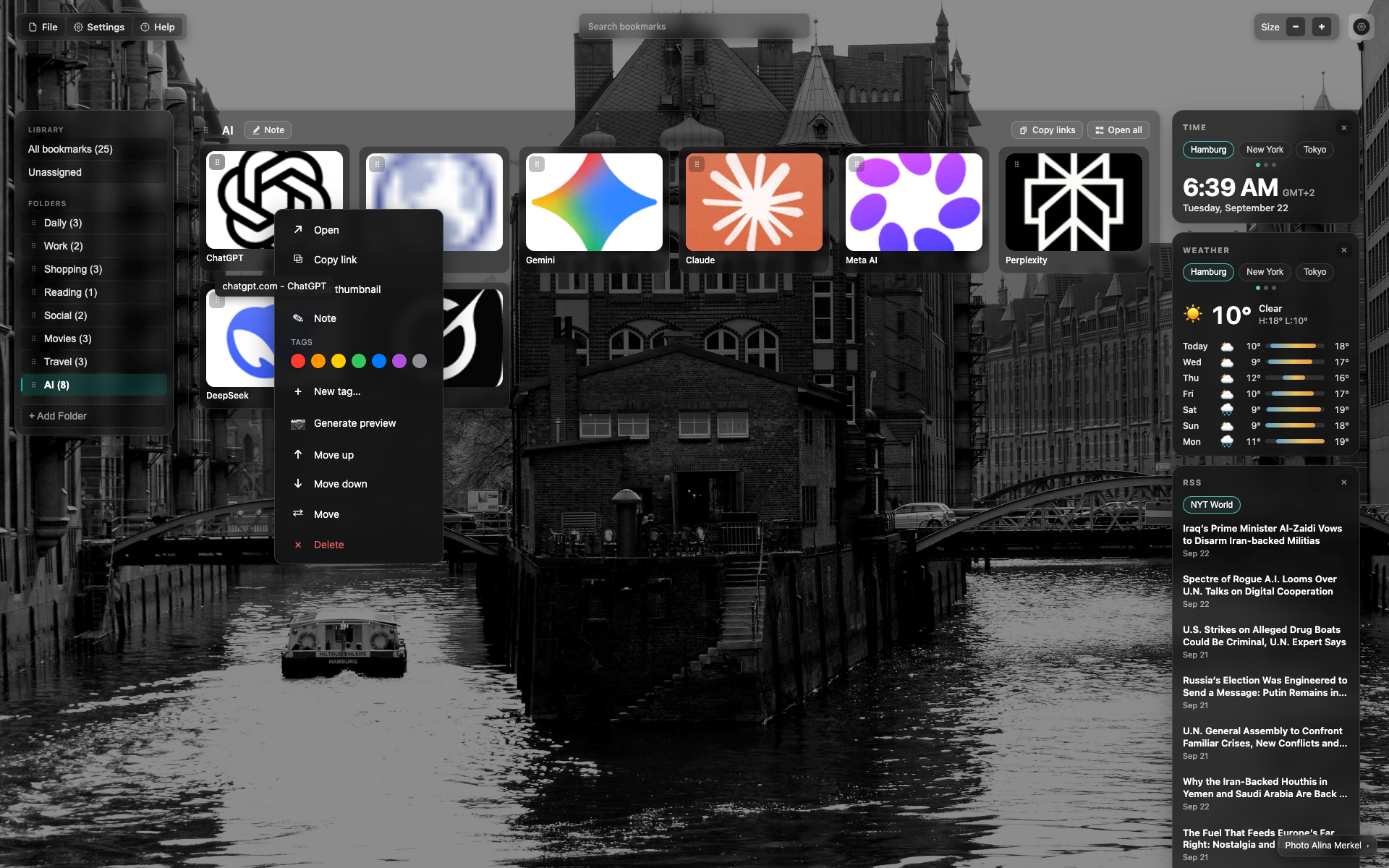
卡片右鍵選單中的標籤
與 card-menu 同畫面:一行色點與「+ 新標籤…」。
幫助文章請裁剪至標籤區塊。
Didn’t find an answer?
Tell us what’s missing — we build the extension around real requests.