
നിറ ടാഗുകൾ
Where in the UI: folder/card right-click ರಲ್ಲಿ "Tags"; sidebar/cards ಮೇಲೆ badges
रंगीन टैग ನಿಂದ फ़ोल्डर ಮತ್ತು ബുക്മാർക്ക് चिह्नित ಮಾಡಿ (Finder जैसा)
Interface elements
रंगों वाली टैग सूची; चालू/बंद
अपना टैग बनाएँ (नाम + रंग)
टैग folderTags में; फ़ोल्डर ಮತ್ತು clips दोनों
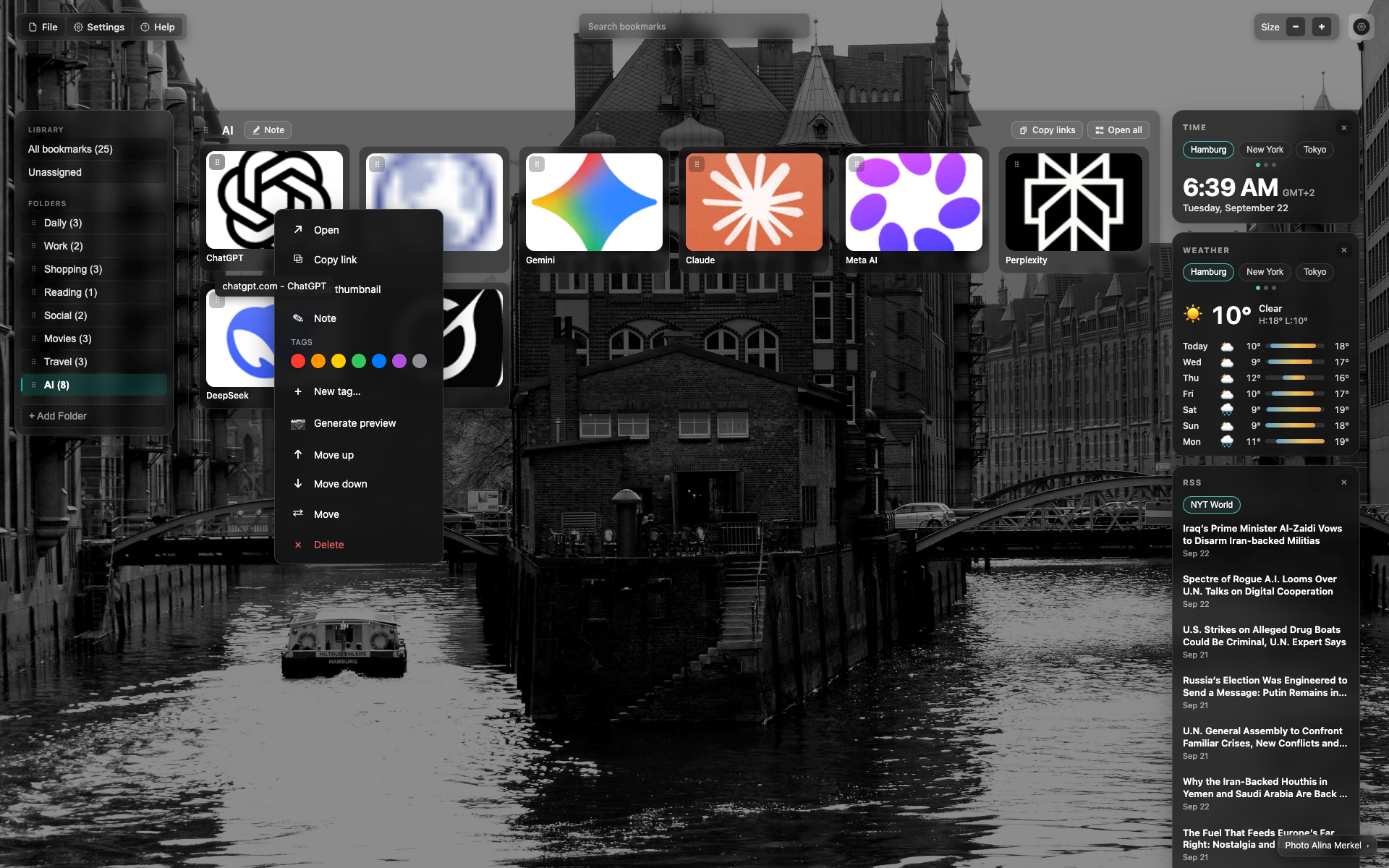
Tags in the card right-click menu
Same frame as card-menu: a row of colored dots and "+ New tag…".
For the help article, crop to the tags block.
Related topics
Didn’t find an answer?
Tell us what’s missing — we build the extension around real requests.