
പേജ് സന്ദർഭ മെനു (Chrome)
Where in the UI: web page right-click → extension का "Save page"
सिस्टम മെനു ನಿಂದ चुने फ़ोल्डर ರಲ್ಲಿ पेज सहेजें
Interface elements
शीर्ष-स्तर आइटम + फ़ोल्डर उपമെനു (ट्री)
फ़ोल्डर बदलने ಮೇಲೆ पृष्ठभूमि ರಲ್ಲಿ बनता
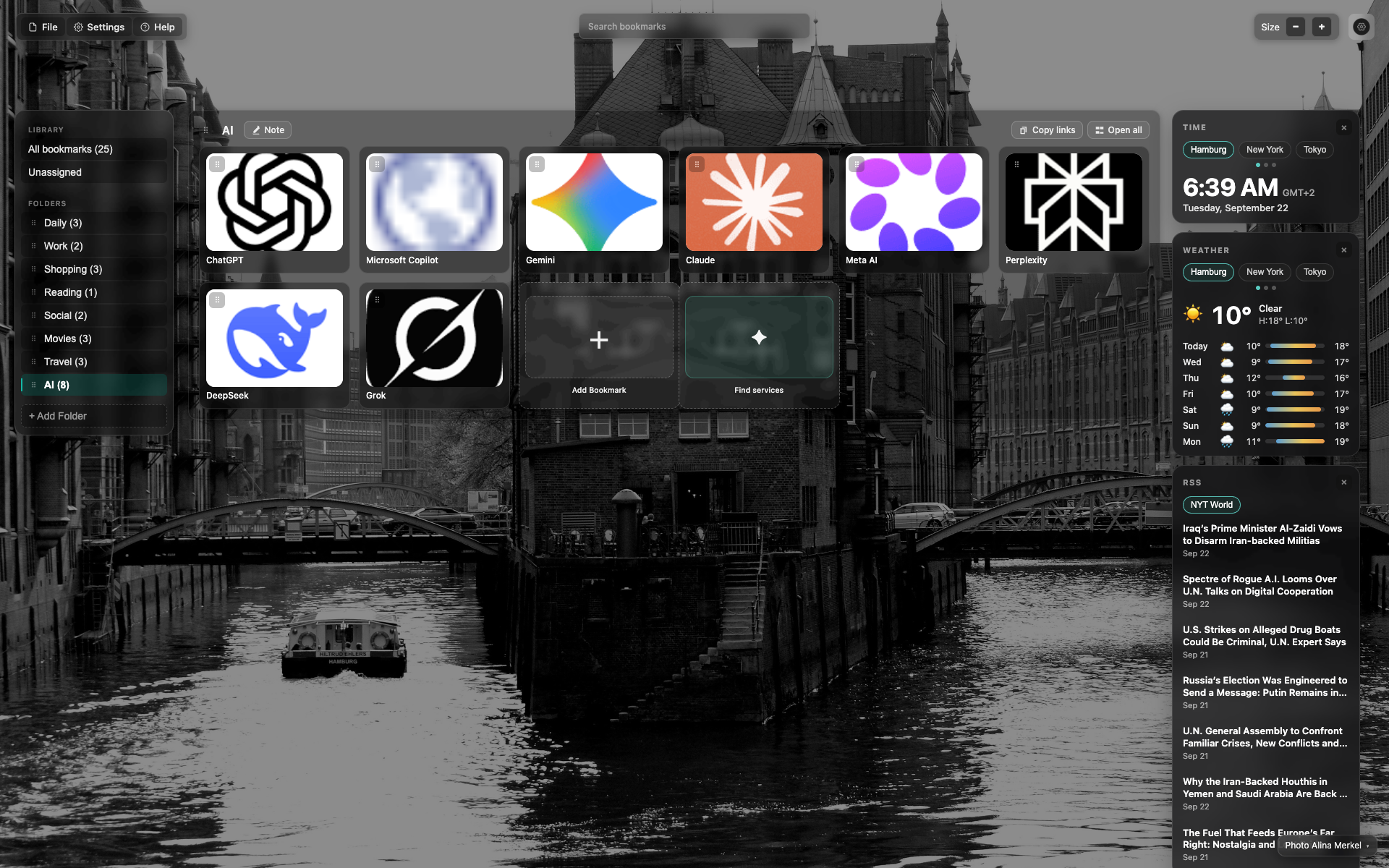
Placeholder
For now — an NTP frame as a section reminder.
A screenshot is needed: right-click on a site → the Webdoka item → the folder tree.
Related topics
Didn’t find an answer?
Tell us what’s missing — we build the extension around real requests.