
Page context menu (Chrome)
Where in the UI: right-click a web page → the extension's "Save page" item.
Save the page to a chosen folder from the system menu.
Interface elements
A top-level item + a folder submenu (a tree)
Built in the background when folders change
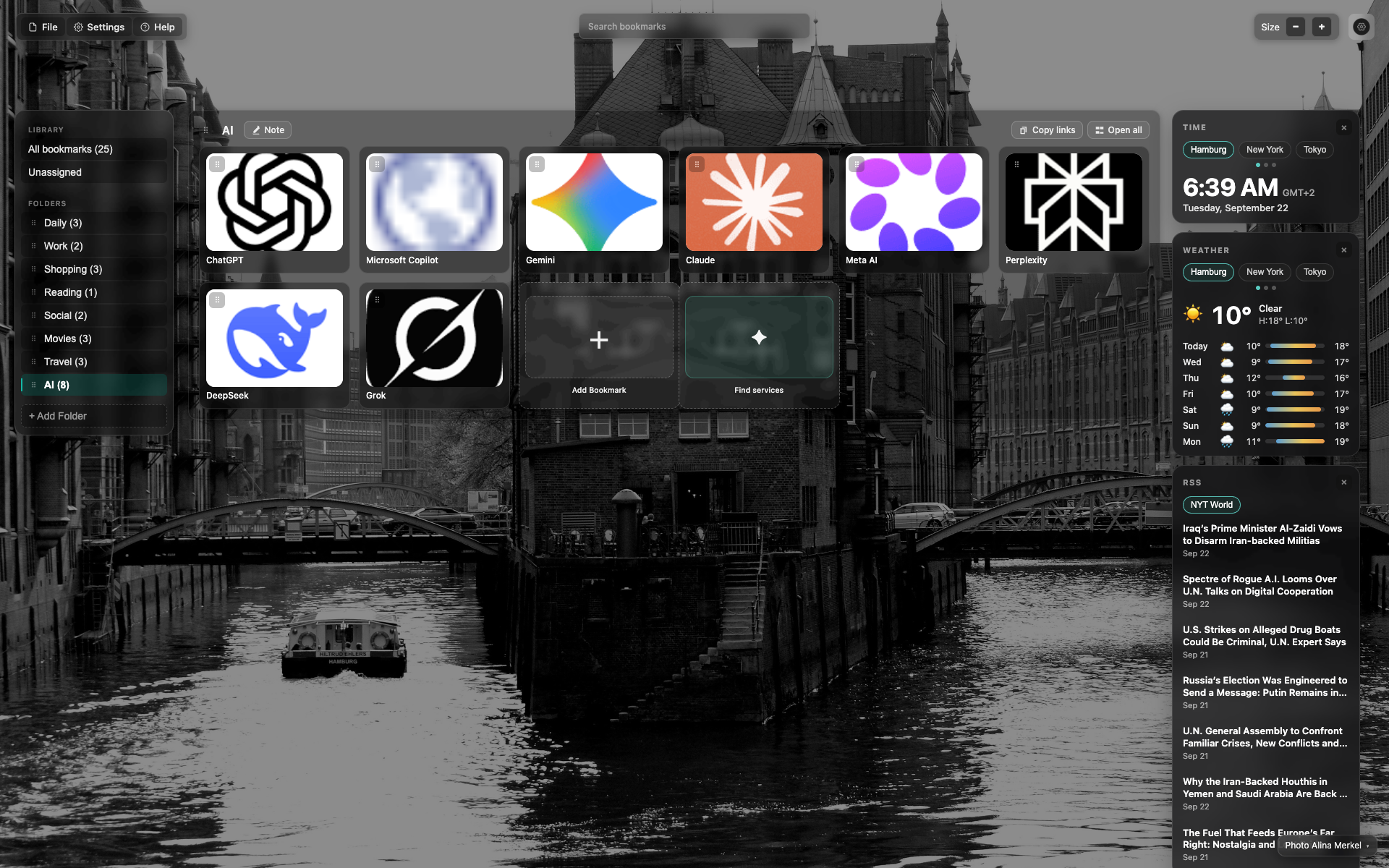
Placeholder
For now — an NTP frame as a section reminder.
A screenshot is needed: right-click on a site → the Webdoka item → the folder tree.
Related topics
Didn’t find an answer?
Tell us what’s missing — we build the extension around real requests.