
Card size (Zoom)
Where in the UI: the Size −/+ control on the NTP.
Make cards denser or larger; the value is saved (clipZoomScale: 0.5 / 0.75 / 1).
Interface elements
− and + buttons
The title size scales with the card
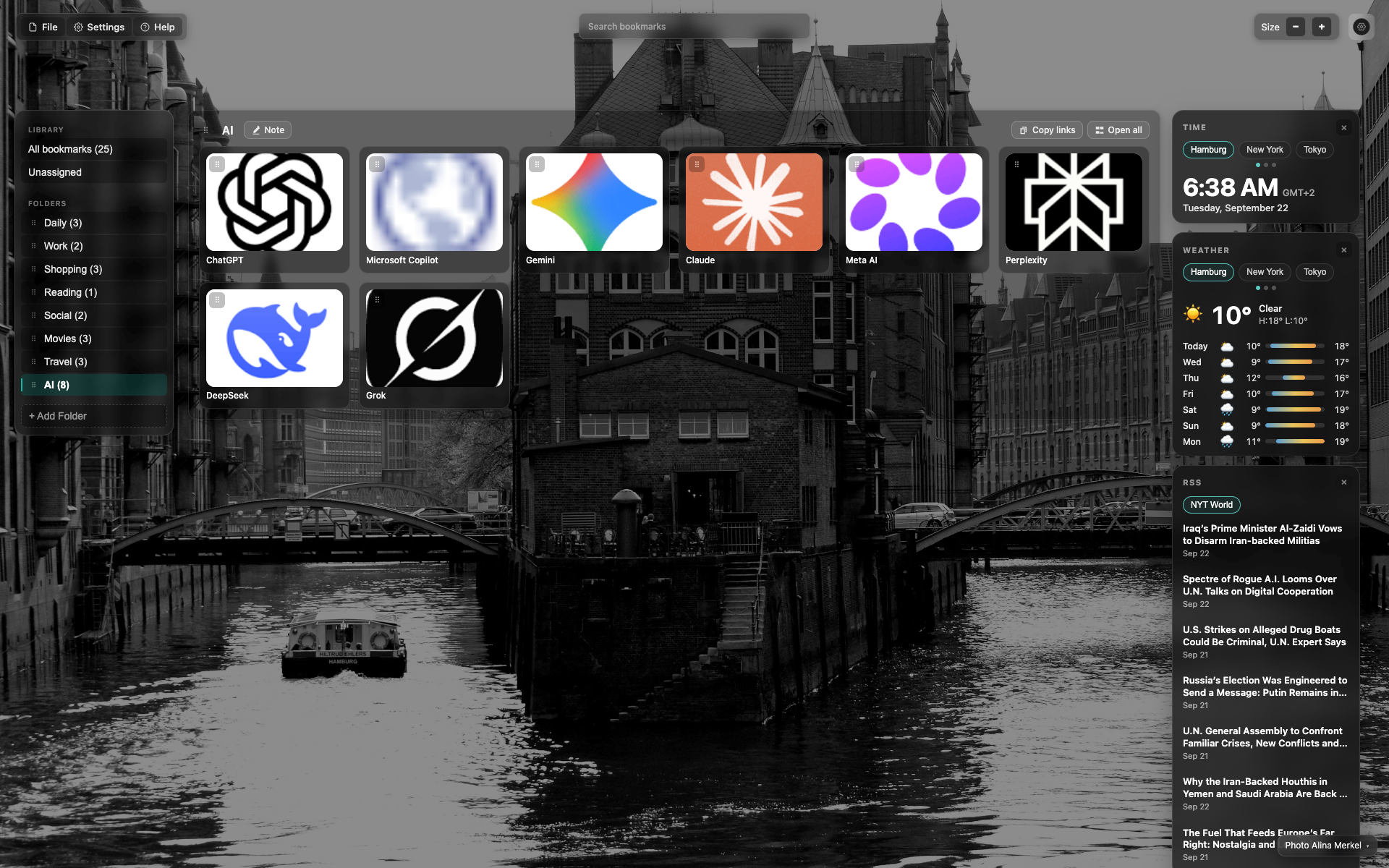
The "Size" control
Top bar, right side: a "Size" label with − and + buttons.
The frame shows the middle 0.75 scale active.
Related topics
Didn’t find an answer?
Tell us what’s missing — we build the extension around real requests.