
Save page
Where in the UI: W → Save full; the popup; right-click "Save page"; Shift+Alt+S → Unassigned.
Save the current page to a folder, or quickly to Unassigned.
Interface elements
A folder pick (a nesting path Work: SEO: Tools)
Preview: captureVisibleTab → WebP ~1024×720
Quick save → Unassigned without picking a folder
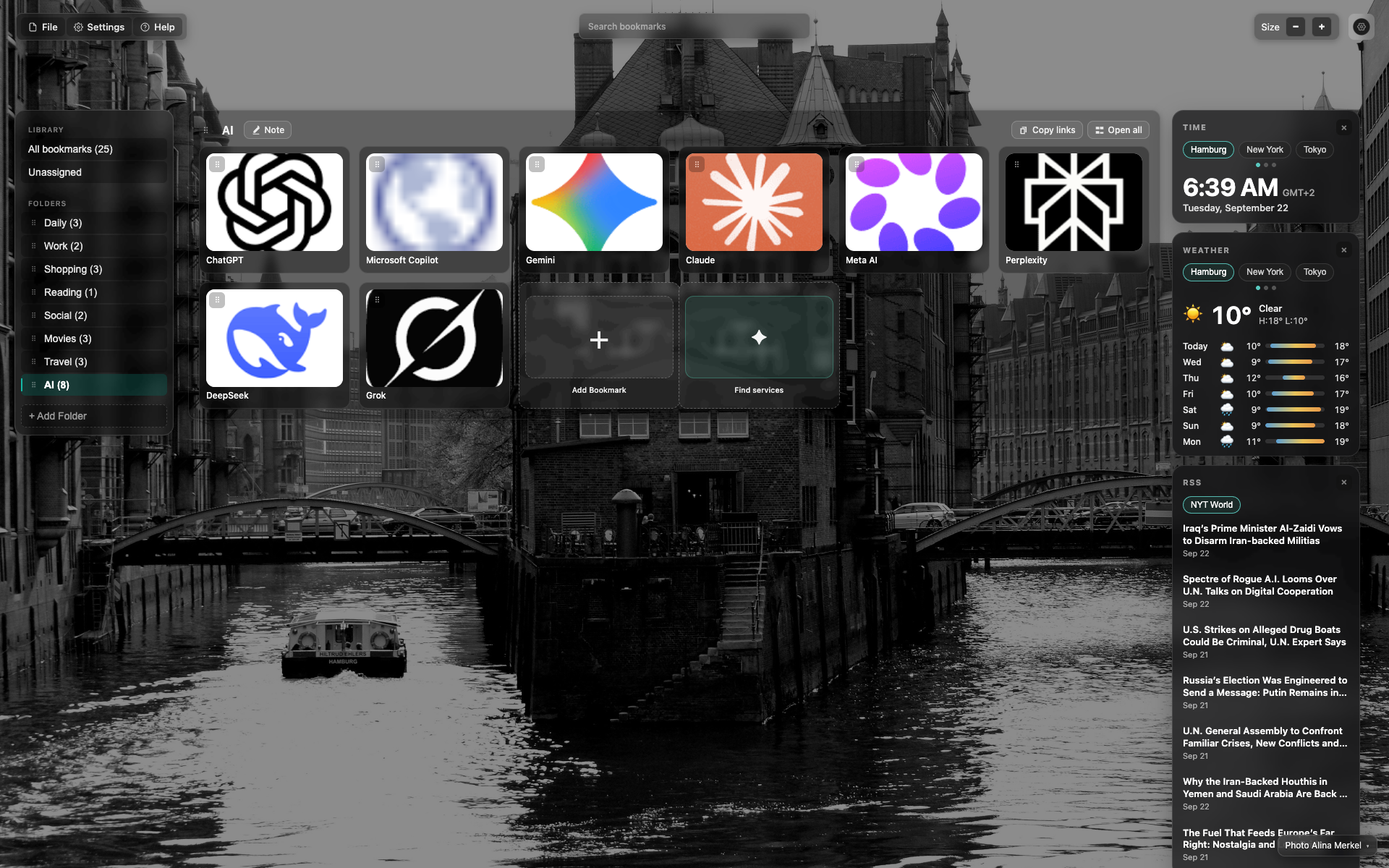
Section anchor (NTP)
For now a placeholder: the general NTP view.
Target UI: a folder list to save the page, over the site.
Related topics
Didn’t find an answer?
Tell us what’s missing — we build the extension around real requests.