
Bookmark search
Where in the UI: #bookmarkSearchInput at the top of the NTP.
Quickly find a bookmark by title/URL across all folders.
Interface elements
A search field
While searching, the grid is filtered; the sidebar can stay visible
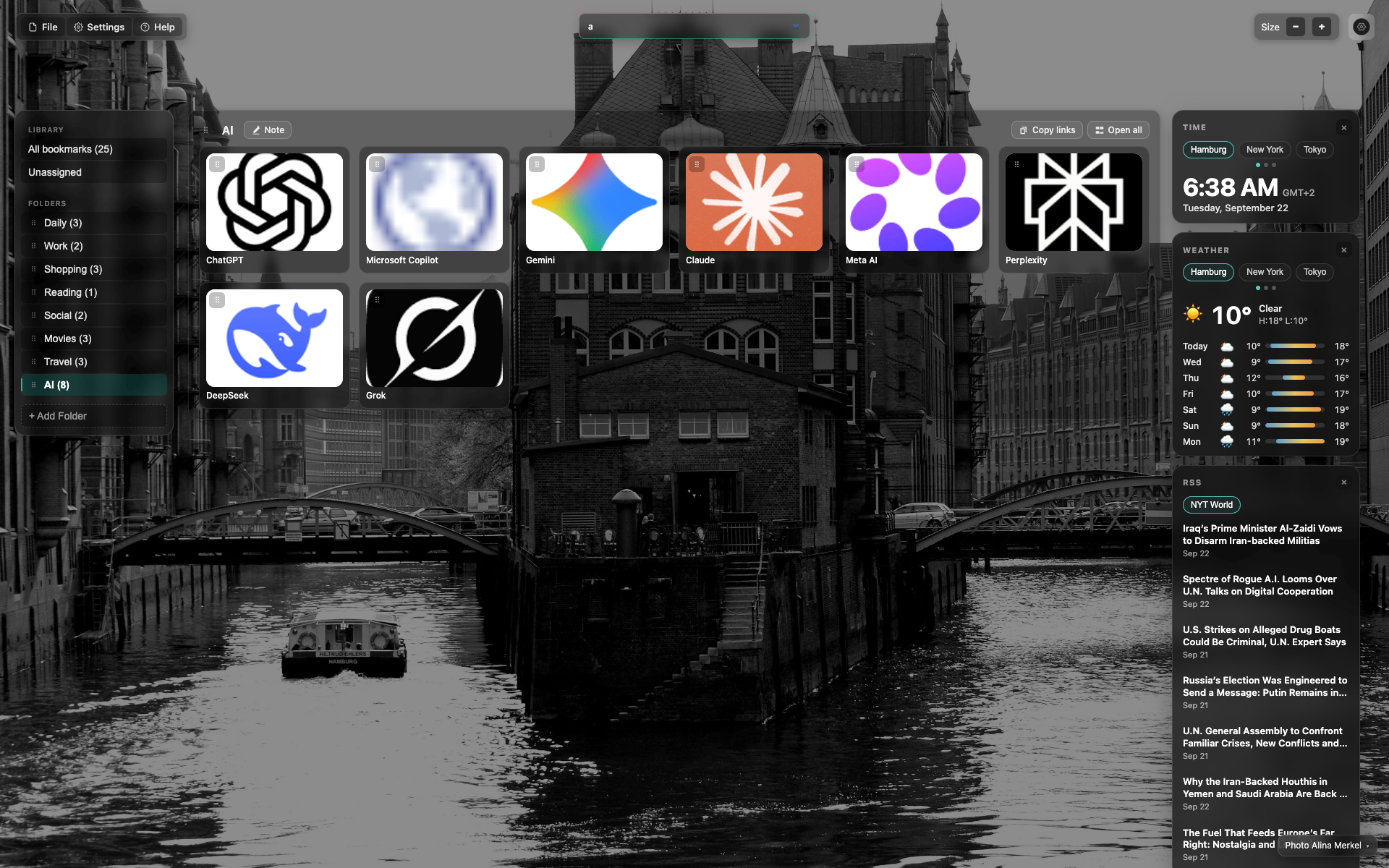
Search with a query typed in
A character/query is typed into the search field.
The grid is filtered to the matches.
Related topics
Didn’t find an answer?
Tell us what’s missing — we build the extension around real requests.