
Grouped view
Where in the UI: folder-group mode on the NTP (grouped.ts).
See several folders at once as sections instead of a single grid.
Interface elements
A group header with actions (open all, note, …)
A card grid inside each section
You can drag a group header to reorder
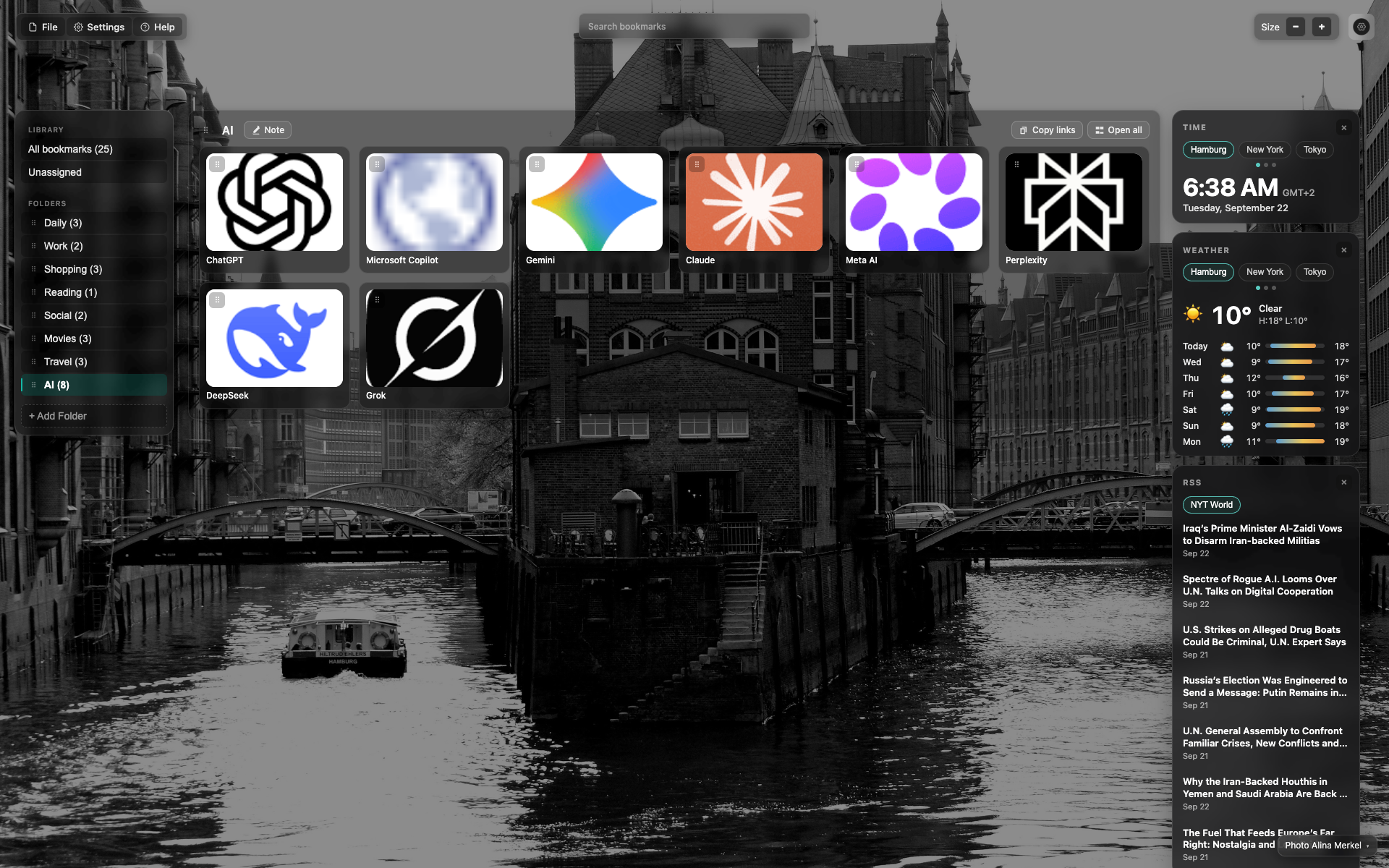
Folder header + actions
The "AI" header with "Note", "Copy links", "Open all".
Below it — the section's card grid.
Related topics
Didn’t find an answer?
Tell us what’s missing — we build the extension around real requests.