
Bookmark cards (Clips)
Where in the UI: the main NTP grid.
See sites as cards with a preview and a title; open them in one click.
Interface elements
Card: a preview area + the title below it.
Image order: custom preview → saved screenshot → auto (og:image) → favicon.
The "Add" card at the end of the grid opens the URL modal.
Tooltip: domain - title.
Menu icon (⋯) / DnD handle on the card.
Main flow
1
Left-click the preview → open the site.
2
Right-click → context menu.
3
Size −/+ changes grid density.
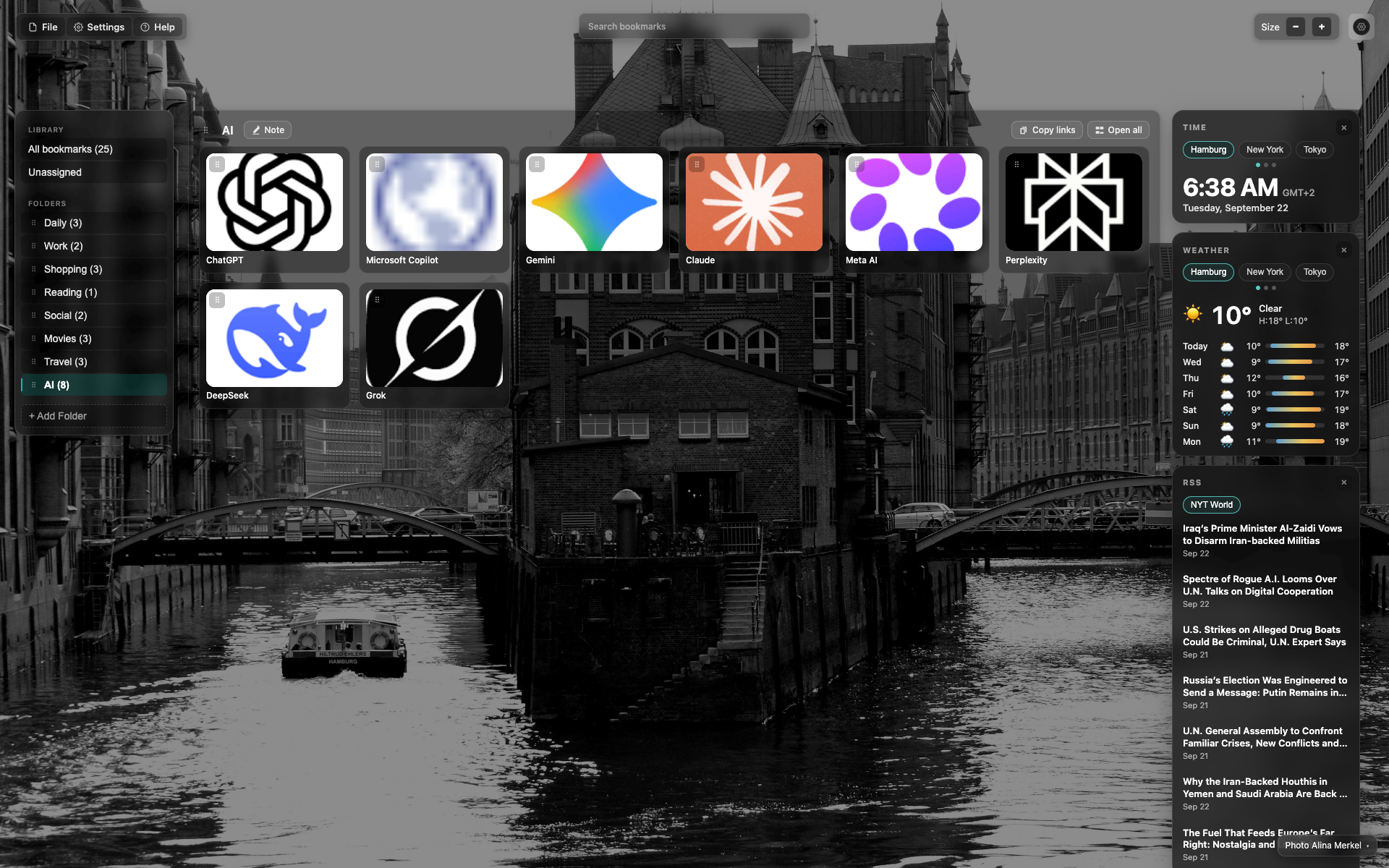
Card grid
Large square previews with logos on a light/dark field.
The title sits under the card; hover reveals the domain.
At zoom 0.75 about 6 cards fit per row at 1920.
Not available / deprecated
There is no separate "icons only" mode.
Related topics
Didn’t find an answer?
Tell us what’s missing — we build the extension around real requests.