
UI language & What's new
Where in the UI: Settings → Language; Help → What's new; a banner on the NTP.
Change the extension's language independently of Chrome; read the version news.
Interface elements
A locale picker in the menu and in General
A What's new modal / banner (a show limit per version)
The version in the Help menu item
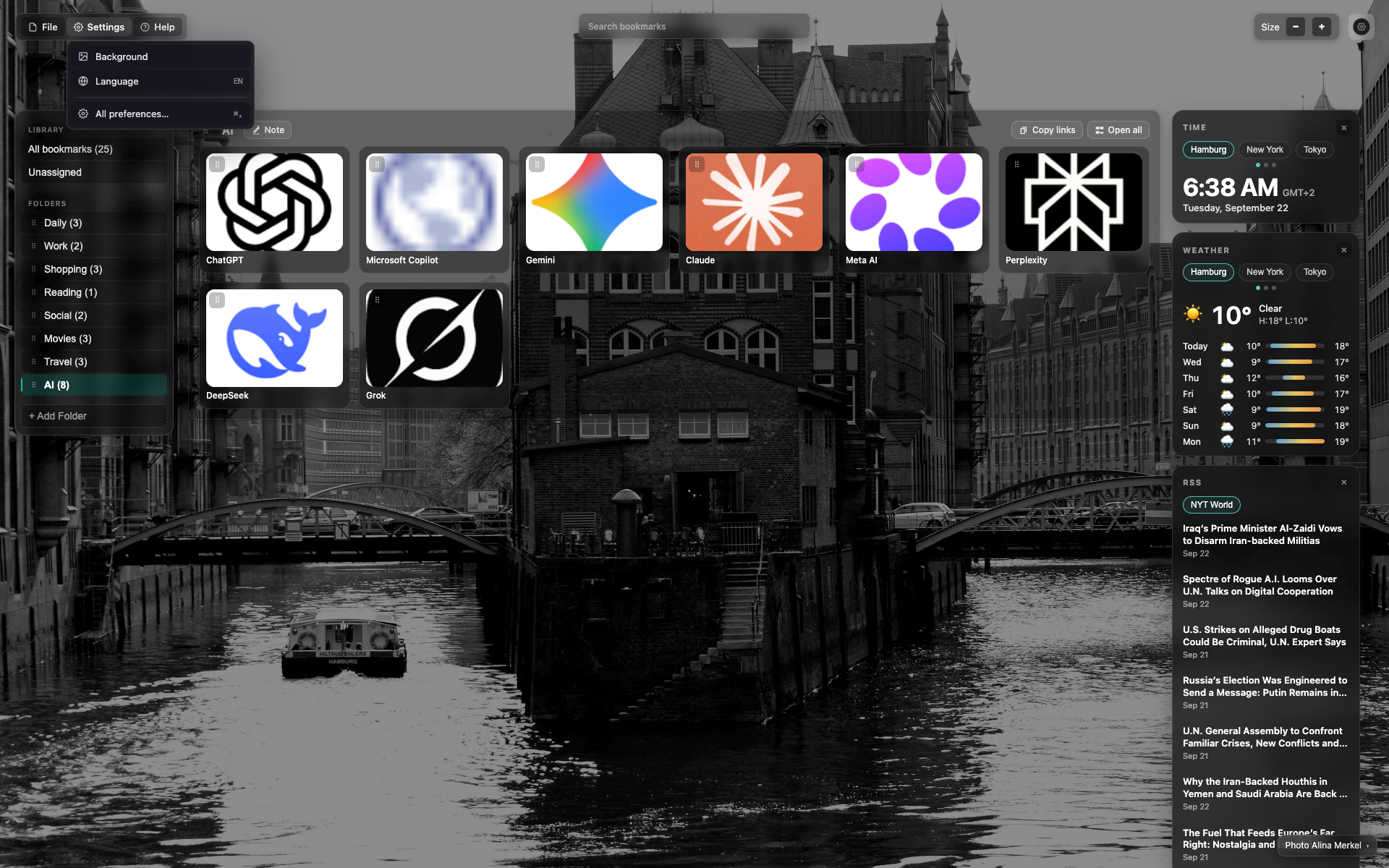
Language in the Settings menu
A Language item in the Settings dropdown.
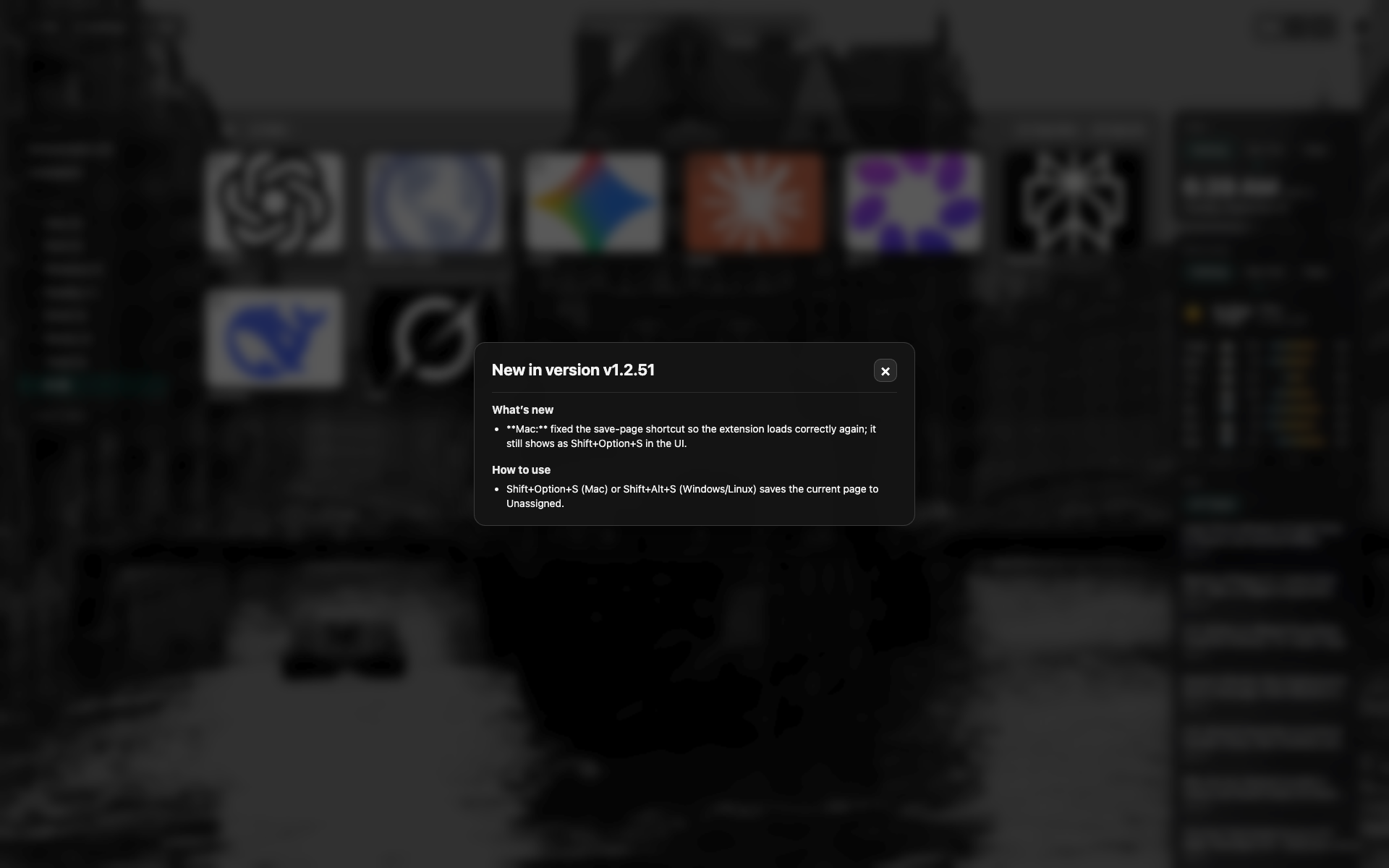
The "What's new" modal
A changelog for the current version; closed with the cross.
Related topics
Didn’t find an answer?
Tell us what’s missing — we build the extension around real requests.