
Help center, rating & feedback
Where in the UI: the Help menu; the "?" button (legacy help dropdown).
Open the help, the ChatGPT assistant, suggest an idea, report a problem, rate.
Interface elements
Help center / Docs → newtab.webdoka.com/help…
Suggest idea → request-feature
Report problem → report-problem
Rate us → a modal / the Store
A two-pane help menu (GPT + a guide list) by the ? button
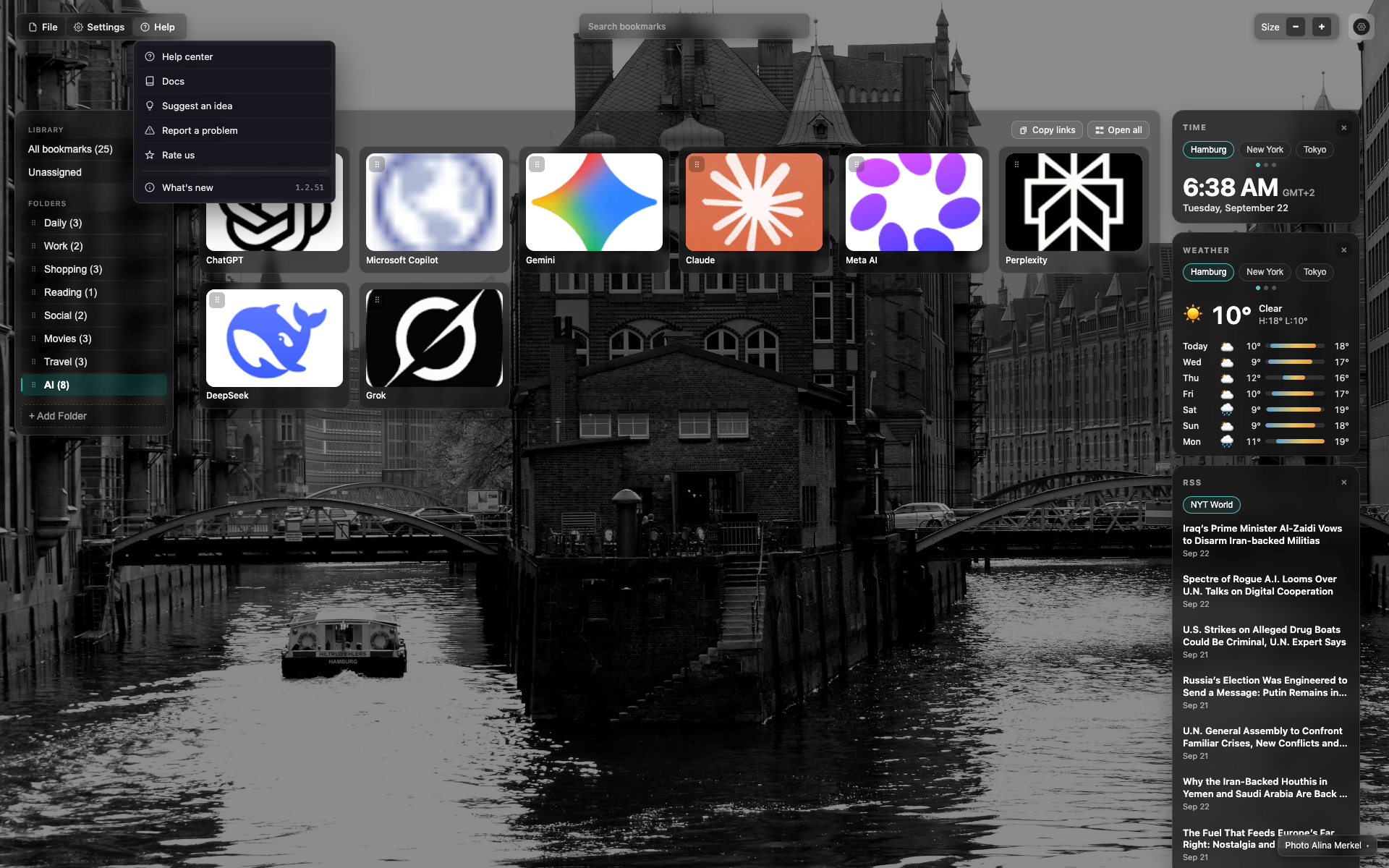
Help in the app menu
The "Help" dropdown with links and Rate / What's new.
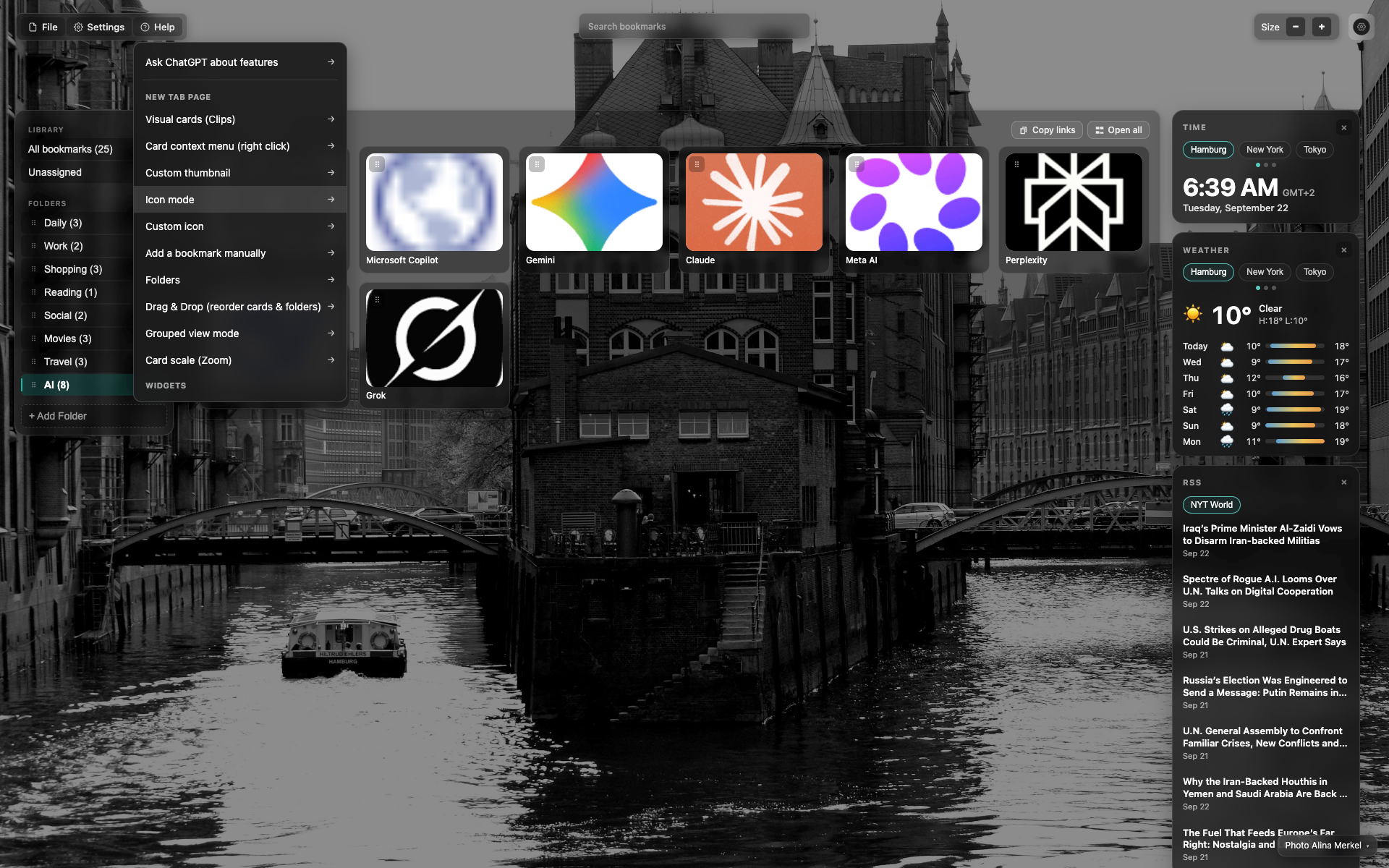
Dropdown by the ? button
A panel with a guide list / a GPT assistant.
Related topics
Didn’t find an answer?
Tell us what’s missing — we build the extension around real requests.