
Drag & drop
Where in the UI: cards in the grid/groups; folders in the sidebar.
Reorder and move between folders by dragging.
Interface elements
A handle / icon on the card
An insertion line during DnD
Folder DnD within the same parent; cross-level where supported
Alternative: Move up/down in the right-click menu
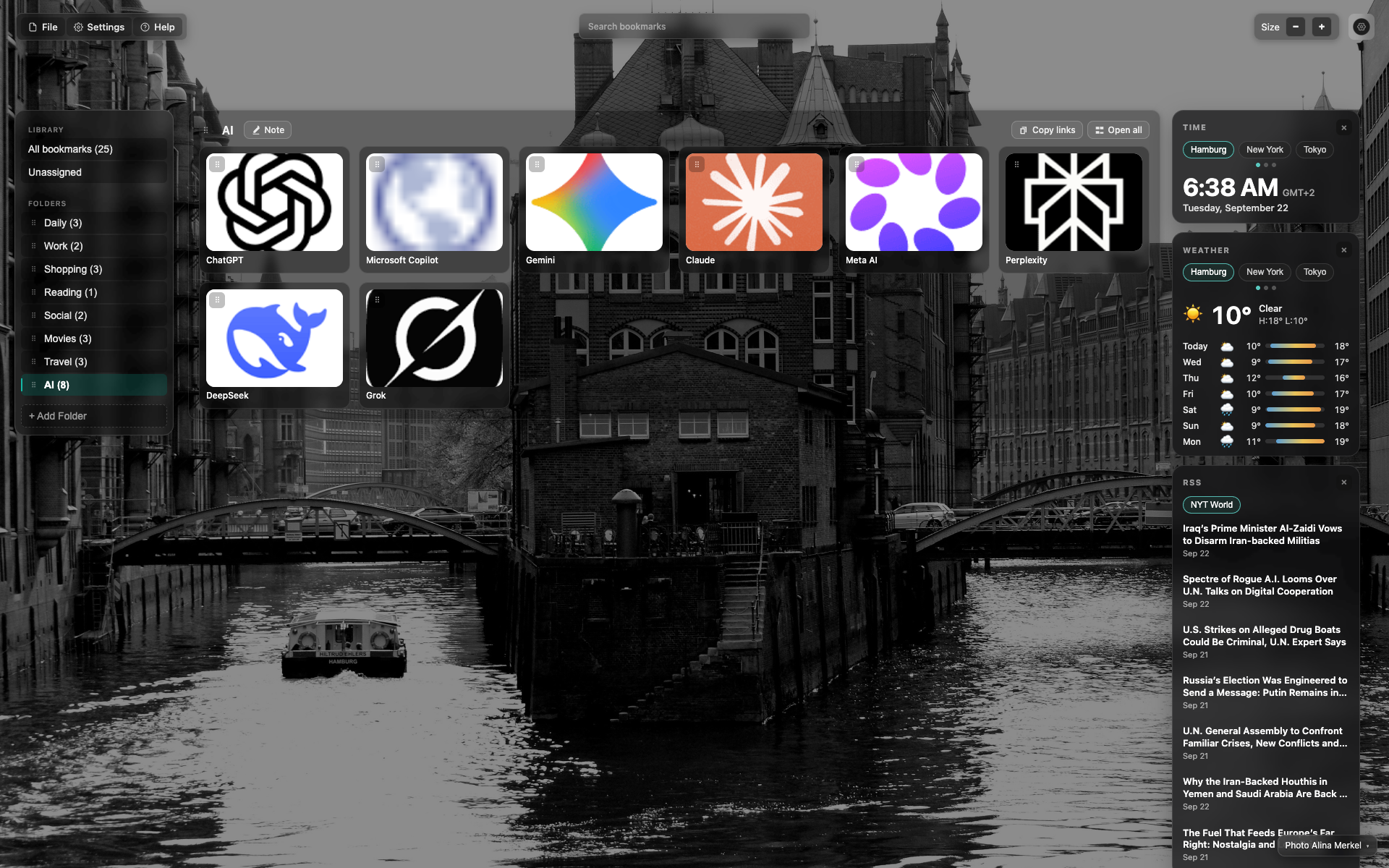
The grid as a DnD anchor
Cards with a small control icon in the corner.
In the article, add an arrow/callout to the handle with a "drag" caption.
Related topics
Didn’t find an answer?
Tell us what’s missing — we build the extension around real requests.