
Save open tabs
Where in the UI: File → Save open tabs → #saveOpenTabsModal.
Collect the current window's http(s) tabs into a new folder.
Interface elements
Folder name + parent
Toast: saved / skipped
No tabs permission (limited access to the window's tabs)
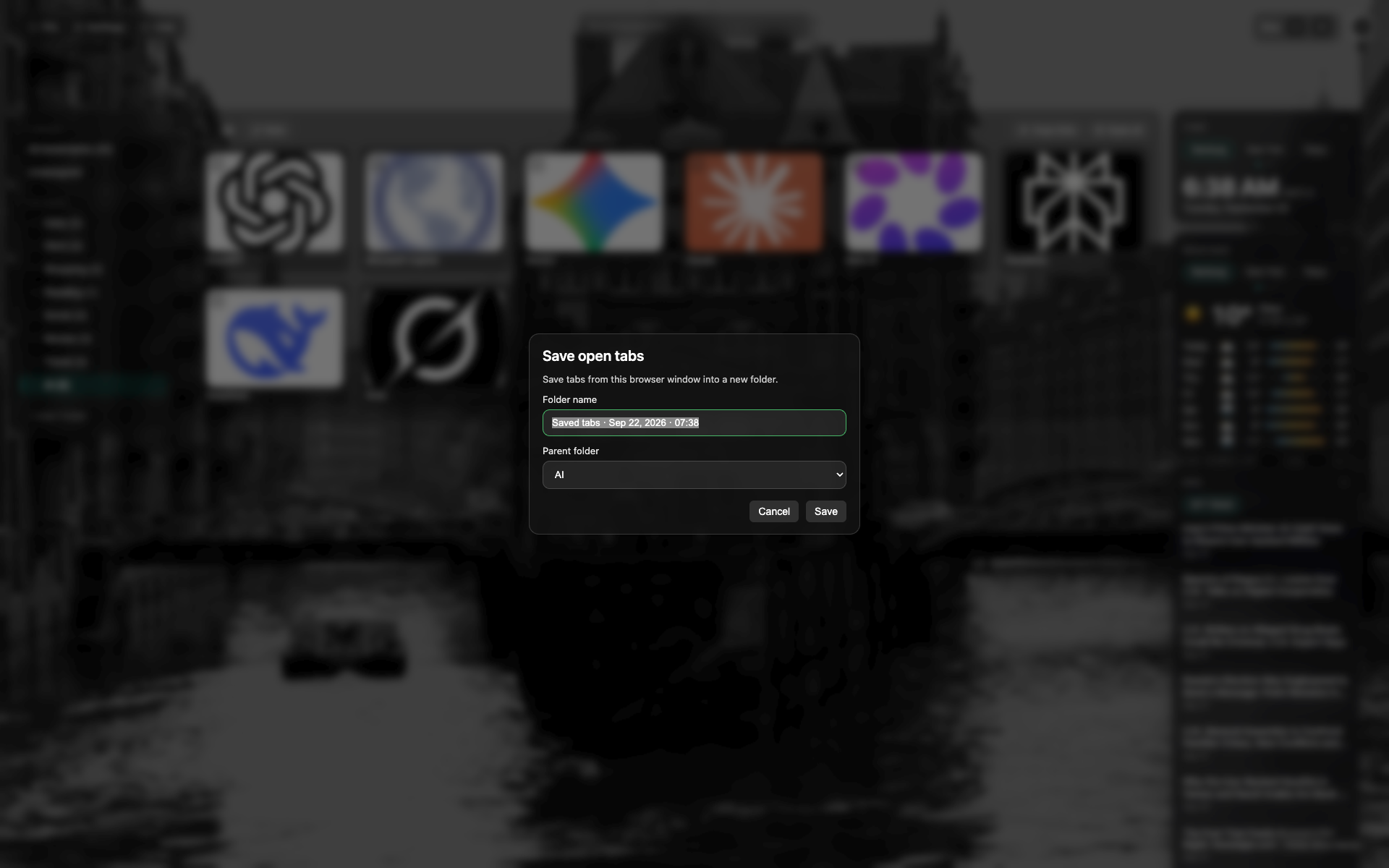
Save open tabs modal
A name field for the new folder and a parent.
A save confirmation.
Related topics
Didn’t find an answer?
Tell us what’s missing — we build the extension around real requests.