
Open all & copy links
Where in the UI: folder header actions / folder right-click / card right-click.
Open all of a group's sites in tabs, or copy the list of links (for chats).
Interface elements
"Open all" (group)
"Copy links" (folder) / "Copy link" (card)
Share format: title + a list of URLs
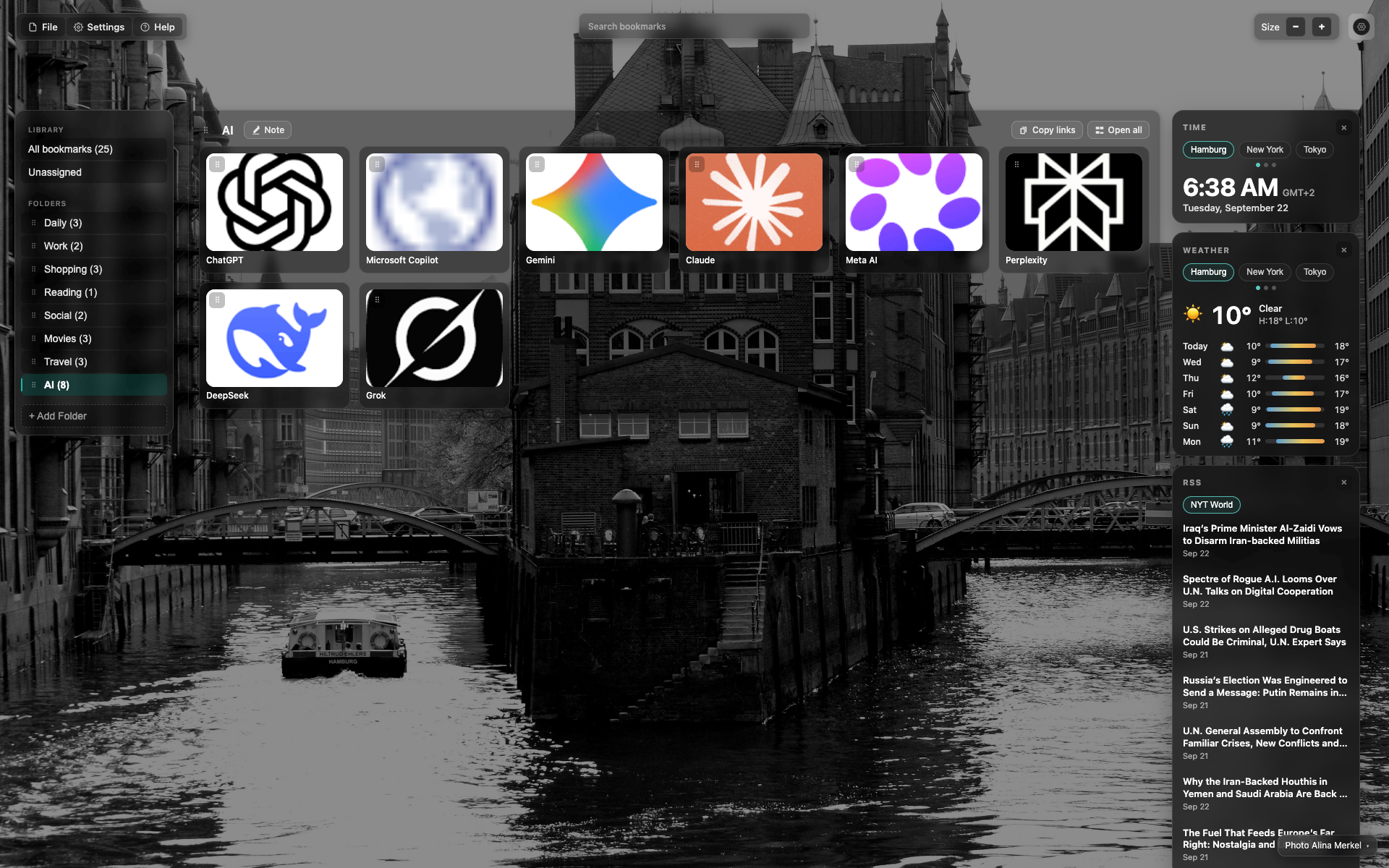
Buttons in the folder header
On the right of the "AI" header: "Copy links" and "Open all".
Crop to those two buttons for the article.
Related topics
Didn’t find an answer?
Tell us what’s missing — we build the extension around real requests.