
Settings — Appearance
Where in the UI: Preferences → Appearance.
Folder panel position, UI text color, backgrounds.
Interface elements
Folder panel position
UI text color (picker + hex + reset)
Preset / server / custom background + reset
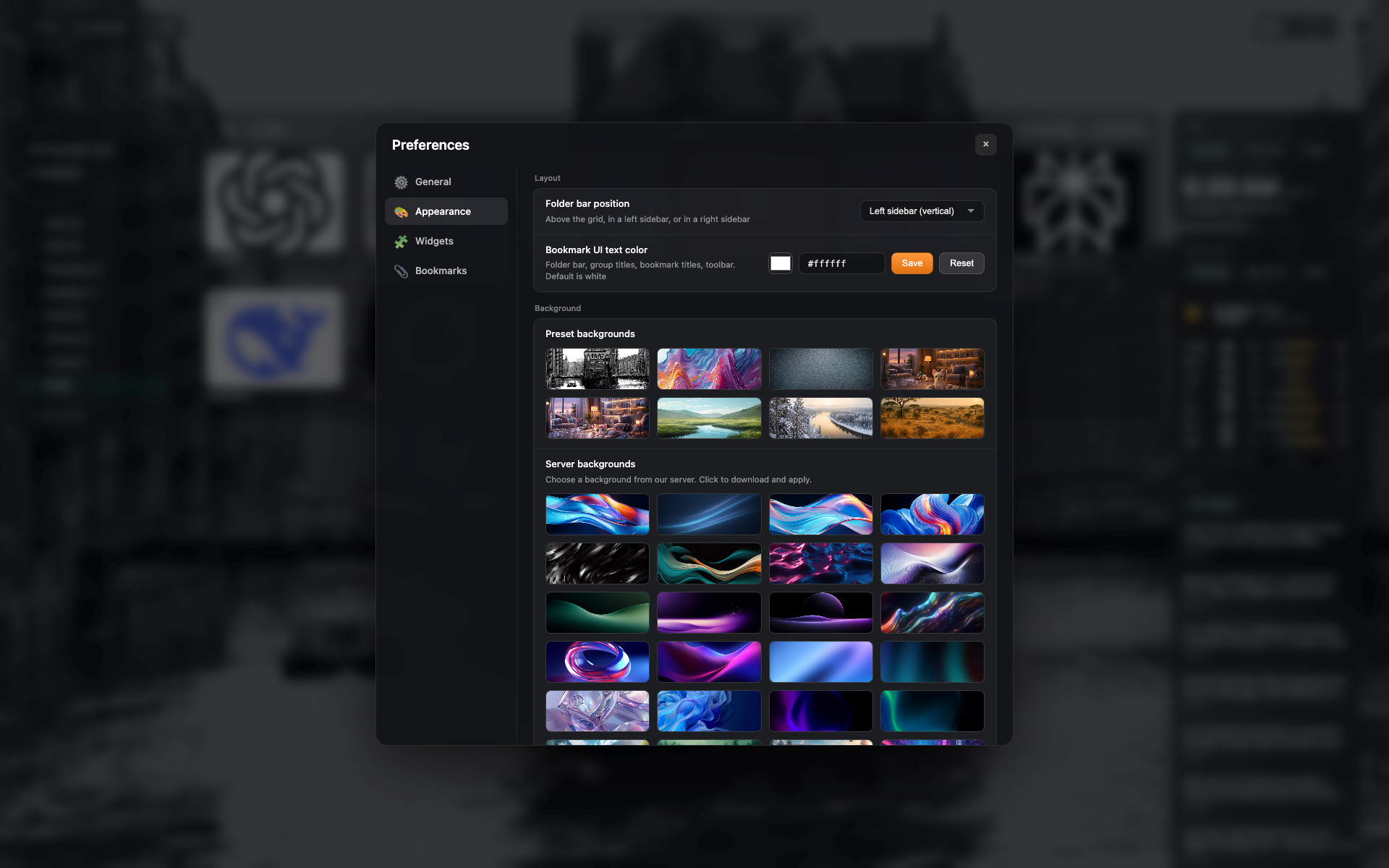
The "Appearance" tab
Folder panel position, text color.
A gallery of background presets.
Related topics
Didn’t find an answer?
Tell us what’s missing — we build the extension around real requests.