
介面語言與更新內容
Where in the UI: 設定 → 語言;幫助 → 更新內容;NTP 橫幅。
獨立於 Chrome 更改擴充套件語言;檢視版本更新。
Interface elements
選單與一般中的語言區域選擇
「更新內容」對話方塊 / 橫幅 (每版顯示次數限制)
幫助選單項中的版本號
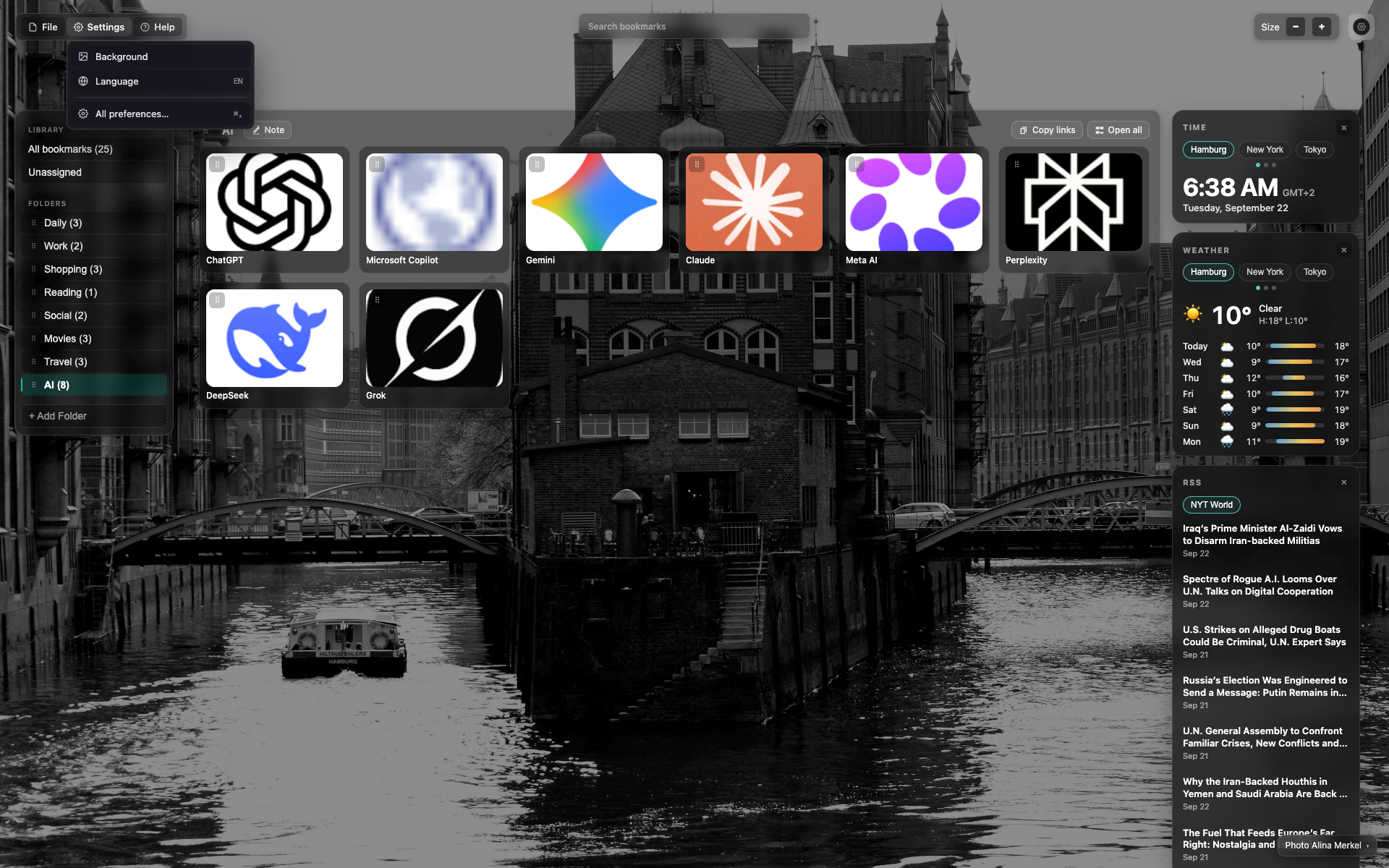
設定選單中的語言
設定下拉選單中的「語言」項。
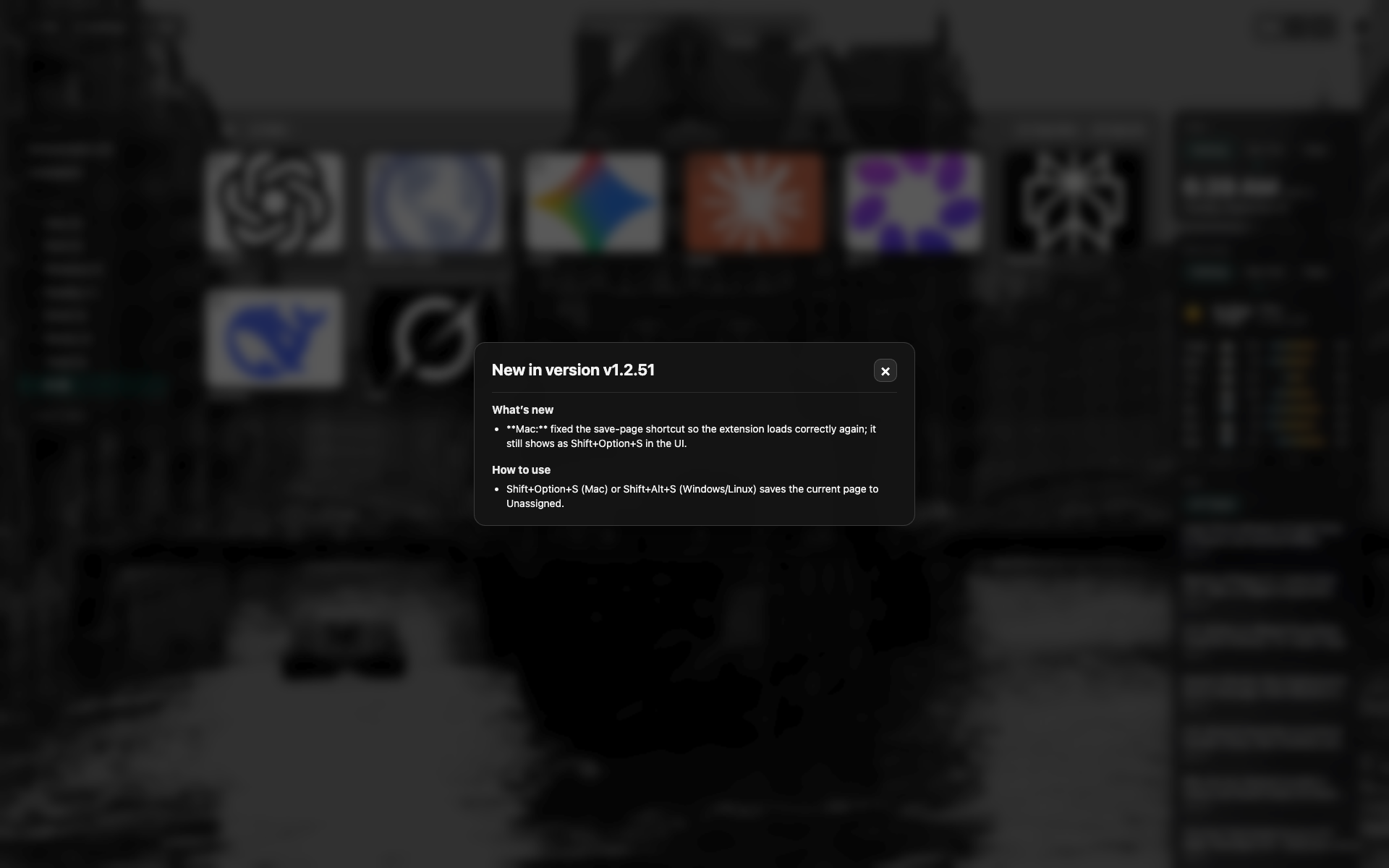
「更新內容」對話方塊
當前版本更新日誌;點選 × 關閉。
Related topics
Didn’t find an answer?
Tell us what’s missing — we build the extension around real requests.